Talk with our engineers by joining the new Onehouse community Slack!
TL;DR
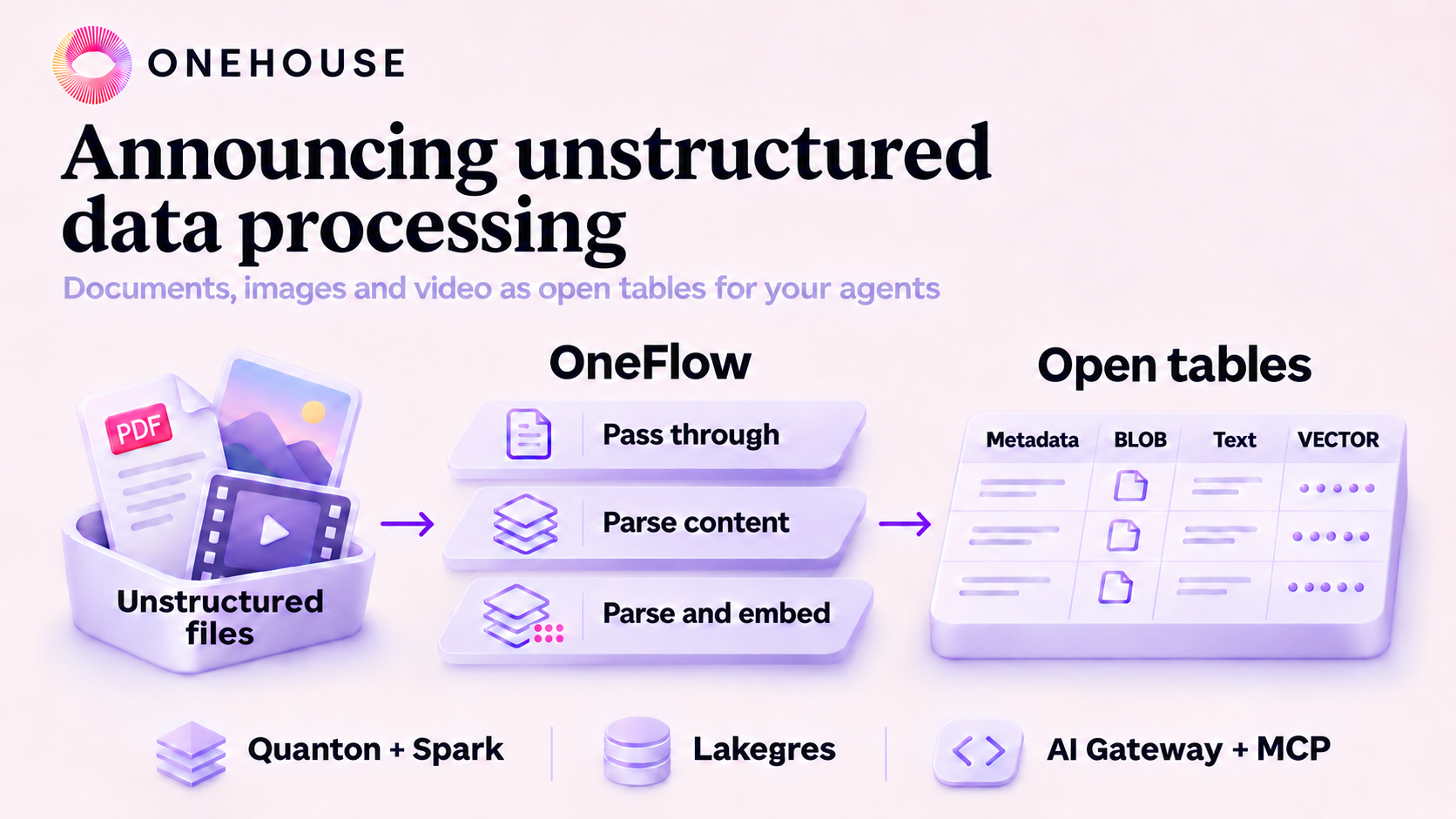
Onehouse now processes unstructured data and exposes them as open tables. OneFlow incrementally turns a bucket of documents, images and video into an open table, using one of the three processing options: Pass through, Parse content, and Parse and embed. Quanton and Spark jobs can process tables with unstructured data, and let Lakegres, the AI Gateway and the Onehouse MCP server serve them to agents. On 32 CPU-only executor cores, a flow processed 10,000 PDFs in 2.8 minutes and extracted frames from roughly 25,000 video clips in 4.6 minutes.
Introduction
By volume, most of the data a company generates is unstructured. It sits in contracts, inspection photos, design files and recorded calls, stored as objects in a bucket or files on a filer. For decades the only way to use that data was to have a person read files, interpret and enter a few fields into a table. If that person skipped something, no analyst or data scientist will see it.
AI models can now read documents, images and video directly. So in theory, we can just have agents query all the unstructured data in the world and answer any question. But, there is a bridge missing between agents and the decades of file data sitting in cloud storage buckets or on-prem storage solutions like NetApp and Everpure. All a bucket or a filer gives you is LIST and GET. There’s no schema, no index and no SQL on top, so an agent ends up pulling files down one at a time and running them through a model for every single question like a savage, which is slow and evaporates tokens. The lakehouse doesn’t help either, since it only holds structured, database-like records today.
Today we are announcing unstructured data processing on Onehouse to fill this gap. OneFlow reads the files in a bucket in place, incrementally, and turns them into an open table of blobs, text chunks and embeddings. A bucket holding ten years of supplier contract documents, alongside site photos and inspection videos, now becomes a table an agent can query in SQL and join against the supplier and purchase-order tables the lakehouse already has. This post covers why we built it this way, how it works, and how it performs.
Background: most data starts out unstructured
Most data is unstructured when it is created. A signed sales contract has dozens of pages explaining all contractual obligations, and the orders table keeps just the customer, the amount and some hand-picked metadata from it.
For decades, computers could store unstructured data but could not understand it, so the industry spent decades building pipelines of people and forms around that limit. Digitization, data entry and document processing all did the same job, which was extracting enough structure from a file to fill some database columns. The extraction was slow, and a company could only use as much of its data as its people had time to read. Best you could do outside of this was enterprise search on your files.
Models now do that reading. A single GPU embeds about 1,345 passages of 512 tokens every second, for under two dollars per billion tokens (Runpod benchmark, September 2026). A person reading at a typical 240 words per minute needs about 36 hours to get through what that GPU handles in one second, assuming roughly three-quarters of a word per token. A backlog of a million such passages takes the same GPU under 13 minutes. Vision and speech models do the same for images, video and audio.
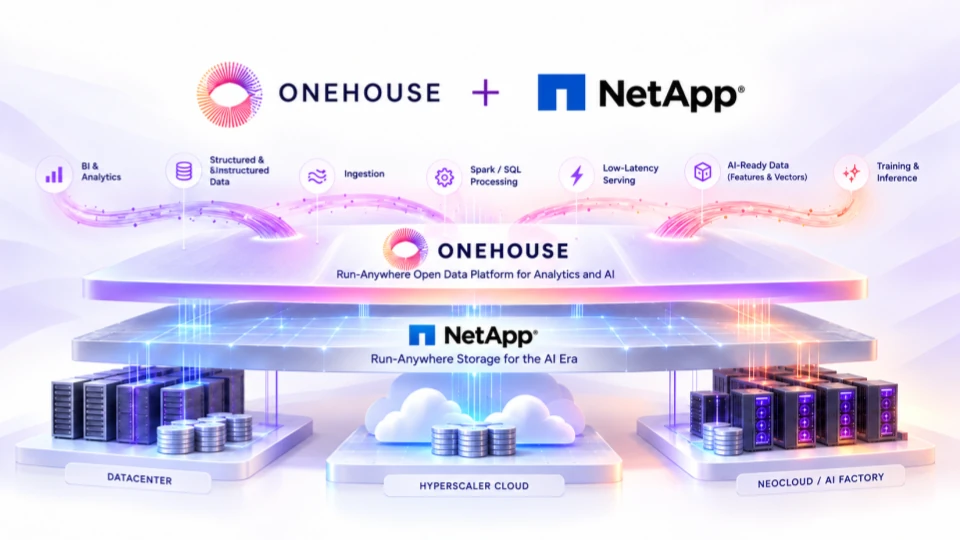
There is also far more unstructured data than structured data, and much of it goes unused. IDC estimated that 90% of the data organizations generated in 2022 was unstructured and that only about half of it is ever analyzed (IDC white paper, 2023). A 2025 Komprise survey found 74% of IT and storage leaders storing more than 5 PB of unstructured data (Komprise report). Our partner NetApp sees the same thing from the storage side. The joint NetApp and Onehouse post describes enterprise file systems that still hold decades of engineering data, research archives, documents and images that never left the datacenter.
The missing data layer for unstructured data
A data engineer who wants to put these files in front of a model has very little to work with. The files sit in buckets and filers as millions of loose objects, with a path and a size as the only metadata. Listing them is slow and there is no schema to query. There is also no cheap way to ask which files arrived since yesterday, and no obvious place to keep the chunks and embeddings derived from them. So each team writes its own scripts per file type, loads a separate vector database, and then has to keep that copy in sync with the bucket.
These workloads need what open format tables already give structured data. They need incremental processing so that only new files are read, atomic commits with consistent reads, a schema that engines and agents can query, and derived data/file metadata stored for each object to filter/aggregate objects by. Open table formats can now provide it. Hudi and Lance have added native blob and vector types, so one table can hold a file’s bytes or a reference to them, its extracted text and its embeddings, with the same transactions and table services as any other table. Parquet shipped a FILE logical type this year and merged a FINITE_VECTOR logical type in November. Vector support is also expected to make it to the Iceberg V4 spec.
A separate multimodal lakehouse is the wrong fix
One response to this gap has been to declare a new category, a multimodal lakehouse built on a new file format and run next to the existing one. We think that is the wrong direction. Databases have stored large objects for decades. Postgres has kept small values inline and moved large ones out of line behind a size threshold since 2001, when PostgreSQL 7.1 introduced TOAST. Adding a blob type and a vector type to a table format is the same well-understood engineering, without reinventing the wheel again and fracturing data into structured and unstructured islands.
The file format affects performance, and you can choose it per table. Lance stores wide binary and vector columns well, Vortex does too, and the Parquet community is working on encodings for the same purpose. Onehouse tables can store unstructured data in all three today, Parquet, Lance and Vortex files. Switching a table’s file format leaves your pipelines, catalog and queries as they are.
Operating a single lakehouse platform is hard enough. Nobody wants to operate two or three lakehouses. An agent answering a question about a supplier needs the contract document and the supplier row in the same query, under the same permissions. A second lakehouse for unstructured data brings a second catalog, a second governance model and one more copy pipeline between the two. When the existing lakehouse stores the unstructured data, your team keeps one catalog, one set of permissions and no copy jobs.
How Onehouse approaches unstructured data
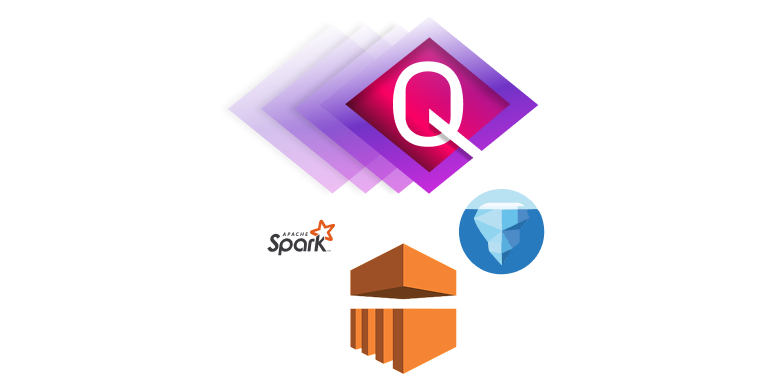
We added unstructured data support to the two places where data already gets processed on Onehouse. OneFlow covers the path from files to tables, and Quanton covers everything after that. The rest of this post focuses on OneFlow, and the Quanton side is covered in two posts on quanton.dev linked below.
OneFlow: incremental unstructured data processing
OneFlow already brings databases, event streams and structured files into open tables, incrementally and as chained pipelines. Unstructured data is a new source type in OneFlow. A flow reads the bucket’s event notifications, processes only the files that are new since its last checkpoint, and writes their rows to the table in one atomic commit per flow run.
We describe this as processing because copying bytes is the smallest part of the work. A flow parses documents into text chunks, records the dimensions and format of images, samples keyframes from video, and can call an embedding model on every chunk and frame. Each of those steps is incremental, so each flow run only processes the new files, however large the bucket is. Flows can also be chained, so the table one flow writes can feed further built-in and low-code transformations, without writing a pipeline by hand.
Quanton and Spark: curate context from the same tables
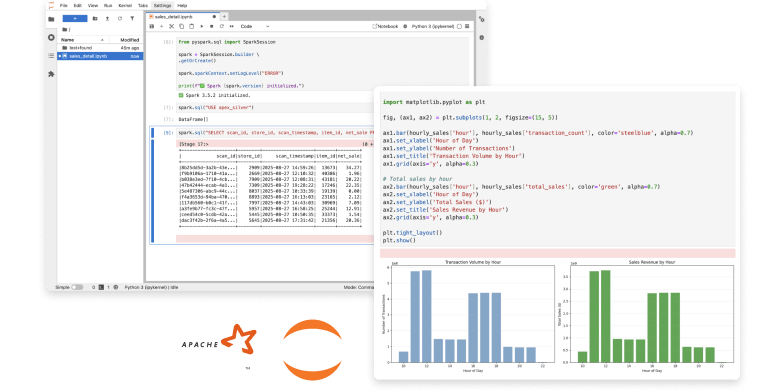
Quanton, our Spark and SQL engine, reads and writes the blob and vector types directly. Any Spark job in SQL, Scala or Python can take the tables OneFlow produces and build on them. Typical jobs join chunks against structured tables, run classification or extraction models over them, and write curated context tables for agents or training sets for fine-tuning. Vector similarity runs in the same SQL statement as filters and joins.
Two posts on quanton.dev show this with code. RAG on Your Lakehouse builds retrieval over PDFs and structured tables in a single SQL query, and Fine-Tuning Open Models turns the same tables into a versioned training dataset.
How it works
A flow has a source bucket, a processing option, an optional embedding-model alias and a target table.
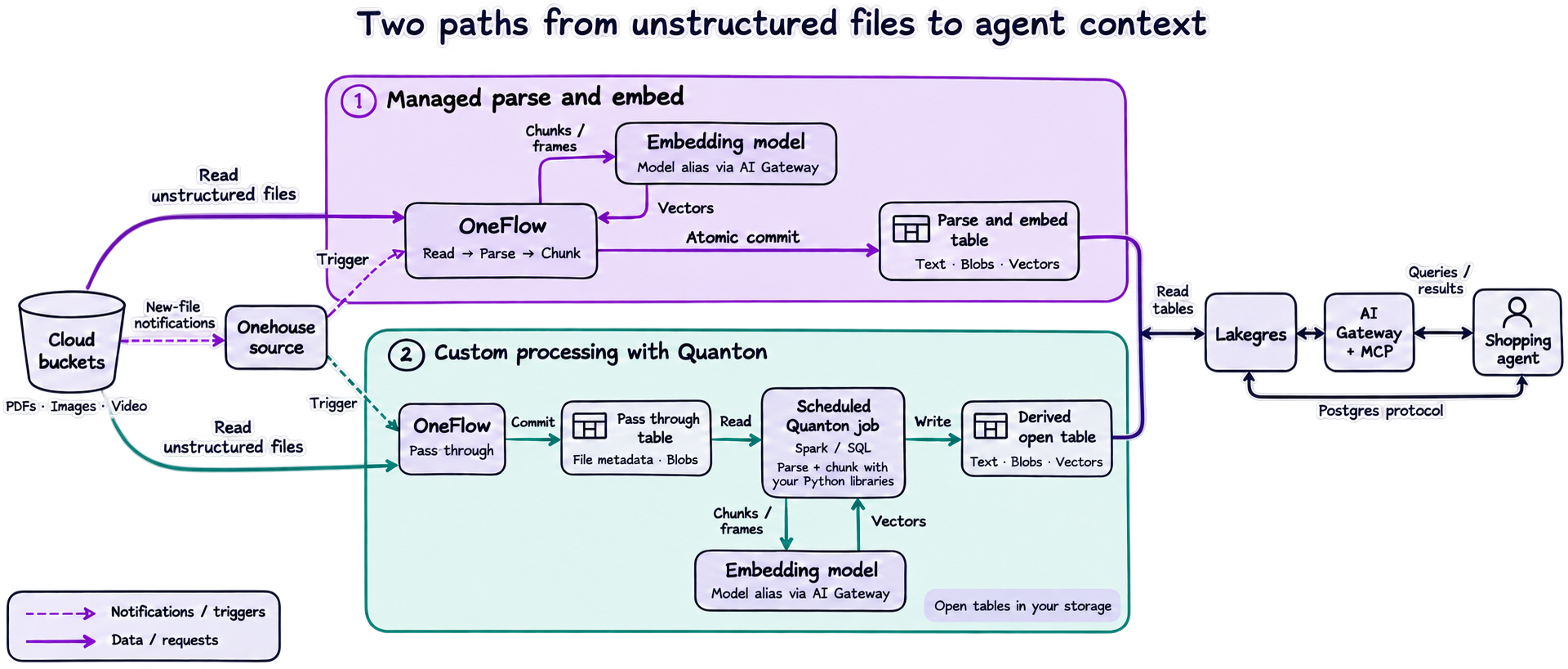
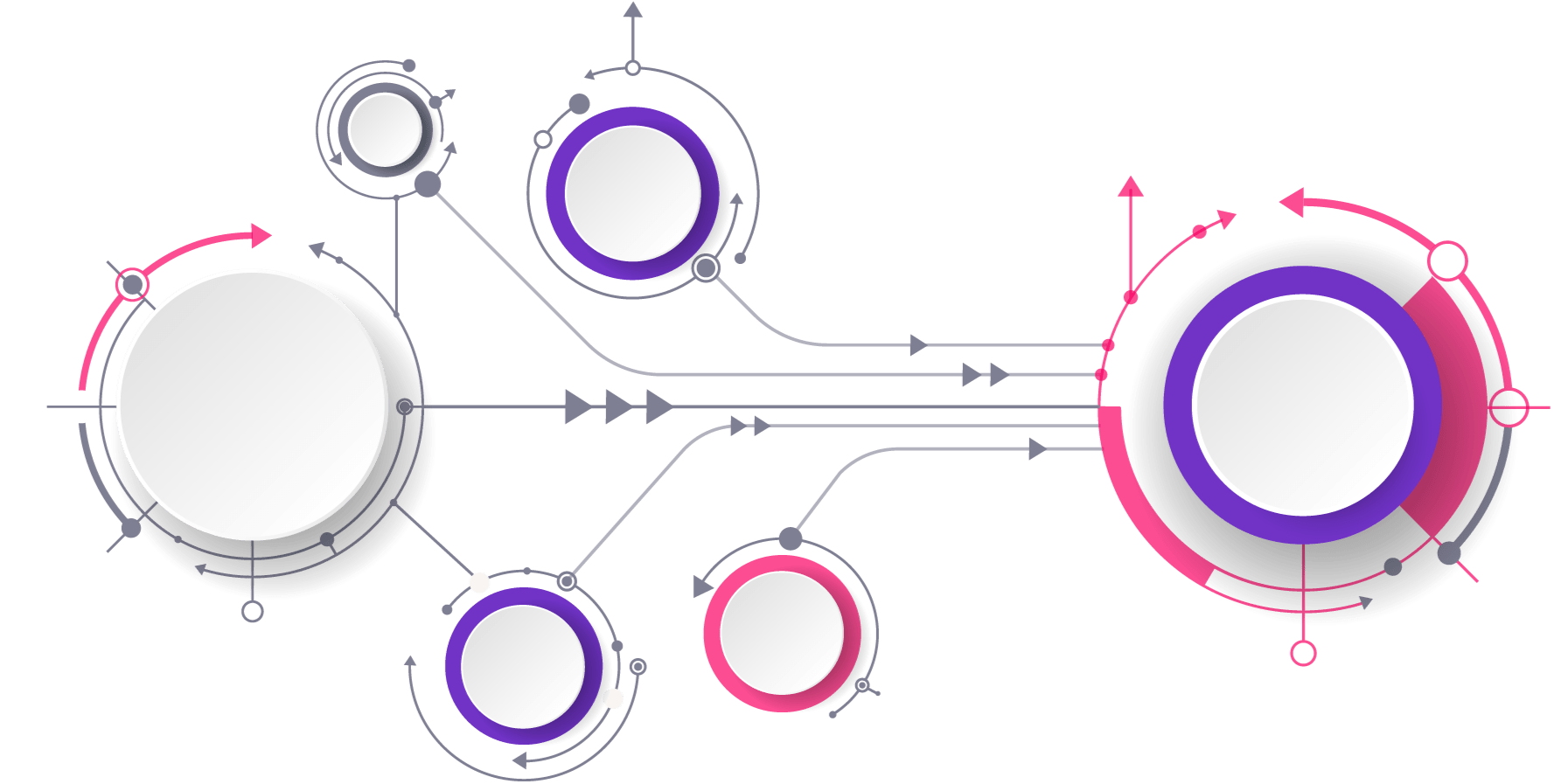
The diagram shows two ways to prepare the same files for agents. With Parse and embed, OneFlow reads new files, parses and chunks them, calls the configured remote embedding model, and commits the content and returned vectors together. With Pass through, OneFlow writes file metadata and blobs first. A scheduled Quanton job can then read that table, use your chosen Python libraries for parsing and chunking, call an embedding model, and write a downstream table of text, blobs and vectors. Both paths produce open tables that Lakegres and the AI Gateway can serve to agents.
Source: a bucket of mixed files
The source is a bucket or path on S3 or any S3-compatible store, Google Cloud Storage, Azure, or any Hadoop-compatible filesystem. One flow can take documents, images and video, and all of them land in the same table. Files are read where they sit, with no staging copy.
Each flow run reads the bucket’s new-file events since its checkpoint, keeps the configured file types, and makes one metadata call per file for its size and modification time. Those two values identify the version of the file. A new flow can backfill the files already in the bucket or start from new arrivals only.
Processing options
You choose one of three processing options when you create a flow.
| Option | What a row is | What the table stores |
|---|---|---|
| Pass through | One row per file | File metadata and the content as a blob |
| Parse content | One row per text chunk, image or video frame | Text, image or video-frame content with its source metadata, no embeddings |
| Parse and embed | One row per text chunk, image or video frame | The same as Parse content, plus an embedding vector per row |
Pass through turns the bucket into a table of unstructured files. Files at or below the inline threshold are copied into the table as inline blobs. Larger files stay in your bucket, with a reference in the row. The same threshold applies to documents, images and videos. The section on inline and out-of-line blobs below explains when each one makes sense.
Parse content handles each category as follows. You choose which file types the flow processes.
| Content category | Supported file extensions | What parsing does |
|---|---|---|
| Documents | Extracts text and splits it into overlapping chunks, with one row per chunk and the source page range recorded. Chunk size, overlap and tokenizer are configurable. | |
| Images | PNG, JPG, JPEG, GIF, BMP, TIF, TIFF | Reads the image header for its dimensions and format, and retains the whole image as a blob or reference in one row. The image is not split into chunks. |
| Video | MP4, MOV, AVI, MKV, WEBM | Produces an image row for each extracted frame and, when English speech transcription is enabled, a text row for each transcript chunk. Both row types retain timestamps and source video metadata and are written to the same table in one commit. |
Video speech transcription is optional and off by default. It requires customer-supplied FFmpeg; the built-in video decoder does not transcribe speech. A video with no speech produces frame rows only.
Parse and embed performs the same parsing and then sends each text chunk, whole image or retained video frame to the configured embedding model. Text-chunk token limits are determined by the selected model. The vector is stored in a vector column sized to the model’s dimensions, and it is written in the same commit as the associated content.
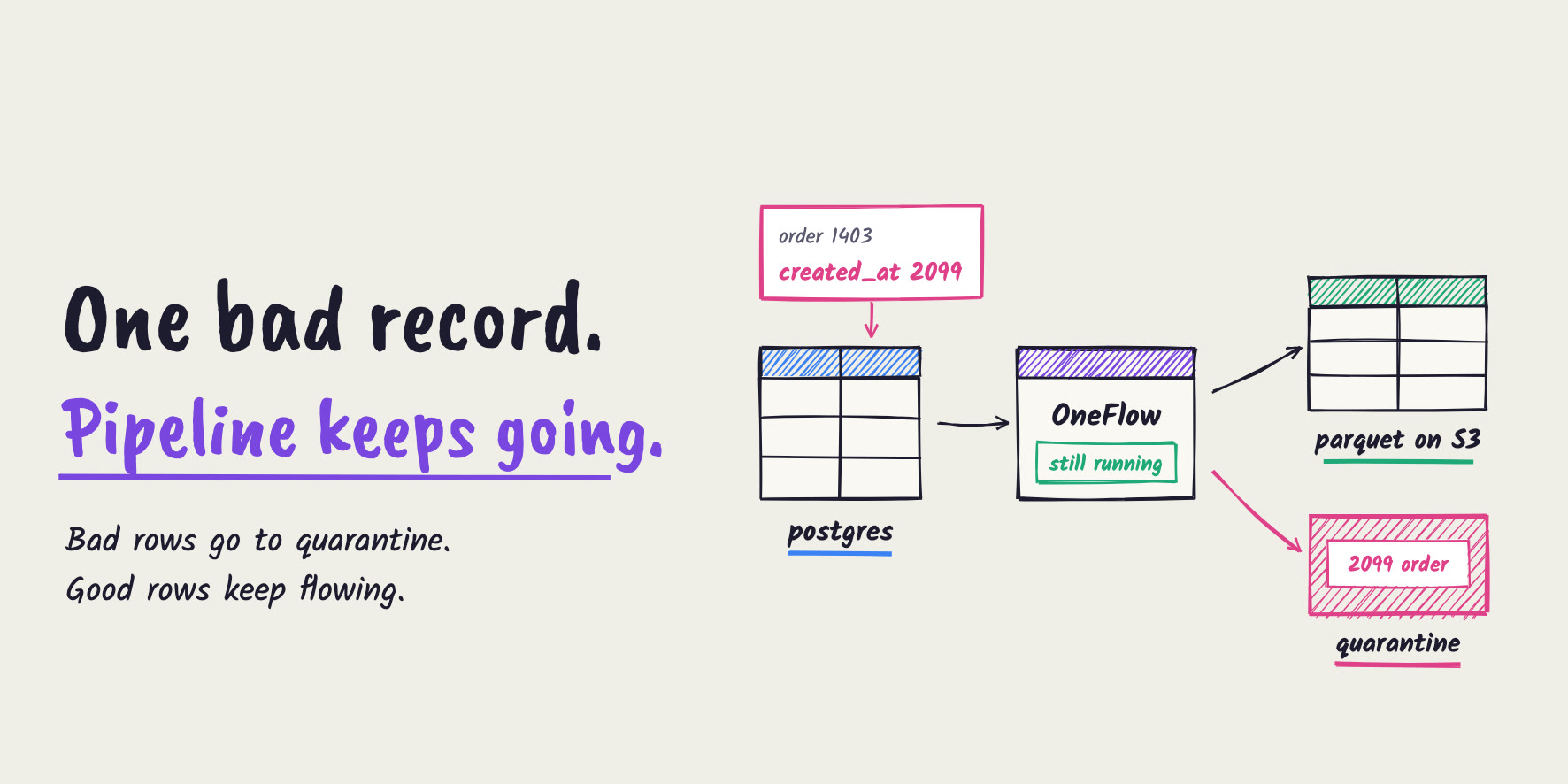
The file types, processing option, chunking settings and model are fixed when the flow is created. Changing any of them means creating a new flow and a new table. Files that cannot be processed, such as an encrypted PDF, a scanned PDF with no text layer or an undecodable video, are recorded in an error table with the reason, and the flow run still commits.
Inline and out-of-line blobs
A file lands in the table in one of two ways. If it’s at or below the inline threshold, its bytes are copied into the table’s data files as an inline blob. If it’s larger, nothing is copied. The file stays where it is in your bucket, and the row holds a reference to it.
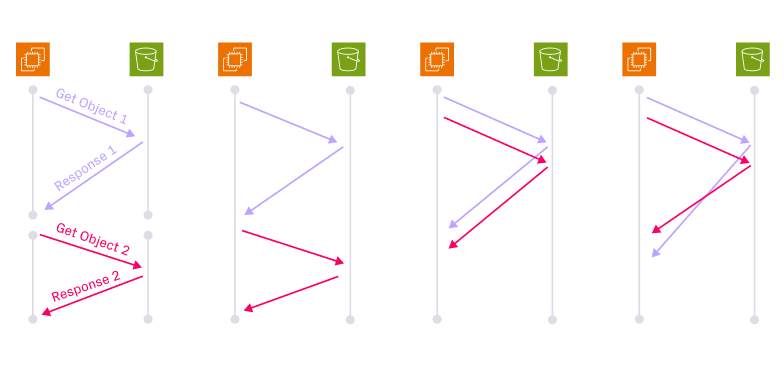
Inline pays off for small files. If you have 10 million thumbnails or scanned receipts scattered across a bucket, reading them takes 10 million GET calls, and that shows up in both your latency and your S3 bill. Copied into the table as an inline blob column, the same bytes come back in far fewer, larger sequential reads, right next to the metadata you filter on.
A 2 GB video exceeds the inline limit, so the table keeps its metadata, chunks and embeddings and points back at the original file. A small video can be stored inline if it fits within the configured threshold.
OneFlow’s current Parquet writer supports inline blobs up to 80 KiB. OneFlow supports higher inline thresholds with Lance and Vortex. We are building an optimized Parquet configuration to encode blobs similarly to Lance and Vortex and support larger inline blobs. Either way, read_blob returns the bytes in SQL, so your queries look the same for inline and out-of-line blobs.
Embedding models and the AI Gateway
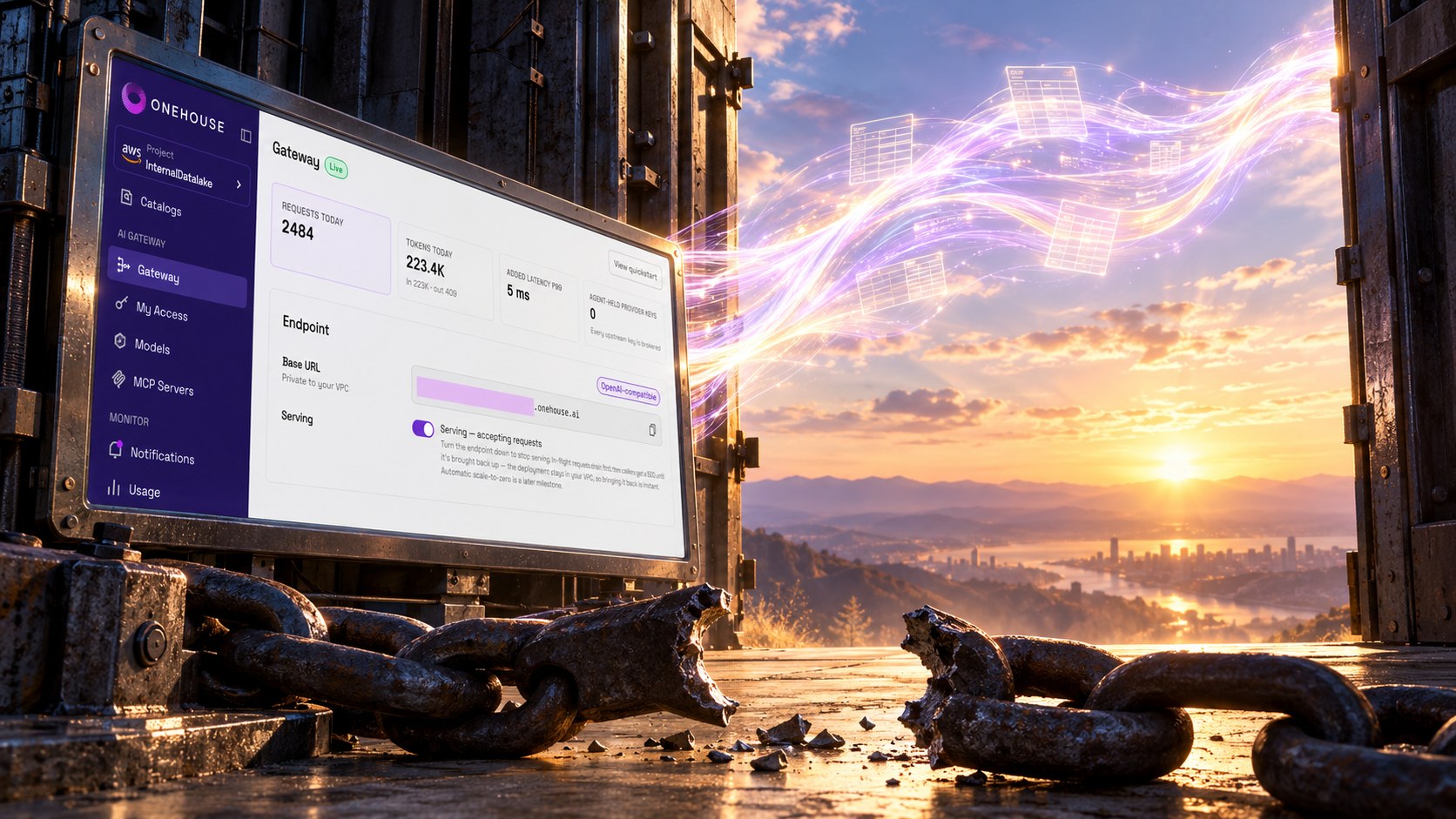
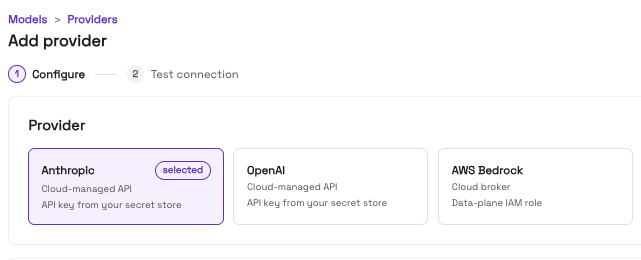
Onehouse AI Gateway currently supports Anthropic, OpenAI, AWS Bedrock and Baseten. In Models → Providers, add and configure the provider you want to use. The gateway supports both embedding and other model calls, so Parse and embed requires an alias for an embedding-capable model.
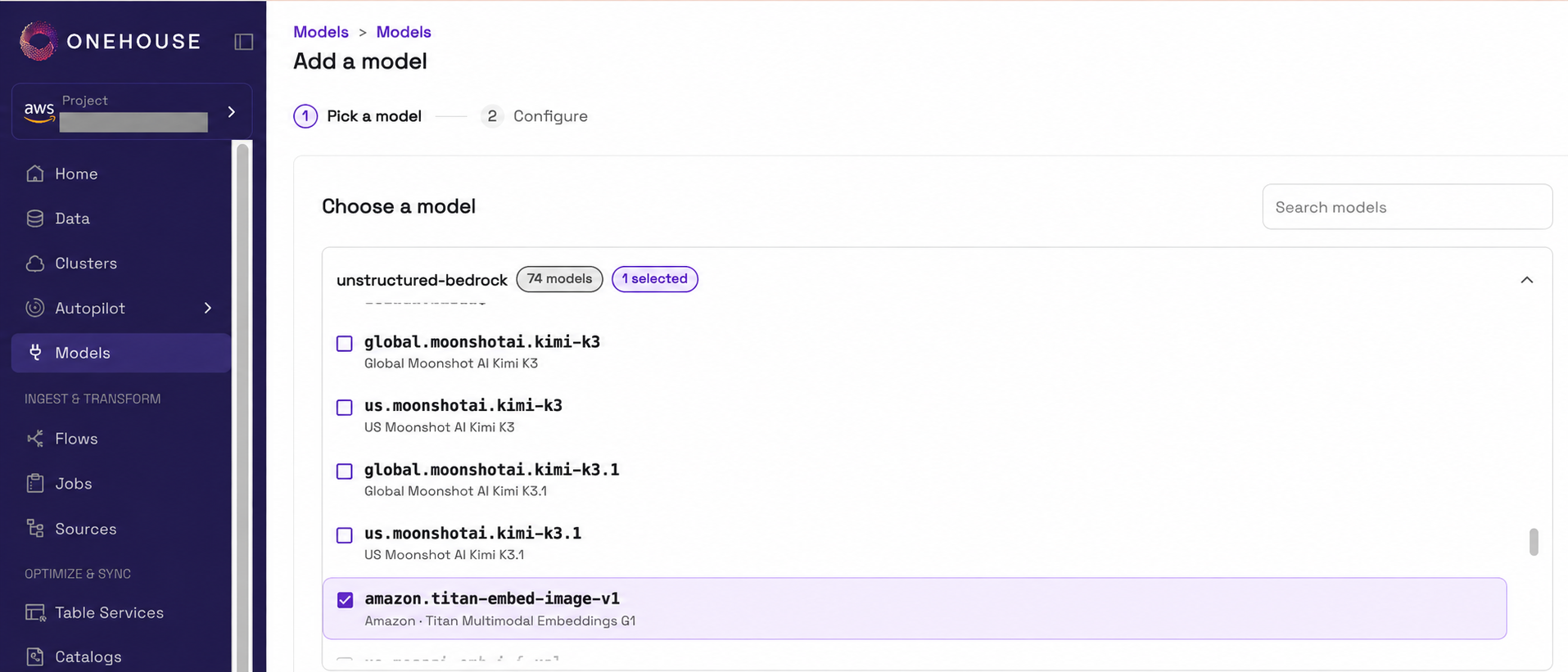
After connecting a provider, select one of its available models in Models → Add a model and configure an alias for it. When you create a OneFlow flow with Parse and embed, select that alias. The flow uses it to call the embedding model for each chunk, image or video frame. The model picker below shows Amazon Bedrock’s Titan Multimodal Embeddings G1 (amazon.titan-embed-image-v1) selected.
Text-only models embed document text chunks. Images and video frames need a multimodal model. With those models, text and image vectors share one vector space, so a text query can retrieve a photo or a video frame. The vector dimension is chosen at flow creation from the sizes the model accepts. A provider concurrency setting keeps the flow inside the provider’s rate limit. Rate limits and timeouts are retried. A rejected credential or an exhausted quota fails the flow run with nothing committed, and the next run picks up the same files.
The two kinds of tables
A flow writes one of two kinds of tables, depending on its processing option. Pass through writes one row per file. Both parsing options write one row per text chunk, image or video frame. Both keep the source file metadata alongside the content, so you can trace every row back to the file it came from.
These columns are shared by both table kinds. The file path identifies the source object, while its modification time and size identify the version processed by the flow.
| Column | What it contains |
|---|---|
source_path_sha | First 32 hexadecimal characters of the SHA-256 hash of the source bucket/key |
source_file_path | Full path to the original file |
source_file_name | File name, including its extension |
source_file_extension | Original file extension, such as pdf, jpg or mp4 |
source_file_size | Original file size in bytes |
source_modification_time | Source file's last-modified time, in epoch milliseconds |
The Pass through table adds two columns to that metadata. It holds the whole file as a blob. The inline threshold determines the representation for documents, images and videos.
| Column | What it contains |
|---|---|
content_type | MIME type for documents and images, such as image/jpeg. NULL for video rows |
blob | The file's content as an INLINE blob, or an OUT_OF_LINE reference to the original file |
Each Pass through row is keyed by its path hash, modification time and size. Files at or below the inline threshold have their bytes stored inline, while larger files stay in the source bucket. read_blob returns the bytes in SQL for either representation.
The parsed-content table repeats the source metadata on each derived row and adds the columns below. A document produces multiple rows with different chunk_id values and text in prepared_text_chunk. An image produces one row with modality set to image and its content in prepared_image. Each retained video frame also has modality set to image. When speech transcription is enabled, the video also produces rows with modality set to text and transcript chunks in prepared_text_chunk. Both kinds of row retain the same source file metadata, including the video extension.
| Column | What it contains |
|---|---|
modality | text for document or video-transcript chunks, image for images and video frames |
chunk_id | Chunk ordinal for a document or video transcript, 0 for an image, or kept-frame index for a video. Transcript chunks and frames are numbered separately |
prepared_text_chunk | Document text or a video-transcript chunk. Transcript chunks include a speaker-label prefix. NULL on image and video-frame rows |
chunk_token_count | Number of tokens in the text chunk |
prepared_image | Image content as a blob, or an extracted video frame stored as a JPEG blob. NULL on text rows |
aux | Per-row attributes: page ranges and overlap metadata for documents, image format and dimensions, frame timestamps for video, or start/end timestamps and speaker labels for transcript chunks |
emb_<model> | Embedding for the row, present only with Parse and embed. The column name identifies the configured model, for example emb_amazon_titan_embed_image_v1 |
The text, image and embedding columns keep the derived content next to the metadata you filter on. A text row carries its passage and token count, while an image row carries its blob and image attributes. With Parse and embed, both can also carry an embedding from the configured model. The aux attributes vary by modality, so a document’s page range and a video’s frame timestamp can live in the same table.
Parsed rows are keyed by path hash, modification time, size, modality and chunk id. Both table kinds can also carry partition columns taken from the object path, plus any columns your own transformations add.
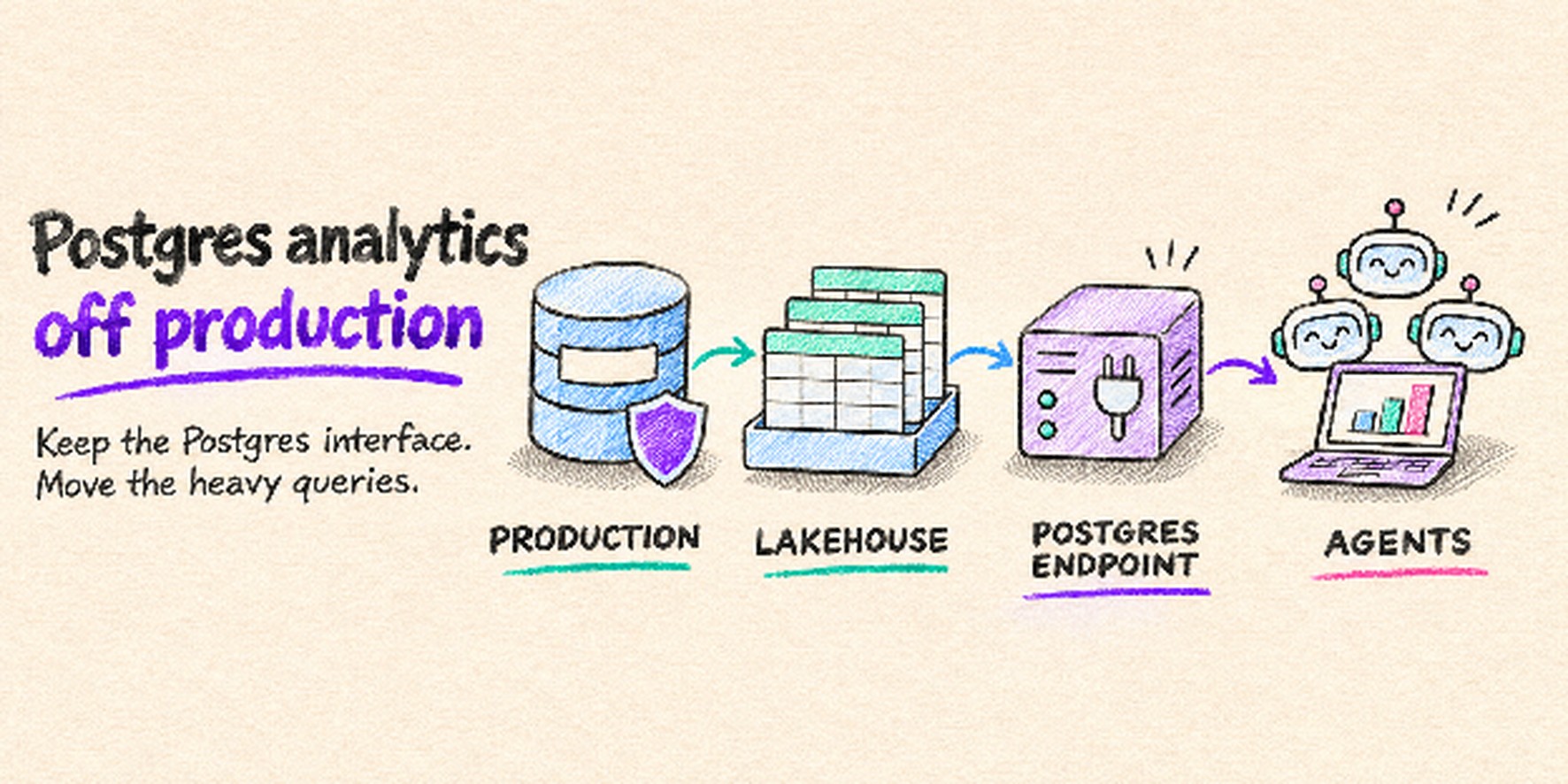
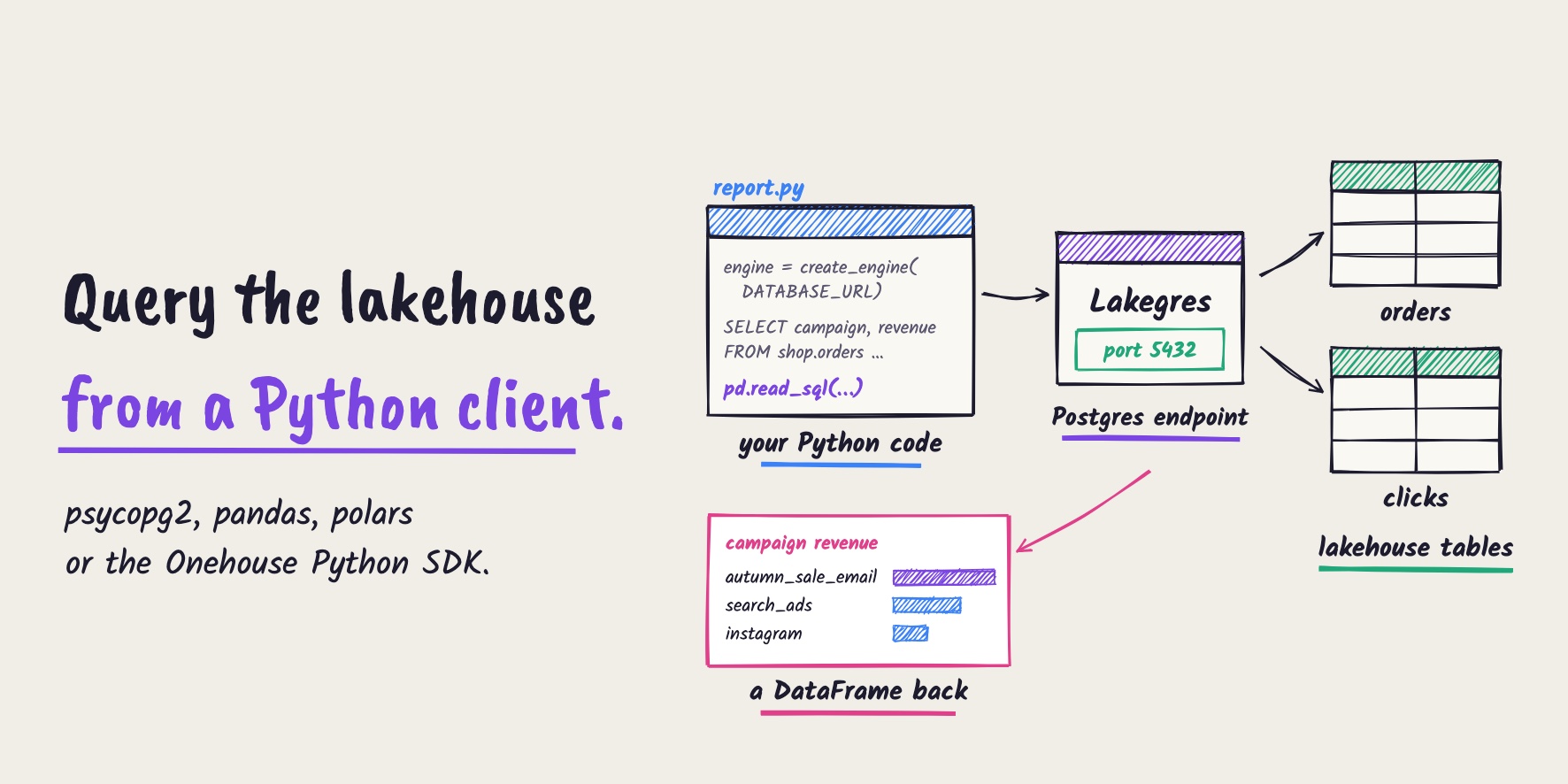
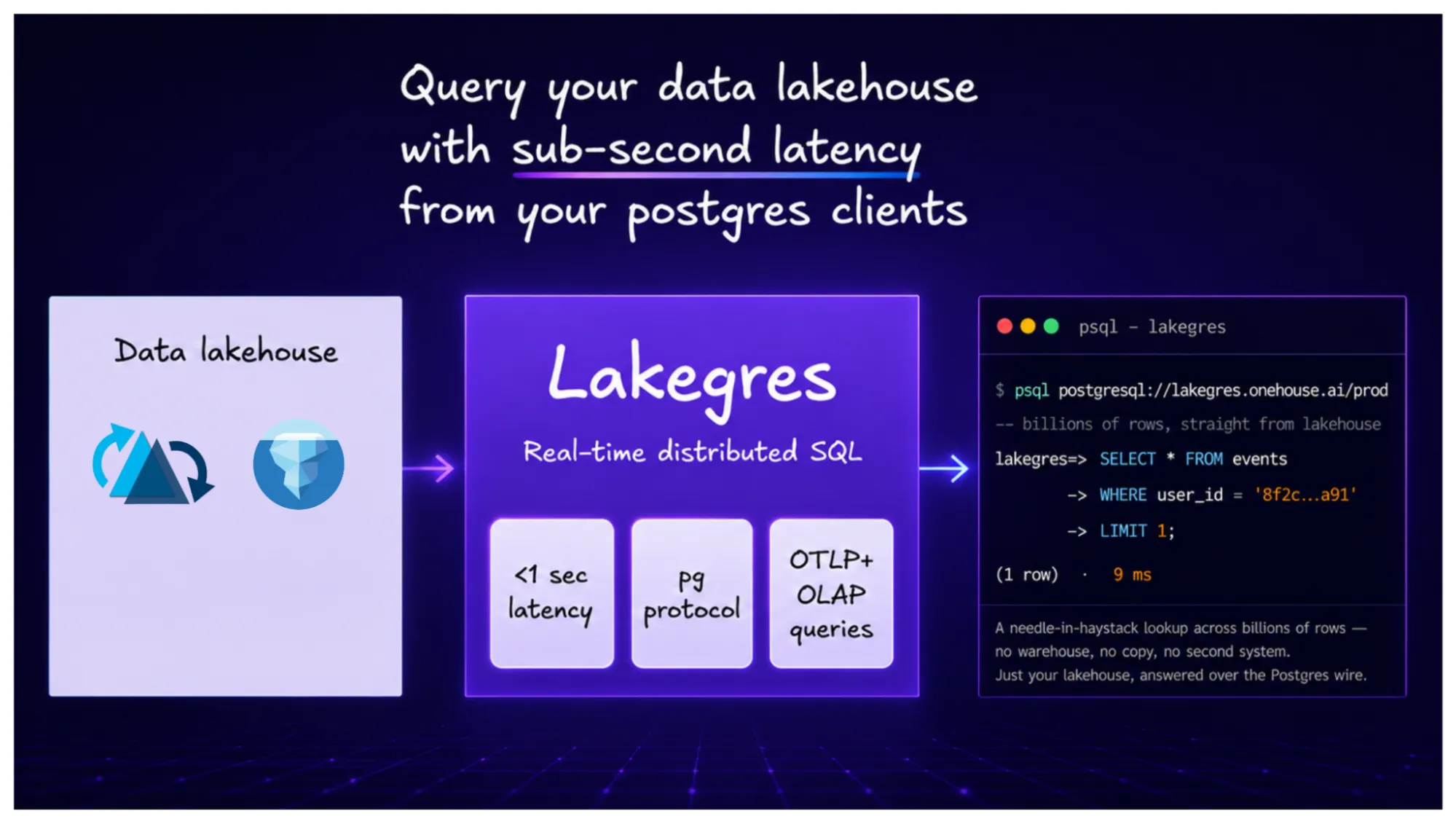
Lakegres serves the table over the Postgres protocol for low-latency lookups. Quanton jobs join it with structured tables and write curated context. The AI Gateway and the Onehouse MCP server give agents governed access to all of it.
In the product
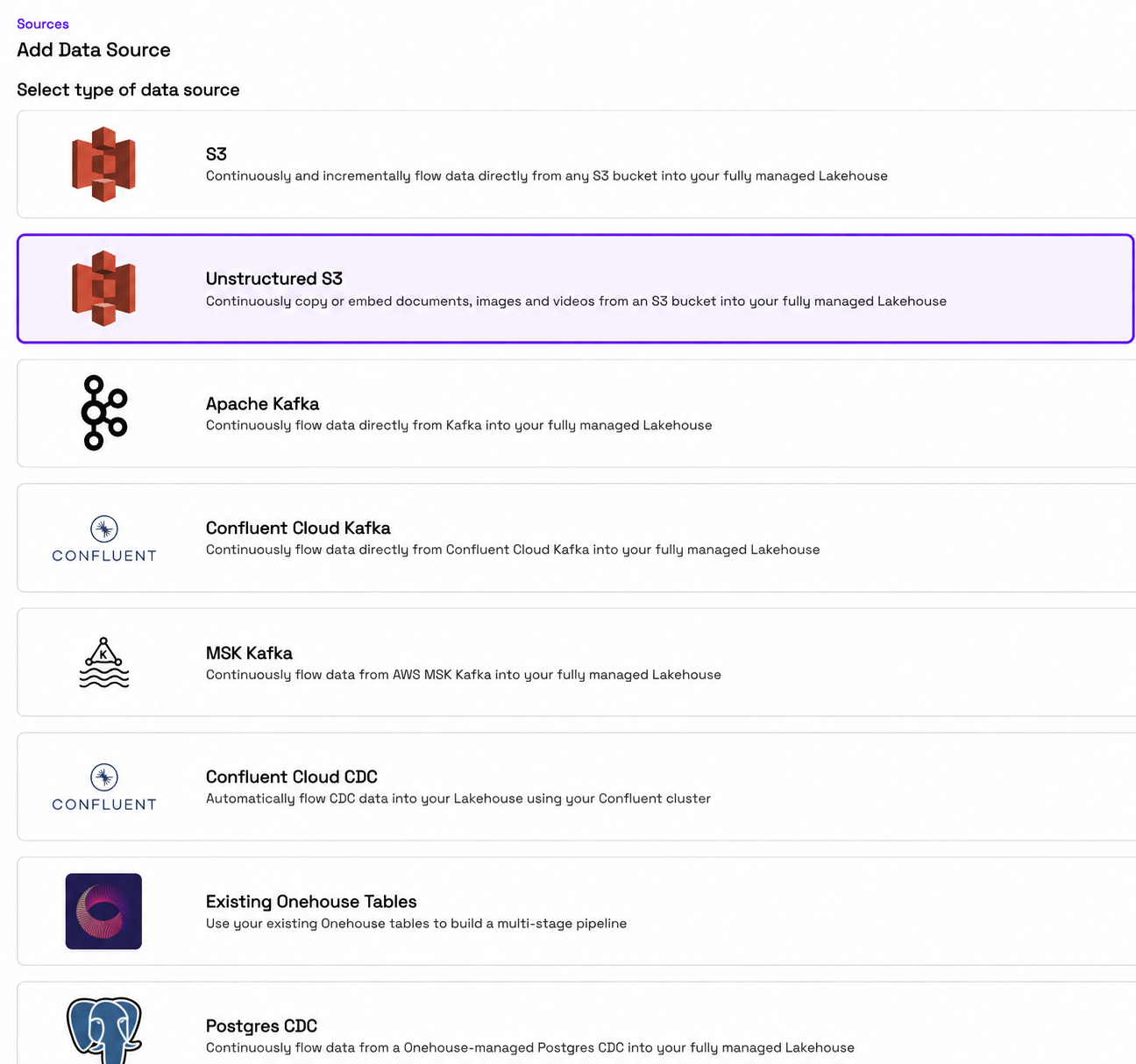
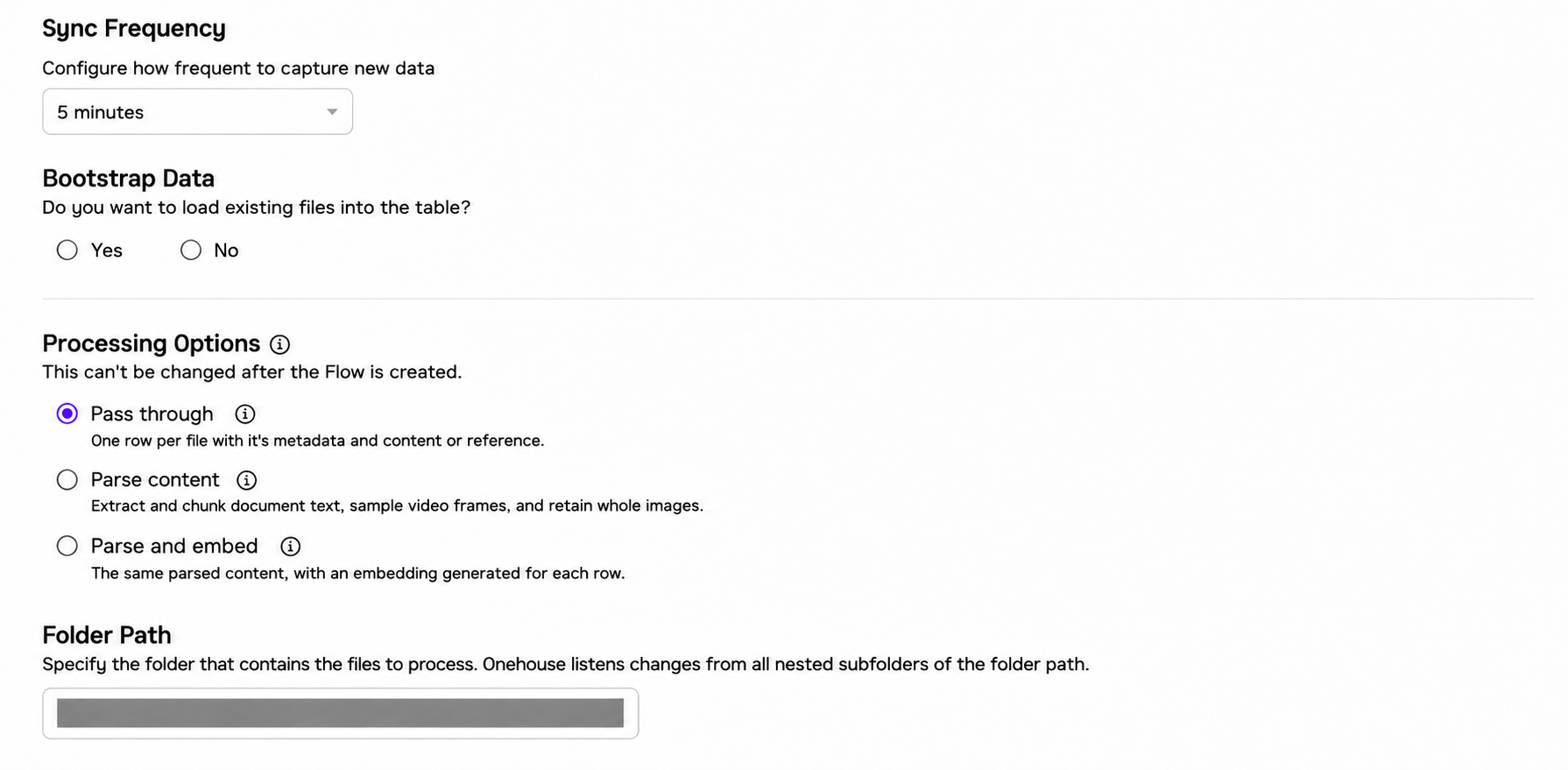
Create the source before creating the flow. In Sources → Add Data Source, choose Unstructured S3 and configure the source for your bucket. When you create the OneFlow flow, select that saved source, choose the file types and processing option, and select a model alias if you use Parse and embed.
In Step 2: Flow Configs, set the sync frequency, choose whether to bootstrap existing files, and select Pass through, Parse content, or Parse and embed under Processing Options. The folder path identifies the files the flow will process.
Under File Types, select the formats the flow should process. Files with other extensions are skipped. For Parse and embed, Embedding Model lists the models you previously configured through Add a model, filtered to those that can embed every selected file type. Select the model alias you want this flow to use.
The form adapts to your file-type selection. Selecting video exposes Video chunking, including the keyframe interval. Selecting PDFs exposes Document chunking, including the maximum tokens per chunk and advanced chunking settings. Advanced compute settings lets you configure provider concurrency and embedding dimensions.
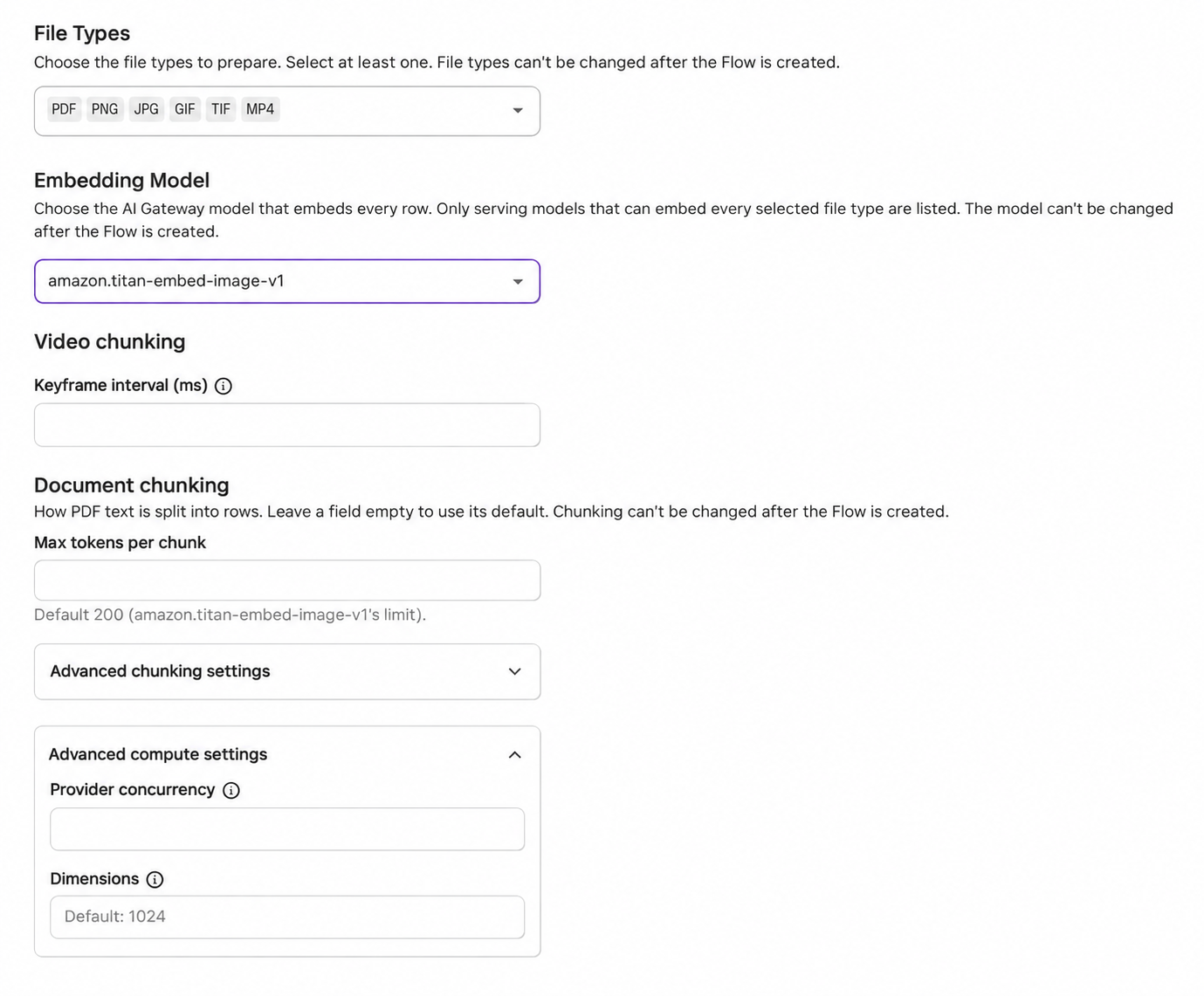
Configuration excerpt showing file-type, model and chunking controls.
A shopping agent reads manuals, photos and video together
A shopping agent answering “Show me how this stroller folds” needs the instructions and the visuals that demonstrate them. A retailer can keep the product manual, product photos and demonstration video in a bucket, grouped by product. OneFlow turns those files into a table with text chunks, images, sampled video frames and, with Parse and embed, vectors for retrieval.
The two paths in the architecture support the same agent. OneFlow can prepare and embed the content directly, or a team can start with a Pass through table and use a scheduled Quanton job to apply its own parsing, frame selection and embedding libraries. The resulting table holds the content the agent reads, with source metadata alongside it.
Once the shopper selects a product, the agent can query Lakegres through the Postgres protocol or access it through AI Gateway and MCP. This simple query retrieves the product’s manual text, photos and video frames. Here, product_assets is the prepared table, and product_id is a partition column taken from the source object path.
SELECT source_file_name,
       source_file_extension,
       chunk_id,
       modality,
       prepared_text_chunk,
       CASE WHEN modality = 'image'
            THEN read_blob(prepared_image)
       END AS image_bytes,
       aux
FROM   product_assets
WHERE  product_id = 'stroller-104'
ORDER  BY source_file_name, chunk_id;
The application passes the selected text and images to a multimodal model. The agent can explain the folding steps using the manual and show the relevant demonstration frames, with file names and page or frame metadata available for source references. The vectors stored alongside the content also support similarity retrieval when the product has more material than the agent needs for one answer.
Performance
We benchmarked end-to-end unstructured data processing on public datasets using the Parse content option, one file type at a time. The Parse content option covers reading each file, parsing, chunking or frame extraction, and the table commit. This represents the raw processing speed for unstructured data as of this writing. Embedding time is left out because it depends on the provider and its rate limits. The cluster was three AWS m8g.4xlarge nodes (Graviton4, 16 vCPUs and 64 GiB each) running one driver and two executors, for 32 executor cores in total, with no GPUs and the data in S3 in the same region. We also chose to go with a CPU-only setup to demonstrate how reasonable performance can be achieved even without costly GPUs. Times are end to end, from job submission to the commit becoming visible, and each figure is the median of two runs.
| File type | Dataset | Files | Data | Time | Throughput | Rows written |
|---|---|---|---|---|---|---|
| Digital Corpora PDFs, from Common Crawl | 10,000 | 15.1 GB | 2.8 min | 60 files/s, 90 MB/s | 642,663 text chunks | |
| JPEG | ImageNet photos | 80,358 | 10.2 GB | 4.3 min | 309 files/s, 39 MB/s | 80,358 image rows |
| MP4 | Kinetics 10-second clips | 24,999 | 35.6 GB | 4.6 min | 90 files/s, 128 MB/s | 51,576 frames |
The PDF corpus and ImageNet dataset also appear in Daft and Ray Data’s published multimodal benchmarks (Daft, Ray Data). They process 10,000 Digital Corpora PDFs and roughly 800,000 ImageNet images; our image run uses 80,358 images. Those benchmarks include a GPU model step, an embedding model for the PDFs and ResNet18 for the images, so their times aren’t directly comparable to ours. For video they use 1,000 Hollywood2 clips, and we ran a larger set of about 25,000 Kinetics clips.
At these rates, the same 32 executor cores process about 216,000 PDFs, 1.1 million photos or 324,000 video clips per hour.
On 8 executor cores, from two executors on m8g.xlarge nodes, the same flows processed 2,800 PDFs in 3.2 minutes, 11,000 photos in 3.1 minutes and 2,300 clips in 1.7 minutes. The larger cluster has four times the executor cores and delivered 3.9 to 5.2 times the throughput, on larger inputs.
The per-file cost stays low because of three design choices.
- Each file is read from storage once. While a task processes a file, it fetches the next one in the background, up to 8 MiB. We measured 1.0 read request per PDF and per photo.
- Images are not decoded. The flow reads the image header for its dimensions and format and stores large images by reference. Executor CPUs were about 3% busy during the photo run, so the time goes to waiting on storage, and more task slots make image flows faster.
- Video is sampled at keyframes. The flow decodes the nearest keyframe for each second of video and drops near-duplicates, which kept about two frames per 10-second clip.
Each run carries a fixed cost of roughly 55 seconds for start-up, file discovery and driver work, whatever the input size. That is a third of the 10,000-PDF run, so larger flow runs cost less per file.
Every run was checked for completeness, so each input file shows up either as rows in the table or as an entry in the error table. The image and video runs had zero errors. The PDF errors come from the corpus itself. It’s a public web crawl, and 1,127 of its 10,000 files can’t produce text chunks: 1,087 have no extractable text (most likely scanned pages with no text layer), 29 are unreadable, 9 are encrypted and 2 failed on every page. The flow still has to open and parse these files to find that out, so their time is part of the 2.8 minutes. It records each one with its reason and the run commits. The other 8,873 PDFs produced the 642,663 chunks. A rerun with no new files wrote nothing.
These results are from one cluster shape per size, on spot nodes, with two runs per file type on the larger cluster. They measure the Parse content option only. Videos larger than the 8 MiB read-ahead limit are read in pieces and cost more requests per file, so a collection of long videos will run slower per gigabyte than these short clips.
How these tables feed your agents
The bridge that was missing in the intro is now there. Agents don’t have to LIST and GET their way through a bucket anymore, pulling files down one at a time like savages. The files are rows in an open table with a schema, extracted text, blobs and embeddings, and OneFlow keeps that table current as new files land.
Lakegres serves these tables over the Postgres protocol, so an agent can filter on file metadata, grab the matching chunks and join them with your structured tables in a single SQL query. For inline blobs, data comes directly from table records. Query filters and indexes help the agent quickly find the files it needs without a slow, file-by-file crawl through the entire bucket. The AI Gateway and the Onehouse MCP server sit in front, so you decide which models and which tables each agent gets to touch. For the heavier lifting, like curating context tables or building training sets, you’ve got Quanton and SQL/Spark jobs.
Every file a flow can parse is queryable, and the ones it can’t parse show up in the error table with a reason. All of this sits in the lakehouse you already run. That’s one catalog, one set of permissions, open formats and your own buckets.
What’s next
This is the first release of unstructured data processing on Onehouse, and several extensions are already in progress.
- Standalone audio files are next, followed by more document formats beyond PDF.
- More embedding models and providers are planned through the AI Gateway, including Azure OpenAI, Google Vertex AI, Jina and Hugging Face Text Embeddings Inference.
- Re-chunking is coming soon. Today a table keeps the chunking settings it was created with, and a file that changes in place is not reprocessed.
- We are extending the lakehouse with indexing schemes designed for blob columns. e.g. indexes that deeply understand the unstructured file formats.
- We are building an optimized Parquet configuration to encode blobs similarly to Lance and Vortex, supporting larger inline blobs.
- We will keep improving Lance and Vortex support as the rest of the ecosystem adopts them.
Getting started
Unstructured data processing is available in OneFlow. You can try it on your own bucket with a free test drive. Our engineers are also in the Onehouse community Slack if you want to talk through your use case.
Author

Vinoth Chandar
CEO
Onehouse founder/CEO; Original creator and PMC Chair of Apache Hudi. Experience includes Confluent, Uber, Box, LinkedIn, Oracle. Vinoth's work spans relational databases at Oracle, distributed NoSQL systems at LinkedIn, streaming systems with Kafka and kSQL at Confluent, and the invention of the lakehouse architecture with Apache Hudi at Uber. At Onehouse, he is pushing lakehouse architecture further with the Quanton execution engine and Lakegres. He is now building the database for AI.