Talk with our engineers by joining the new Onehouse community Slack!

Intro
Query performance in a data lakehouse depends heavily on how data is organized and maintained over time. A well-designed table layout and query strategy can reduce scan size, improve predicate pushdown, and minimize I/O across engines like Trino, Apache Spark™, or Ray.
Fast queries matter for more than just dashboards – they enable interactive analytics, quick iterations in notebooks, efficient AI feature retrieval, and cost-effective ETL pipelines.
In this blog, we’ll walk through practical ways to optimize for fast queries on Onehouse. We’ll cover how to:
- Store data efficiently with optimal file sizing, sorting, and indexing strategy
- Structure your queries to take advantage of data storage optimizations
- Choose the right query types and engines for your workloads
By the end, you’ll understand how to structure and maintain your Onehouse tables so they deliver consistently fast reads on any query engine.
Store your data efficiently
File sizing
Under the hood, Onehouse stores your table’s base files in Apache Parquet™, a columnar file format. When these files are too small, accessing the files requires more I/O operations, hindering query performance. Through the Onehouse team’s work supporting thousands of data lakes across our customers and open source, we’ve found that 120 MB is an appropriate base file size to balance read and write performance. This size avoids the file I/O overhead that comes with many small files, while maintaining the write parallelism and efficiency that would be lost with larger files.
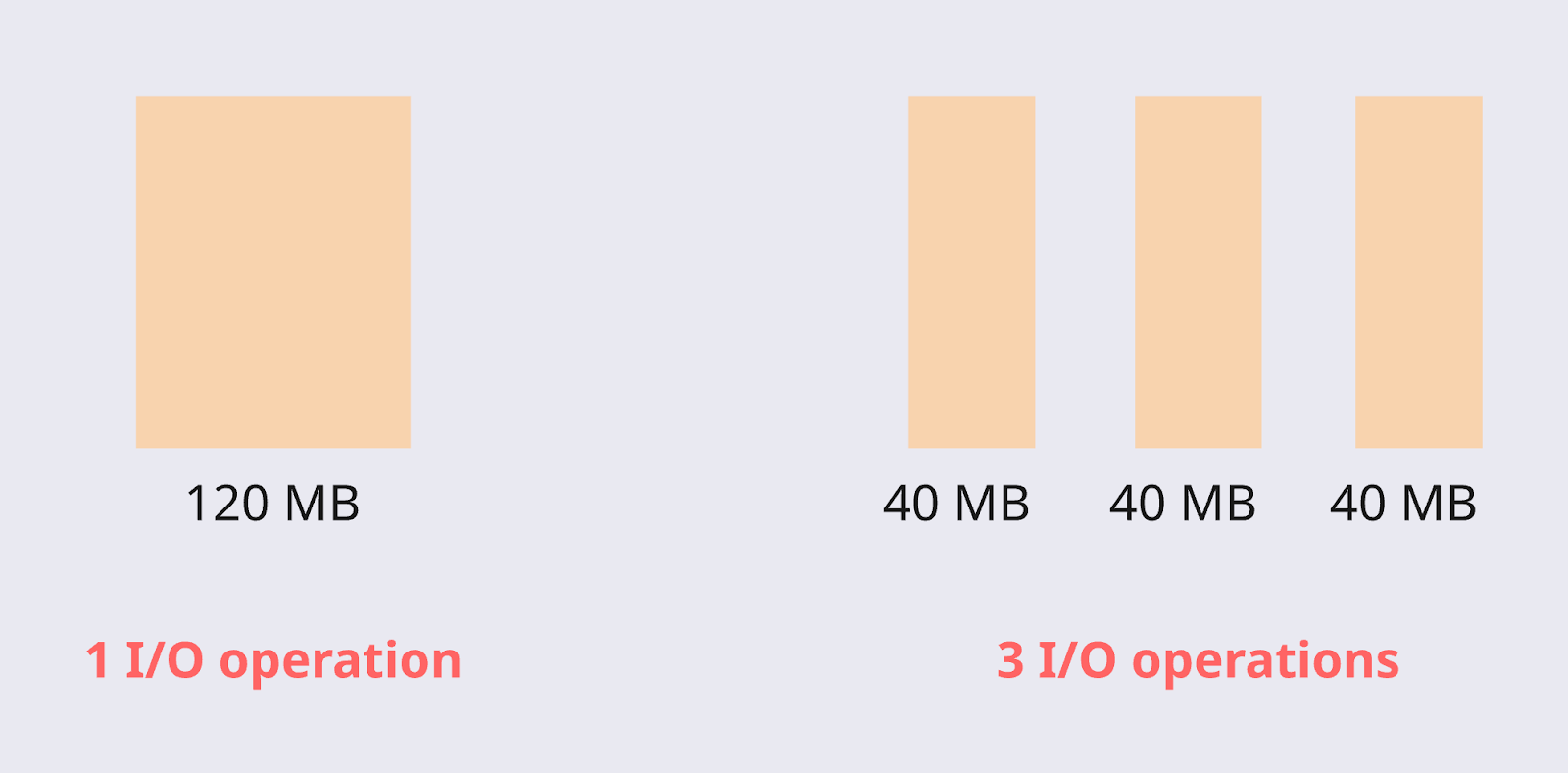
When you write a file, ideally you can write directly at the optimal file size. However, this is often not the case when you are streaming in small batches of data or writing across multiple partitions. That’s where you can leverage the Clustering table service (known as ‘compaction’ in the Apache Iceberg™ world).
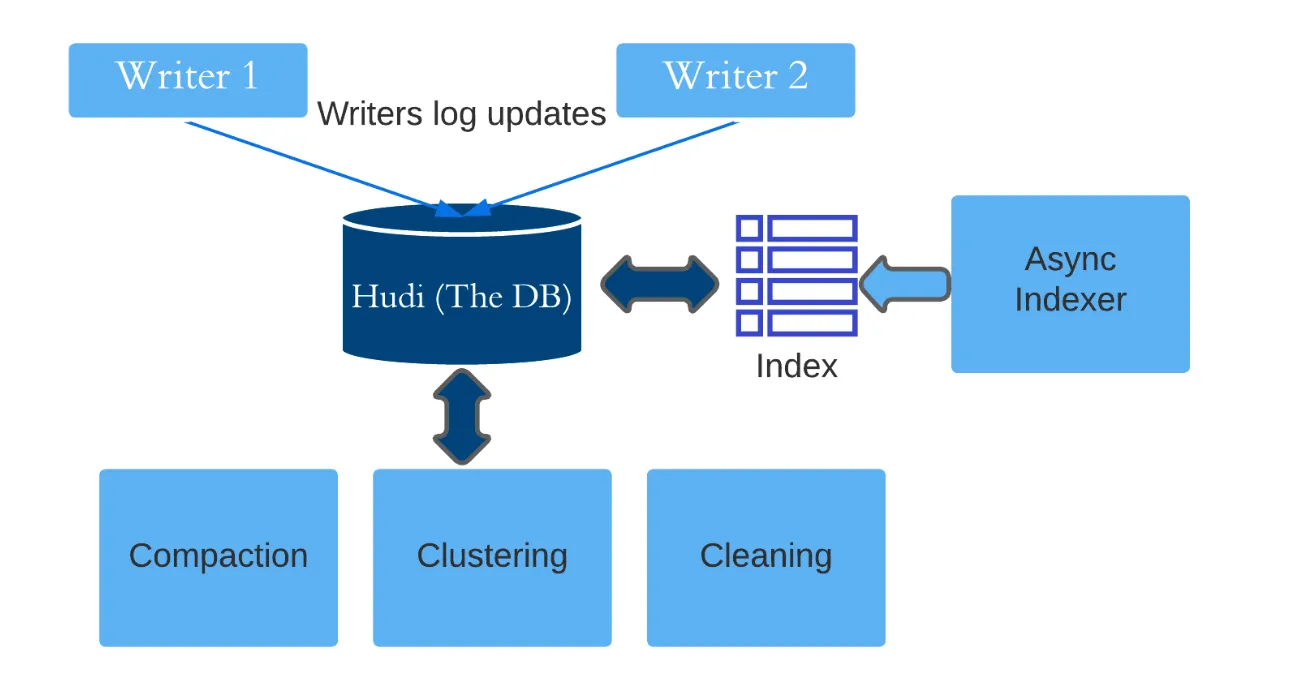
Clustering is a managed service in the Onehouse Table Optimizer that combines small files to store data in optimally-sized files for up to 10x faster query performance (compared to tables with small files). Onehouse runs Clustering automatically on your tables, so you’ll get continuously optimized file sizes as you write new data. The Clustering service is also responsible for sorting, which we’ll cover next.
Sorting
When you query data lakehouse tables, the query engine prunes files that are not necessary for your query, helping to reduce I/O and query duration. Your table layout is crucial to enable file pruning, as you should aim to put every record for a query in as few files as possible. Sorting allows you to do this, by putting records that are likely to be queried together in the same files.
For example, imagine you have a dashboard that shows your sales orders, filtered by region. Sorting the data on the ‘region’ column will help prune files containing data for the ‘Northeast’ region when the dashboard user filters on the ‘Midwest’ region.
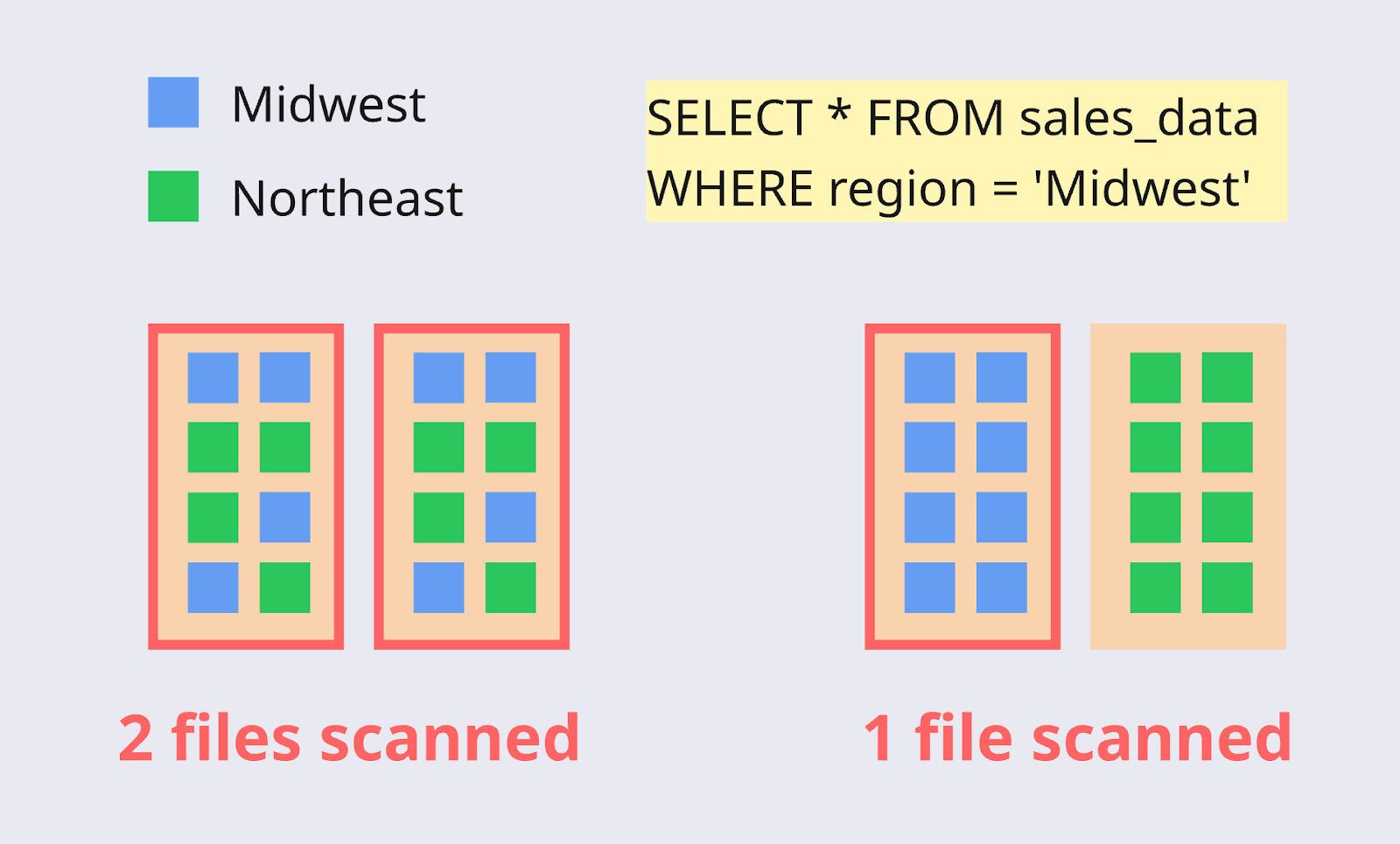
The Clustering table service in Onehouse also allows you to sort data, along with file sizing. The best approach is to sort the table on the field(s) most likely to be filtered in the queries.
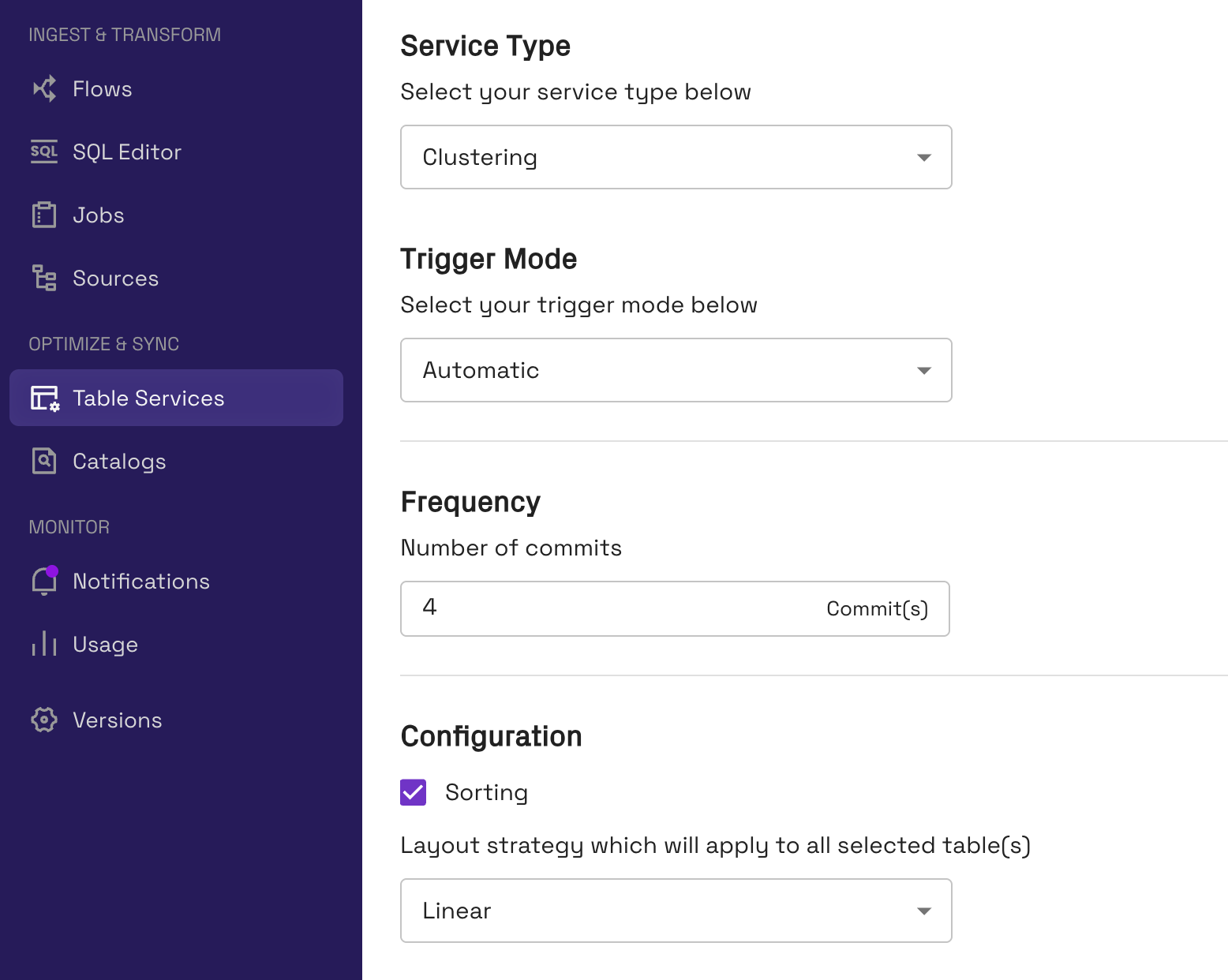
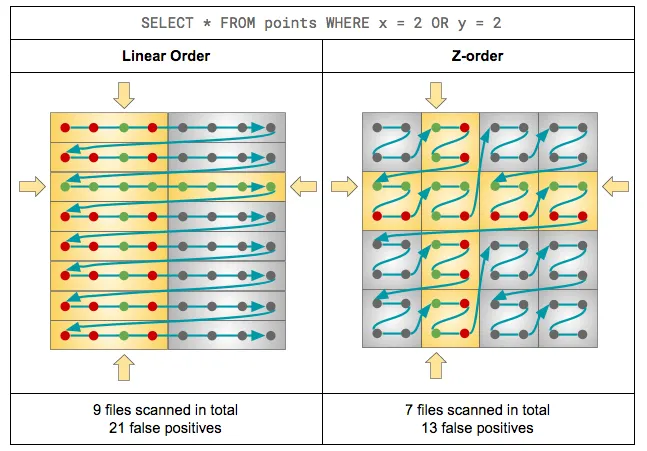
Tip: For linear sorting, order your sort keys based on the columns most likely to be filtered (from most to least likely). Onehouse also offers advanced sorting techniques, including Z-Order and Hilbert Space Filling Curves. These are useful when you need to filter on multiple columns simultaneously, as they cluster data across multiple dimensions rather than sorting linearly on one column at a time.
Partitioning
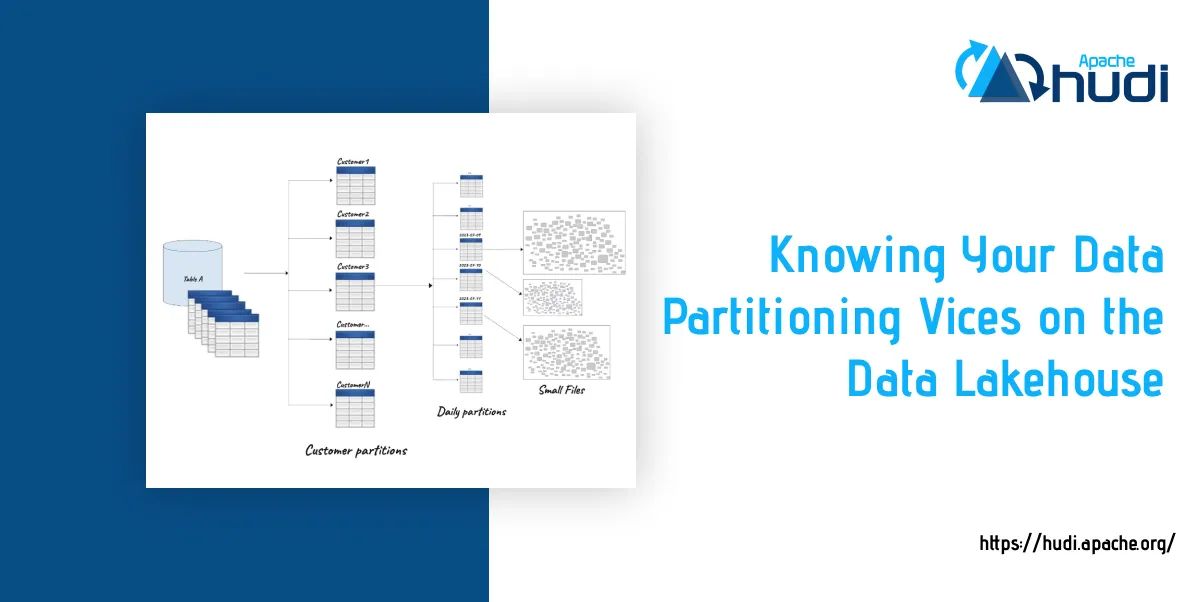
Partitioning is another strategy for co-locating records to help with file pruning at query time. Partitioning physically separates data into separate directories in object storage, based on a partitioning key.
For example, a table partitioned on date might look like this in object storage:
s3://my-bucket/sales_orders/
├── date=2025-10-30/
│   ├── file1.parquet
│   ├── file2.parquet
│   └── ...
├── date=2025-10-31/
│   ├── file3.parquet
│   ├── file4.parquet
│   └── ...
└── date=2025-11-01/
    ├── file5.parquet
    └── file6.parquet
The best approach is to use coarse-grained partitioning and fine-grained sorting (clustering) on the files within each partition. For example, you may partition on date and sort on timestamp. This prevents the case where partitions are too small, leading to very small files (and increased I/O) across many directories in object storage.
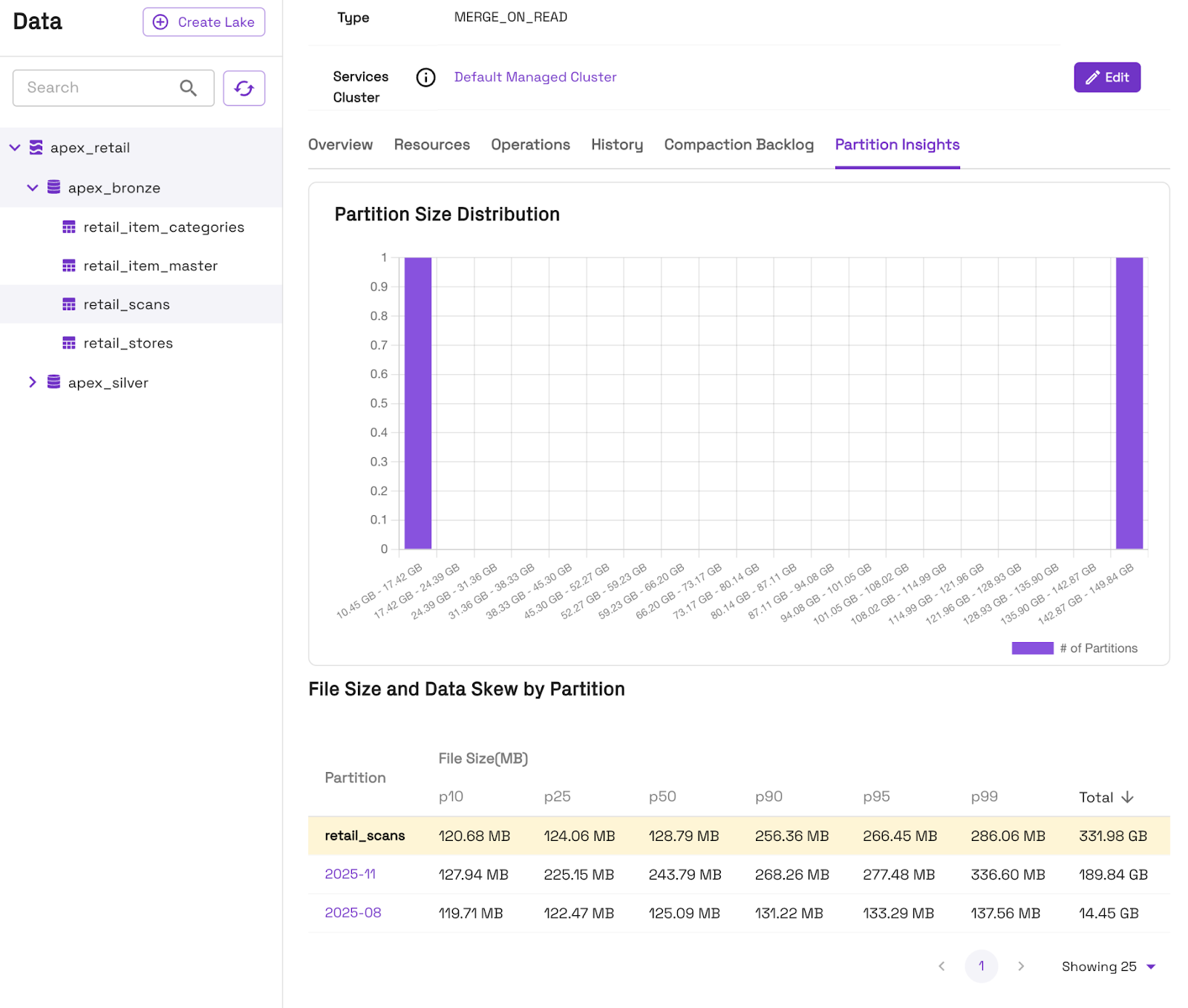
Another potential pitfall is partition skew, where some partitions are very large while others are small. Data will naturally vary between partitions, but you’ll achieve the best query performance by having partitions large enough to prevent small files, yet small enough to enable better partition pruning at query time.
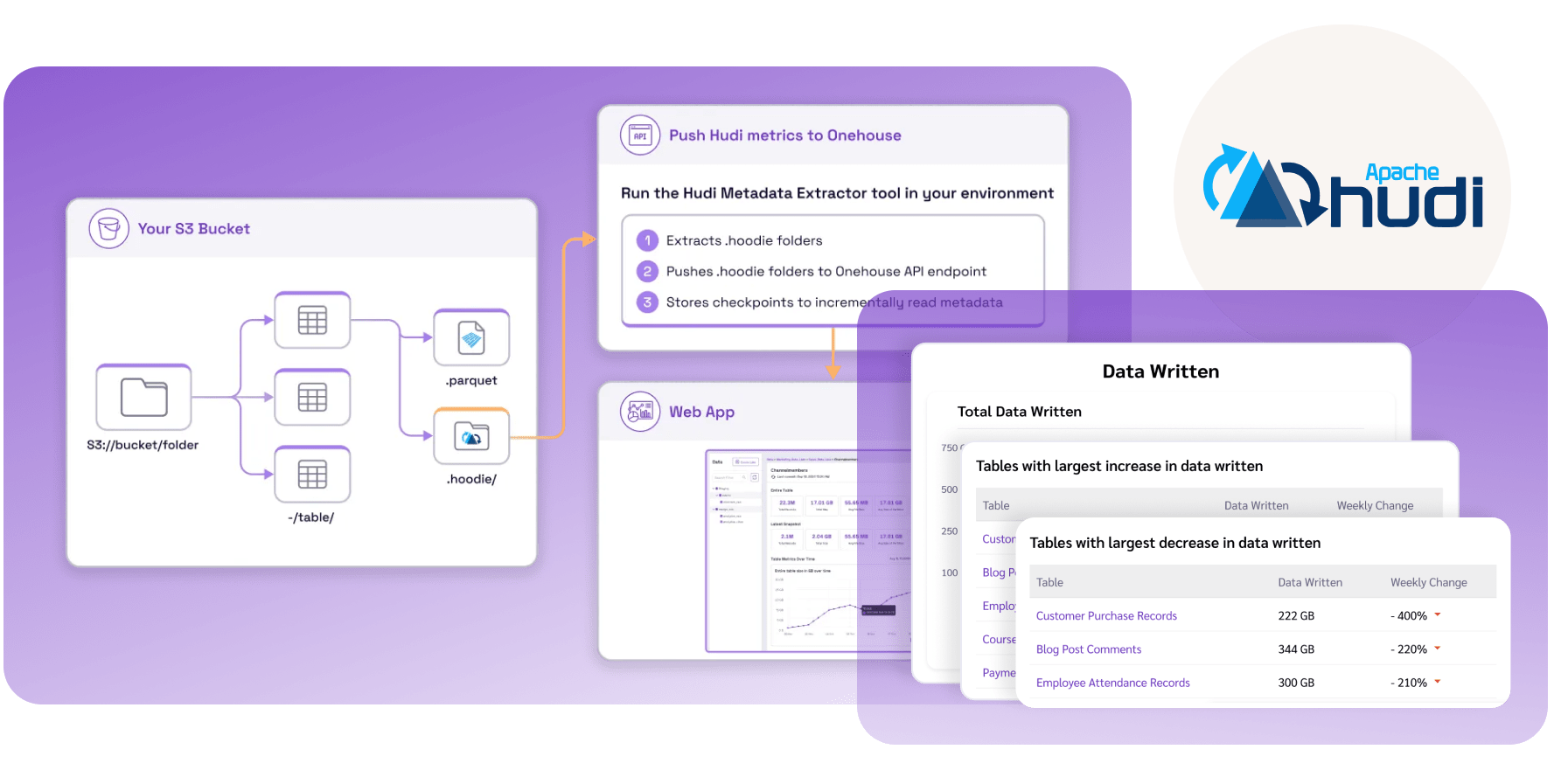
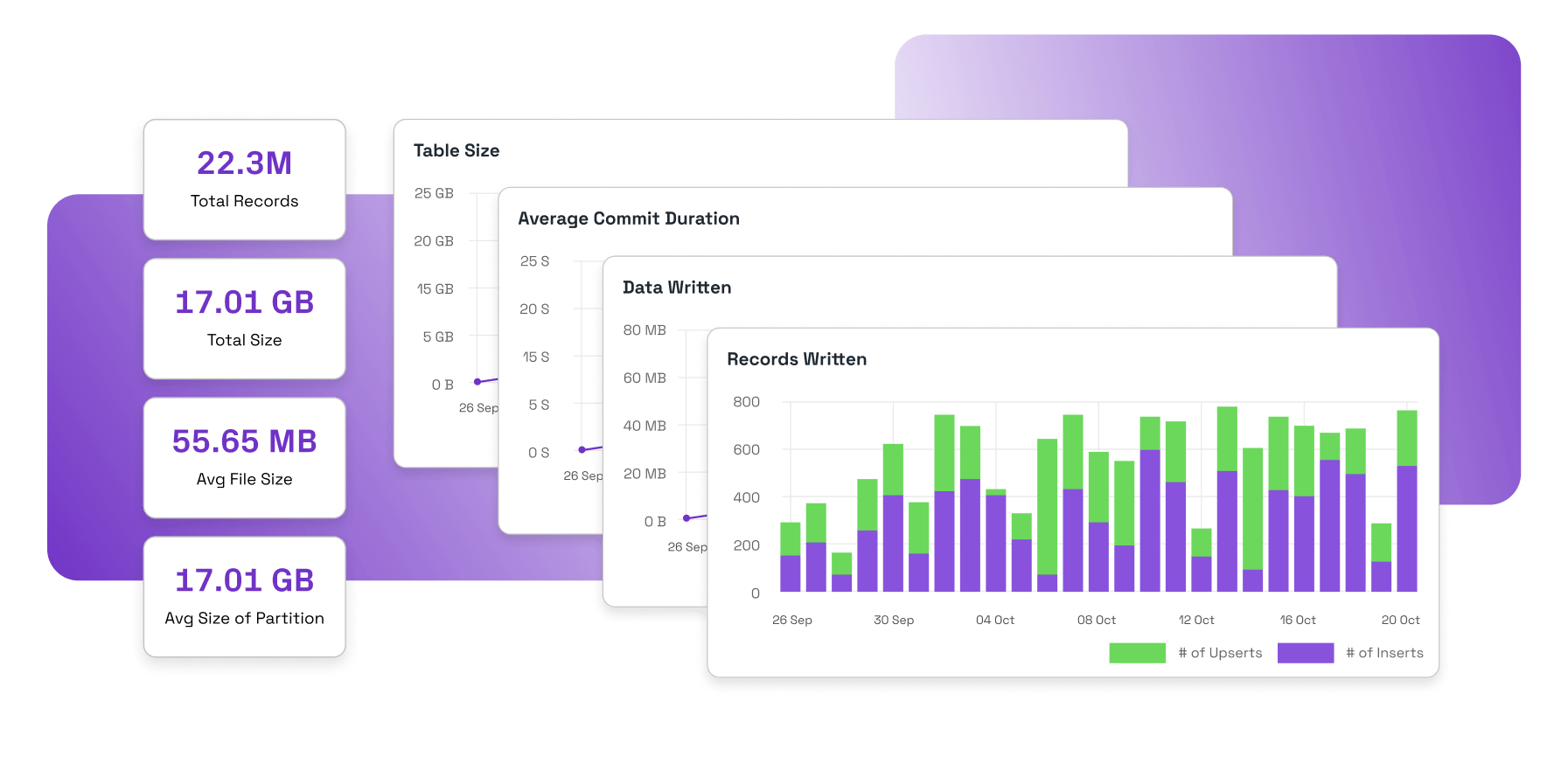
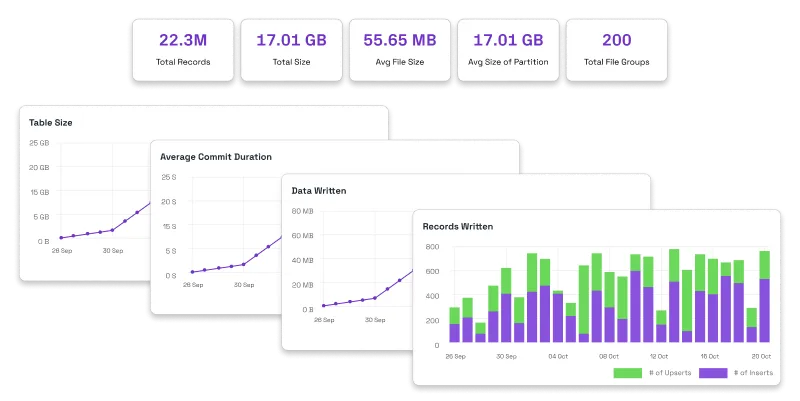
You can monitor partitions and data skew for each table directly in the Onehouse console, under the ‘Partition Insights’ tab.
Also see this blog for additional tips on partitioning.
Indexes
Certain data lakehouse formats, such as Apache Hudi™, offer indexes to help accelerate lookups in your table. Choosing the right indexes based on your read and write patterns can greatly accelerate performance. For example, Hudi’s record level index tracks the location of records in the table for >72% faster point-lookups.
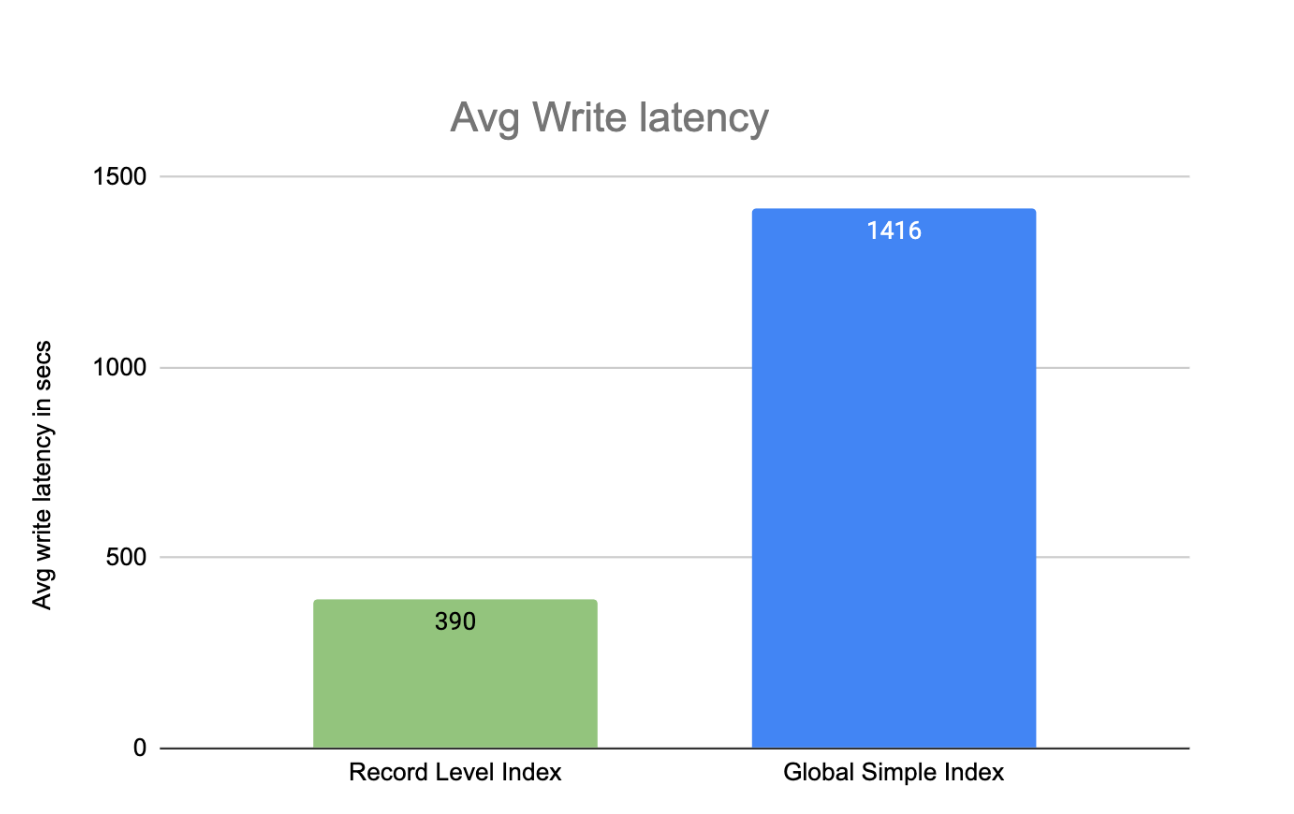
Onehouse automatically applies indexes on tables created with OneFlow data ingestion, ensuring fast performance on the tables. For other Hudi tables, you can apply indexes with the configurations here.
Ingestion performance profile
When you ingest data to your lakehouse with OneFlow, you can choose from the following performance profiles to match your desired read and write performance:
- Fastest Read - sorts and sizes data in-line for the fastest query performance out of the box
- Fastest Write - skips sorting and file sizing to rapidly land data in object storage
- Balanced - performs some sorting and file sizing in-line for a balance of solid query performance and write latency
When using Fastest Write or Balance, you can run the Clustering table service to asynchronously optimize the table for the fastest query performance, while reducing the steps on the initial ingestion path.
Optimize your queries for speed
Filter on partition and sort columns
Now that you’ve optimized your table layout, you should ensure that your queries take full advantage of the partitioning and sorting strategies. Queries should filter data on the columns you’ve used for partitioning and sorting, then watch your query engine work its magic to prune unnecessary files and partitions.
Querying Merge on Read (MoR) tables
Merge on Read (MoR) tables enable efficient writes by writing updates as log files, and later compacting them into the base files to amortize write costs. Learn more about the process in this blog.
Onehouse exposes two views for querying MoR tables:
- Read-optimized (_ro) - Returns the state of the table since the last compaction run, ignoring log files
- Realtime (_rt) - Returns the latest state of the table by compacting log files at query-time
If you don’t need the latest state of the table, you can query the read-optimized view for the fastest performance. When querying the table as Apache Iceberg or Delta Lake, the engine only reads the base Parquet files (similar to querying the read-optimized view).
Note that all views point at the same underlying base files, so the storage accelerations are applied regardless of view type or table format.
Be mindful of data types
When possible, use types that enable data skipping. For example, you’ll get better performance filtering on a TIMESTAMP column compared to using STRING dates. Cast literals to the column type, not the other way around. WHERE user_id = CAST('123' AS INT) is better than CAST(user_id AS STRING) = '123'.
Optimize your joins
For optimal join performance, broadcast small tables and partition large ones efficiently. For example, Onehouse SQL uses Apache Spark’s Adaptive Query Execution to automatically optimize join strategies.
Choose your query engine
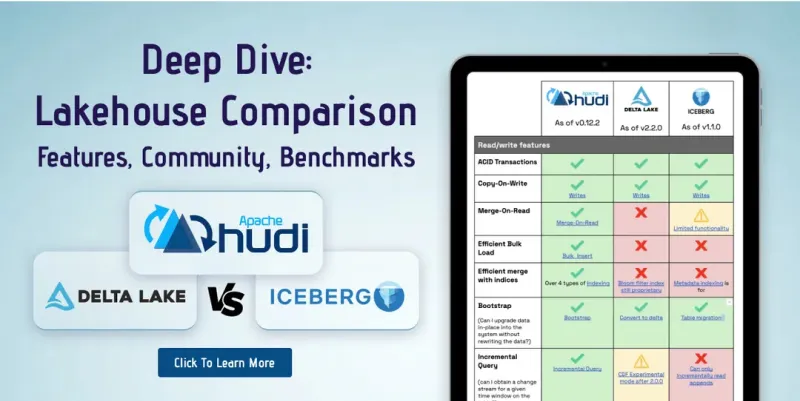
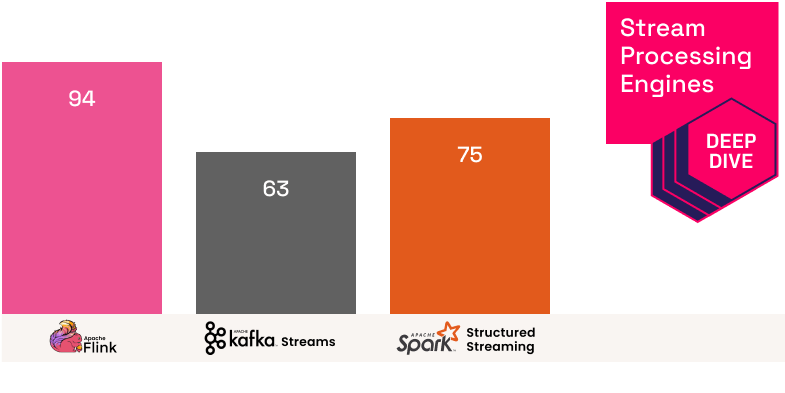
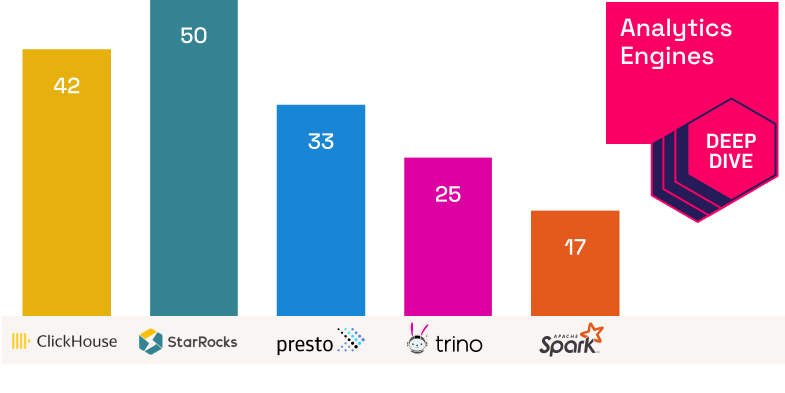
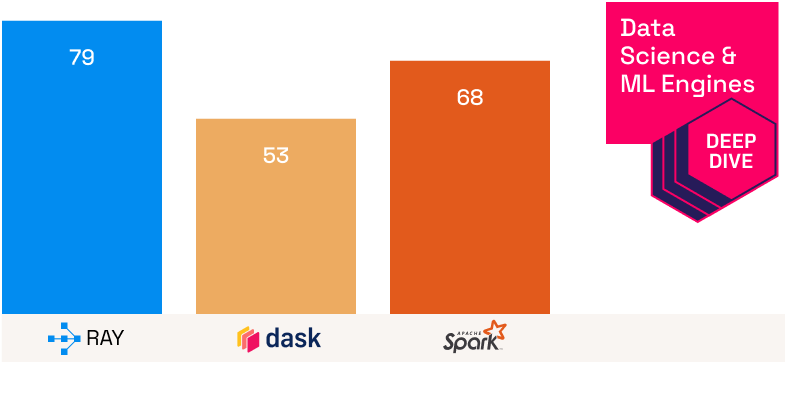
Your query engine is one of the most important choices for optimizing query performance. Check out these comparisons to choose an engine based on your particular use case:
Within Onehouse, you can use our managed query engine offerings for each use case:
- Data engineering pipelines - Onehouse Quanton engine
- Interactive analytics queries - Open Engines Trino
- AI training and tuning - Open Engines Ray
- Data streaming - Open Engines Apache Flink™
Conclusion
Fast lakehouse queries don’t happen by accident. They come from well sized files, smart sorting and partitioning, the right indexes, and engines that can take advantage of your data layout.
Onehouse automates much of the work for you. With built in Clustering for file sizing and sorting, automatic indexing, and performance profiles in OneFlow ingestion, you get properly organized tables from day one and optimal query performance over time.
Author

Andy Walner
Product Manager
Andy is a Product Manager at Onehouse, designing the next-generation data platform to power analytics & AI. Before Onehouse, Andy developed ads and MLOps products at Google, and served as the Founding Product Manager for an AI startup backed by Y Combinator. He previously graduated from University of Michigan with a degree in Computer Science & Engineering.