Talk with our engineers by joining the new Onehouse community Slack!
TL;DR
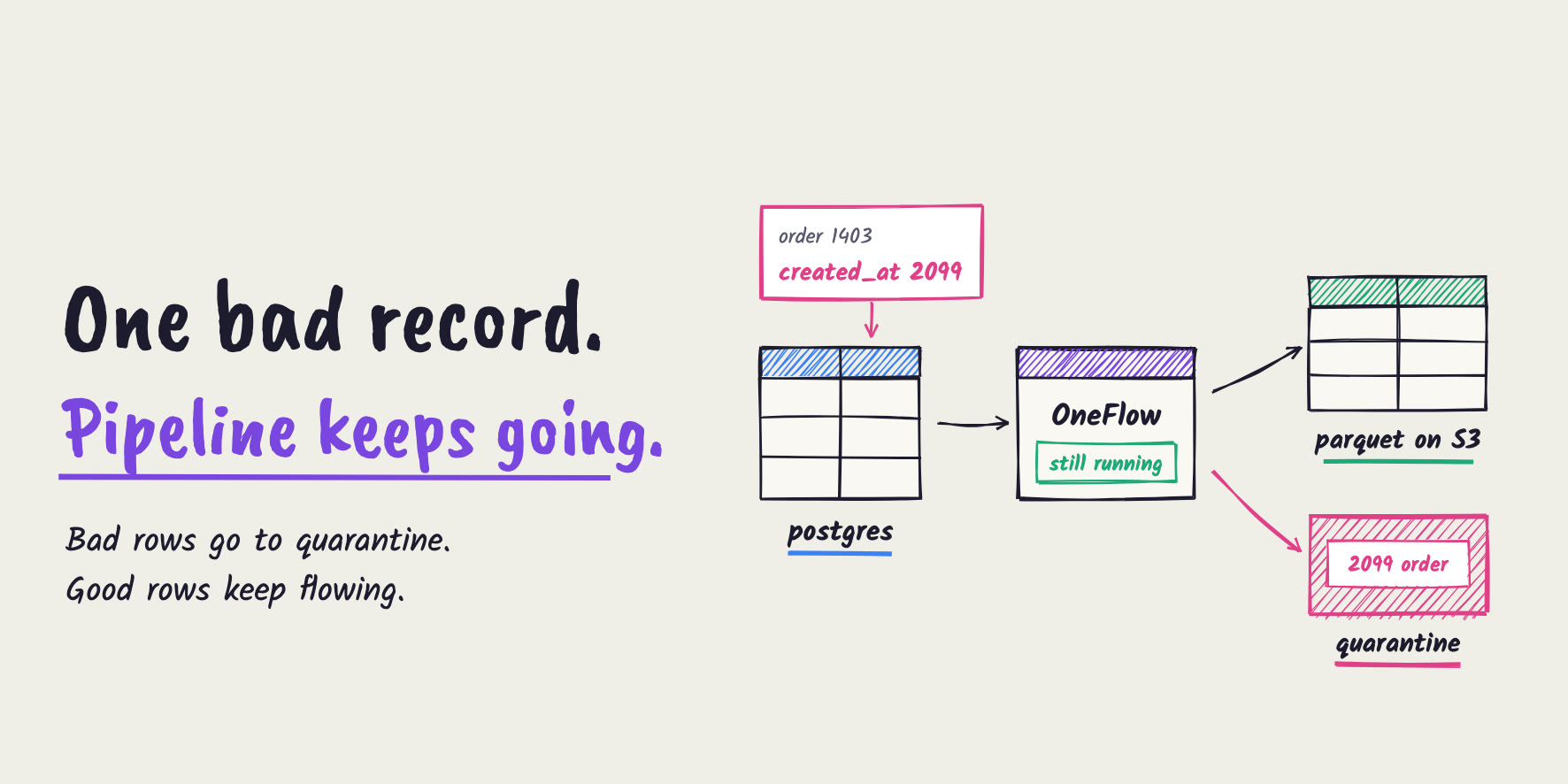
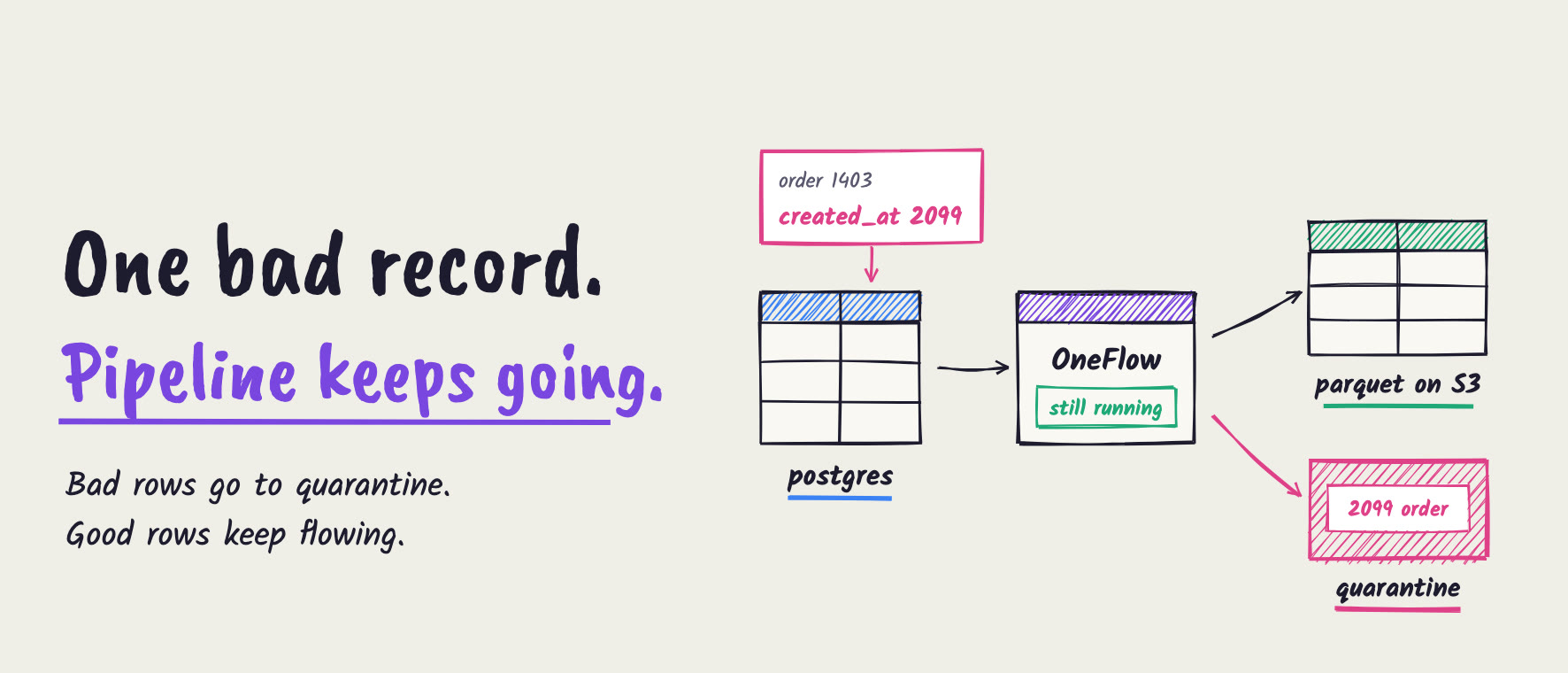
With Onehouse OneFlow, a record that fails a data quality validation is set aside in a quarantine table instead of stopping the pipeline or landing in your reports. In our run, a Timestamp Validation on created_at ("is not in the future") caught an order dated 2099 on a Postgres CDC flow. The two good orders inserted with it reached the Parquet table on S3 about five minutes later, in the same sync that set the bad order aside. The bad order waited in a quarantine table right next to the table, with the full original record, and the flow never stopped.
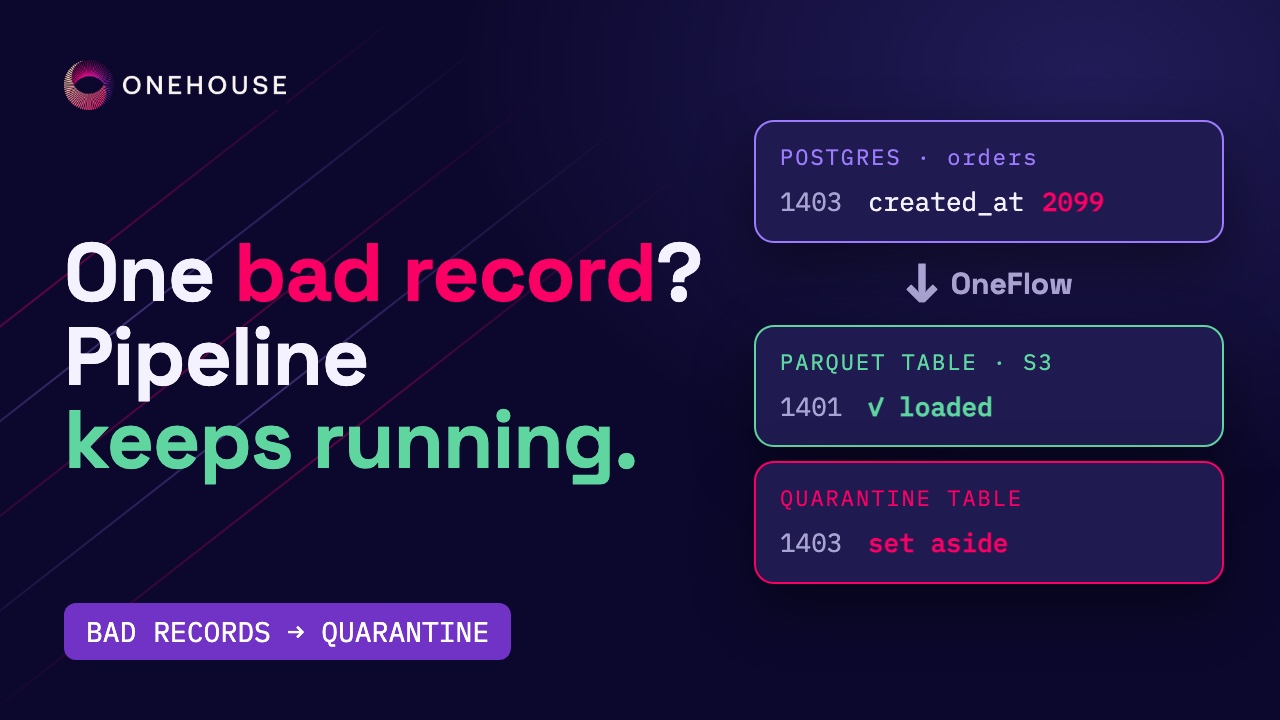
Onehouse OneFlow: One bad record shouldn’t stop your pipeline
Every pipeline eventually meets a record it shouldn’t load: a timestamp from the future, a value that breaks a business rule, a row that doesn’t match the expected structure. What happens next decides whether your morning starts with a stale dashboard, a wrong report, or nothing at all. With Onehouse OneFlow, a record that fails a data quality validation is set aside in a quarantine table, and the flow keeps loading every good record into your Apache Parquet™ tables on S3.
In this post, we set up a Postgres CDC pipeline with a data quality rule, send it a bad order, and follow both the good and the bad records end to end, using the Onehouse console and Apache Spark™.
The problem: one bad record, two bad outcomes
Tuesday, 2 a.m. An online retailer ships a new version of its checkout app. It has a small clock bug: some orders are now stamped with the year 2099.
Most pipelines handle a record like that in one of two ways:
- They stop. The job fails on the bad record, and every dashboard behind it goes stale until someone wakes up and fixes it.
- They load it. The bad value lands in the table, and the revenue report now shows sales in 2099.
Neither is what anyone wants. The good orders should keep flowing, and the bad one should wait somewhere you can look at it.
The result
We ran exactly this on a OneFlow pipeline from a Postgres CDC source to a Parquet table on S3:
| What we measured | Result |
|---|---|
| The order dated 2099 | set aside in the quarantine table, with the full original record |
| The two good orders inserted with it | in the Parquet table on S3, in the same sync as the quarantine |
| Insert to sync | about 5 minutes, on the default 5-minute sync |
| The flow | kept running; it never stopped or failed |
| Where the quarantine table lives | next to the table on S3: shop_quality/orders_quarantine/ |
How it works
Here’s the pipeline, with the data quality rule in place:
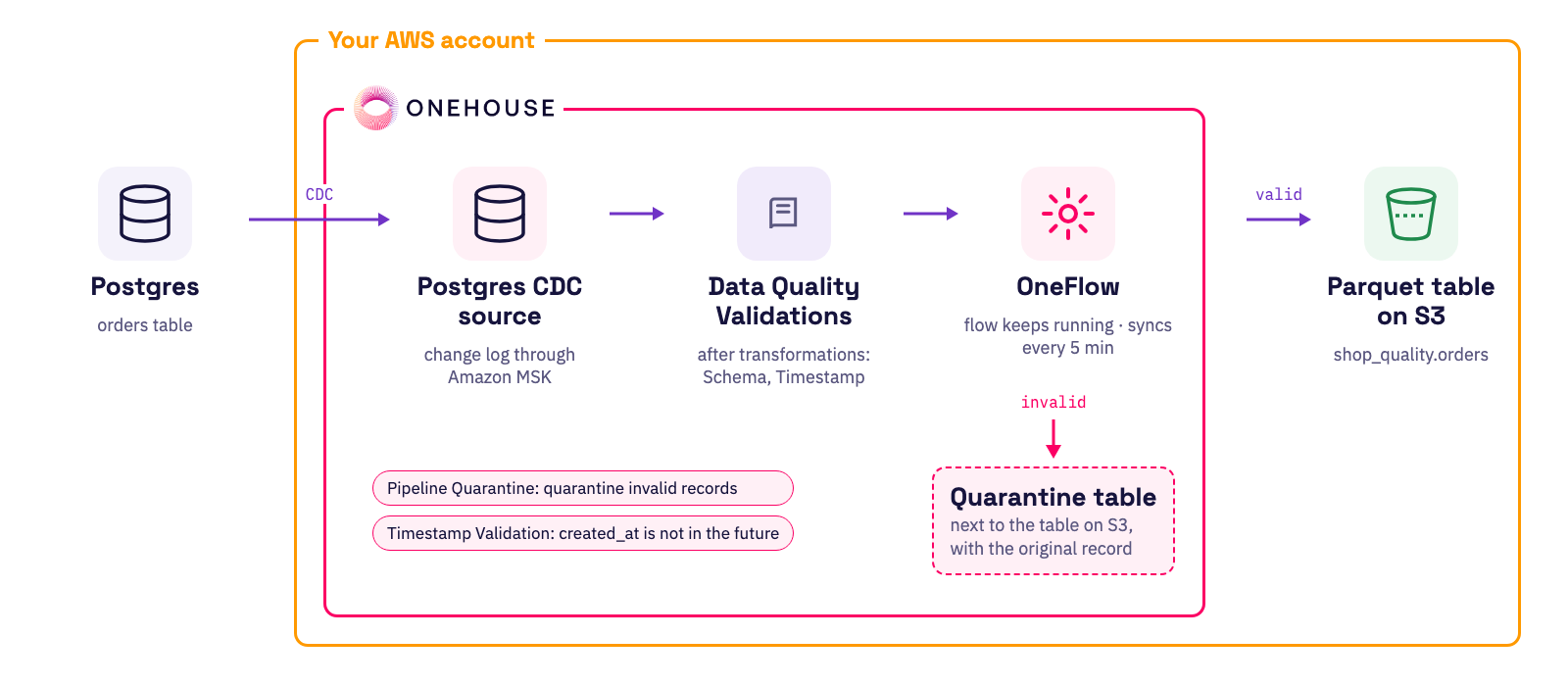
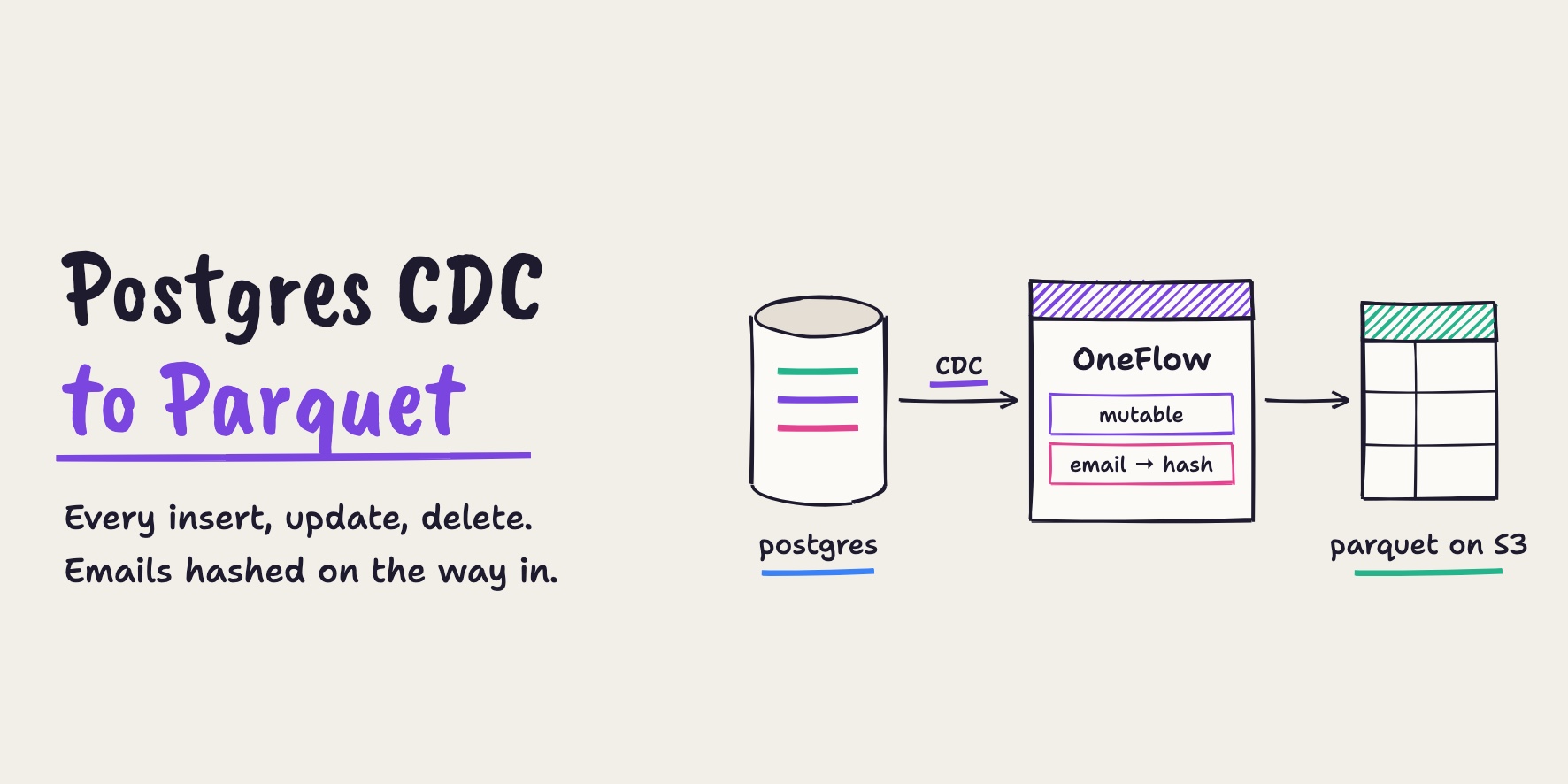
- Postgres CDC source: reads only the rows that changed from the Postgres log, carried through Amazon MSK.
- Data Quality Validations: run after your transformations, on the final shape of each record. There are two types, Schema and Timestamp.
- Pipeline Quarantine: decides what happens when a record fails. “Quarantine invalid records”, the recommended default, sets it aside and keeps going. The other choice stops the flow at the first bad record.
- Parquet table on S3: gets every valid record. Invalid ones go to a quarantine table right next to it.
Quarantining bad records with OneFlow
In the following, we build the pipeline in the Onehouse console, add a Timestamp Validation, then send it two good orders and one bad one and check where each of them ends up.
Connect Postgres
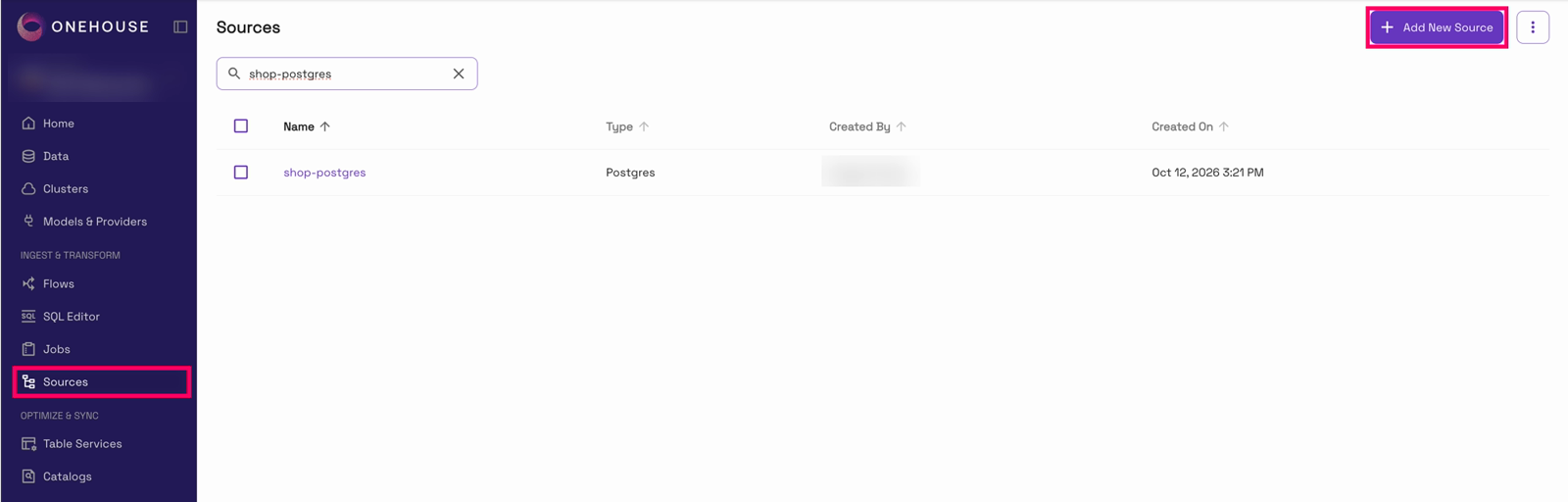
A pipeline starts with a source. In the Onehouse console, open “Sources” in the left nav and click “Add New Source”:
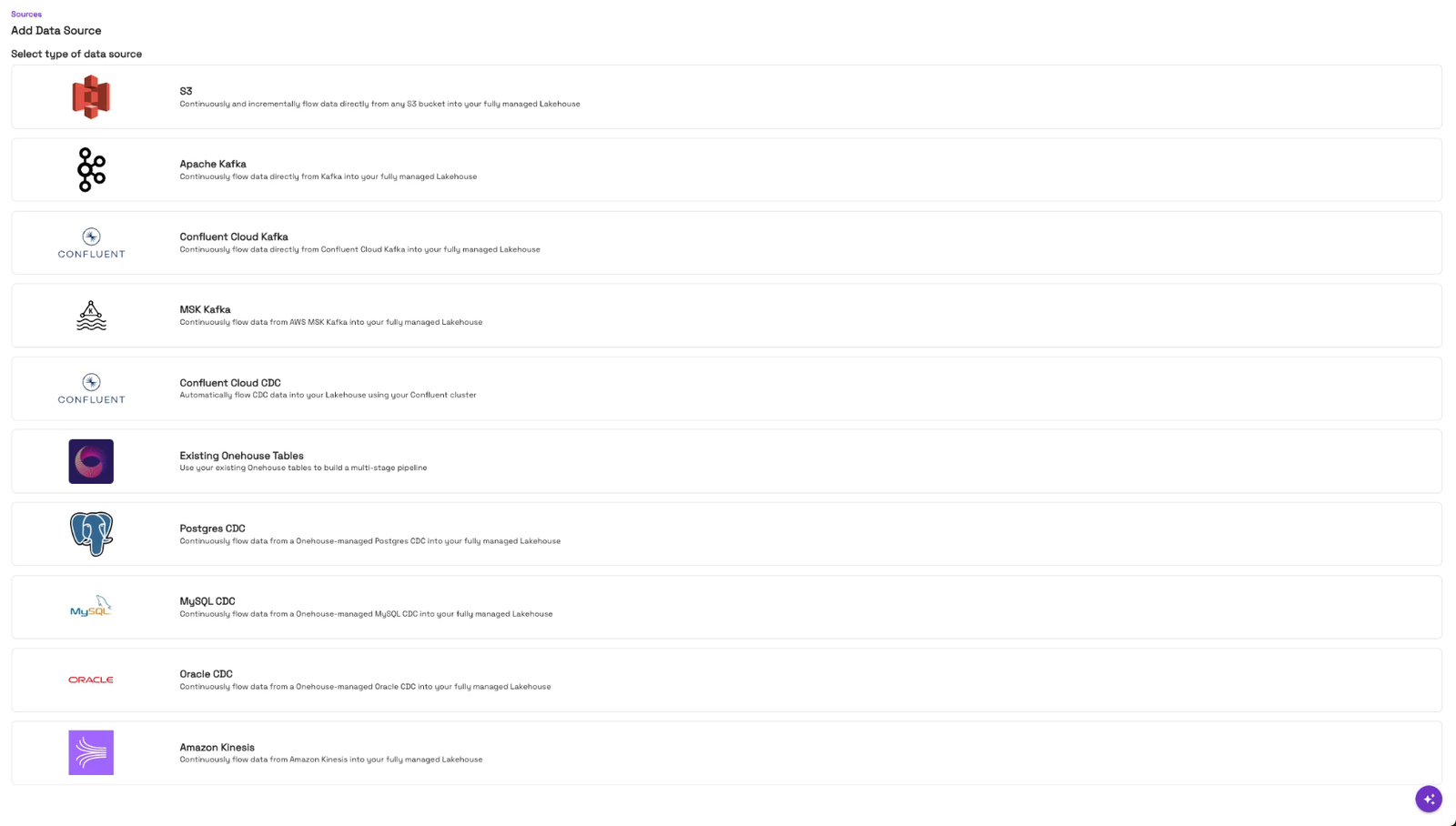
Then pick “Postgres CDC”:
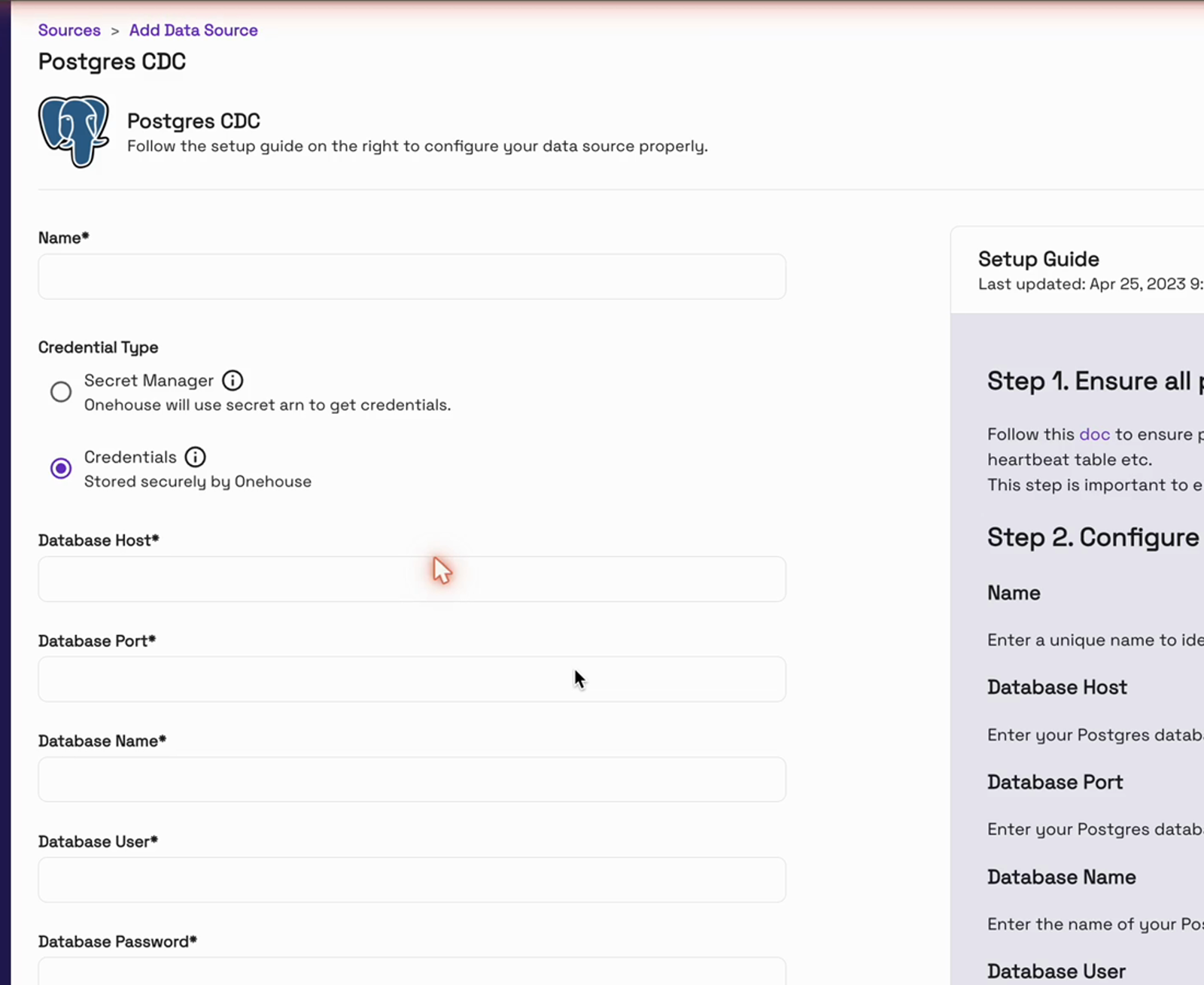
Give the source a name, then the database connection (host, port and database name) and a user that can read the change log:
The changes travel through Amazon MSK, managed Kafka in your AWS account. Add an AWS Glue schema registry, and click “Create source”:
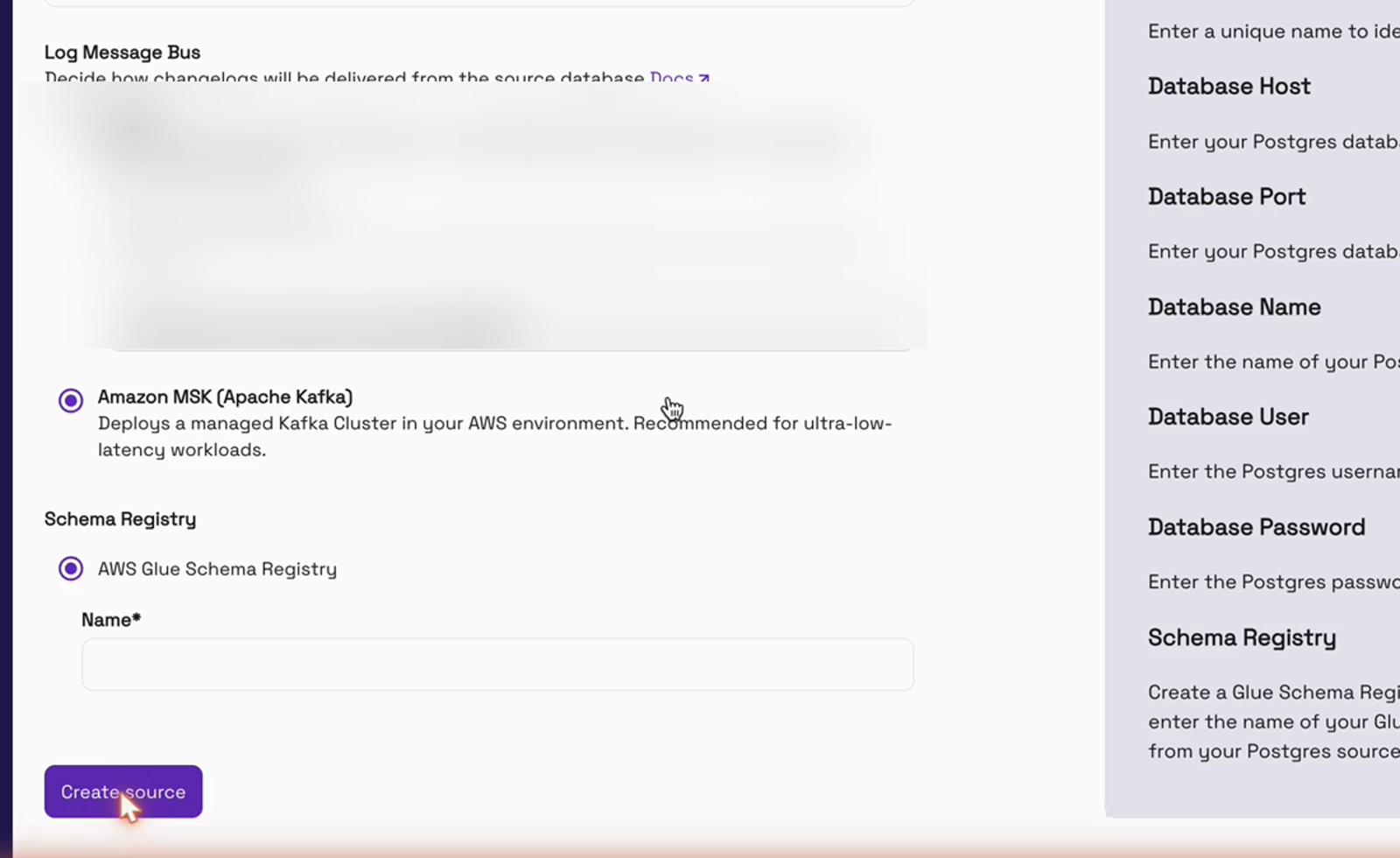
We reused our existing source, shop-postgres, so we didn’t create a second one. A source is set up once, and every flow can use it.
Create the flow
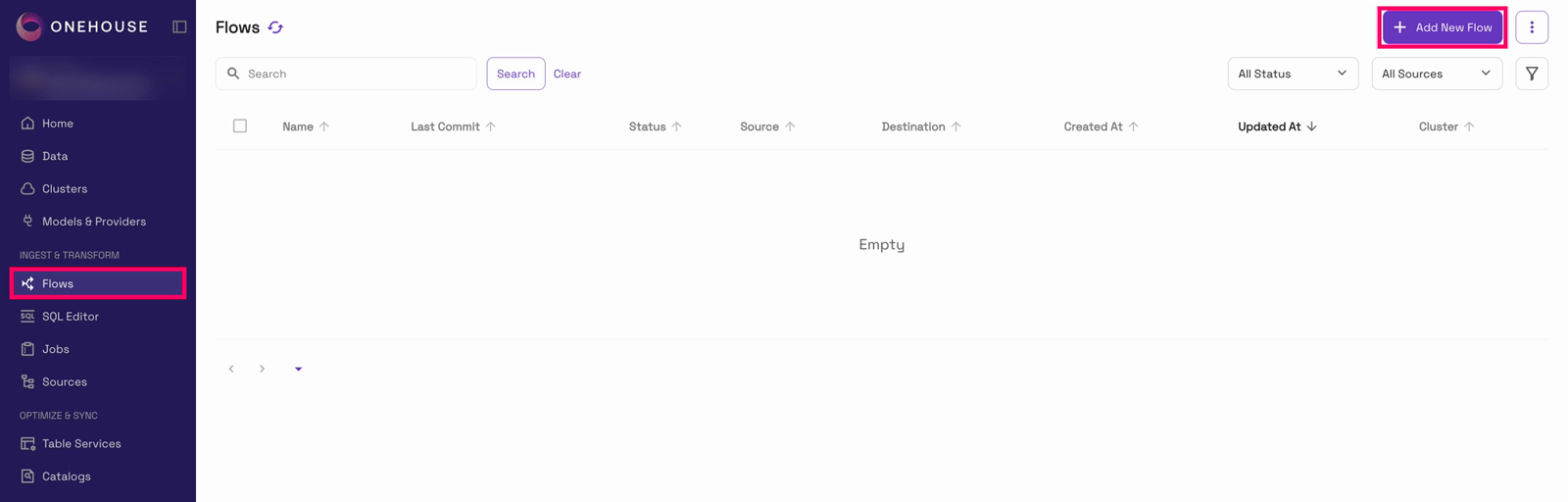
Now the flow. Open “Flows” in the left nav and click “Add New Flow”:
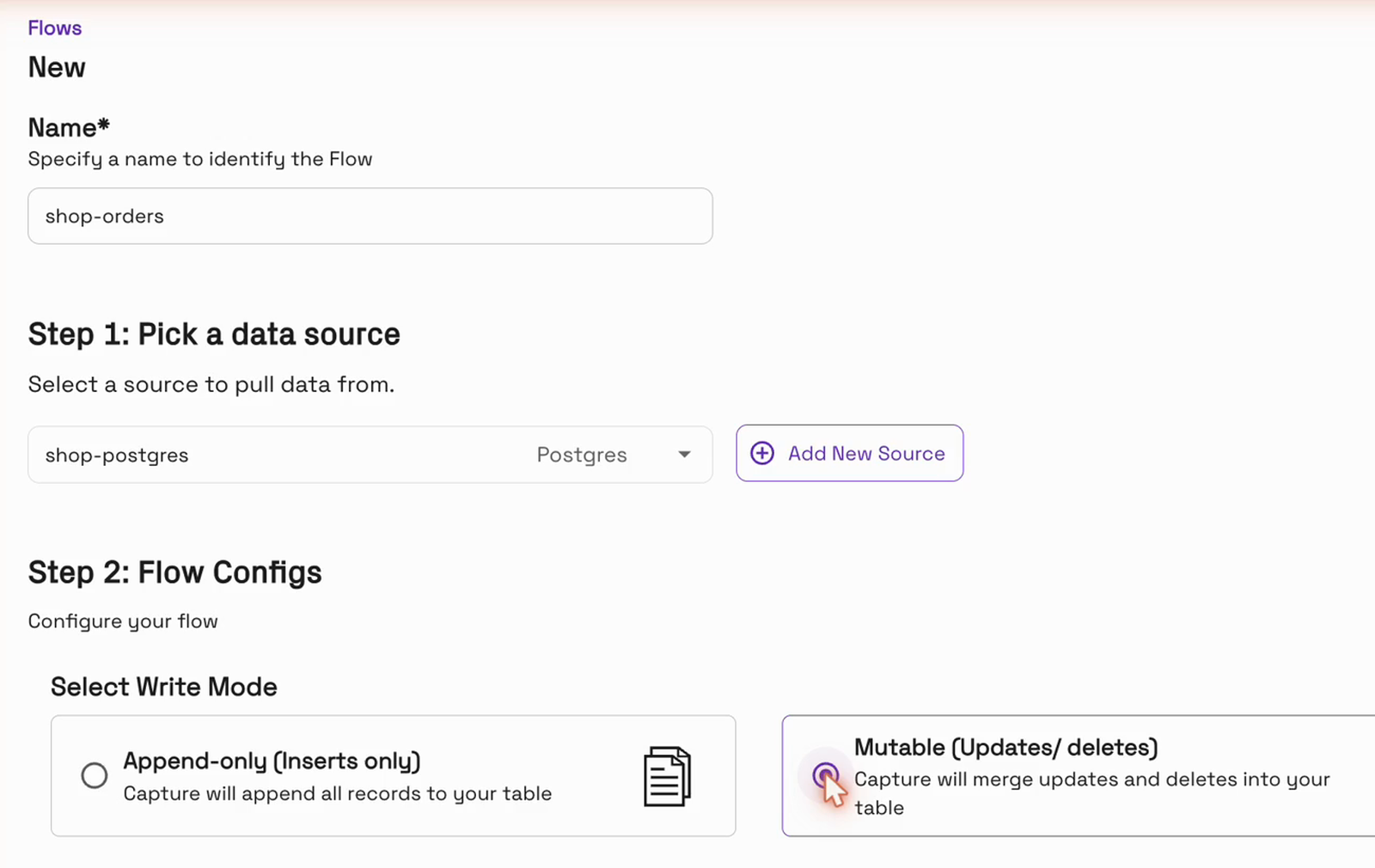
Name it, pick the Postgres source, and choose the Mutable write mode, so updates and deletes are applied in place:
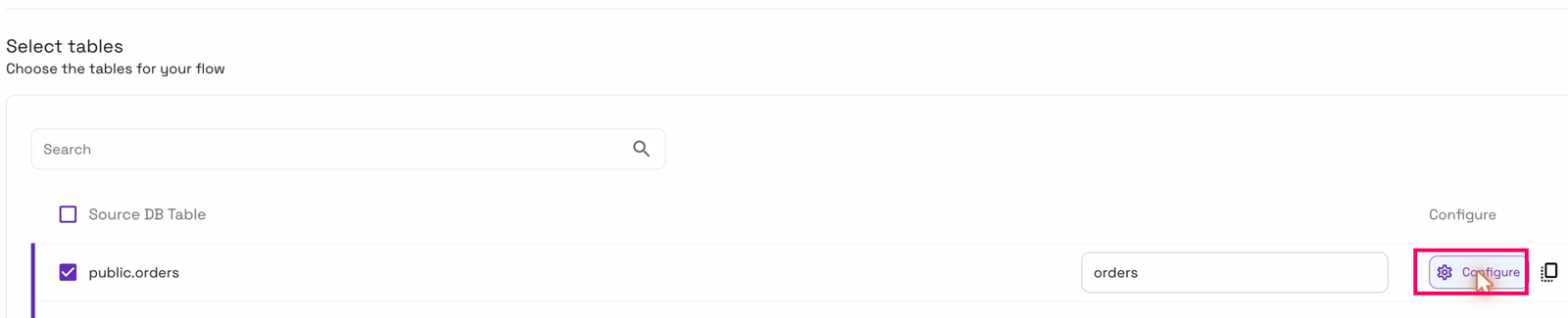
Tick the orders table and click “Configure”:
Choose what happens to bad records
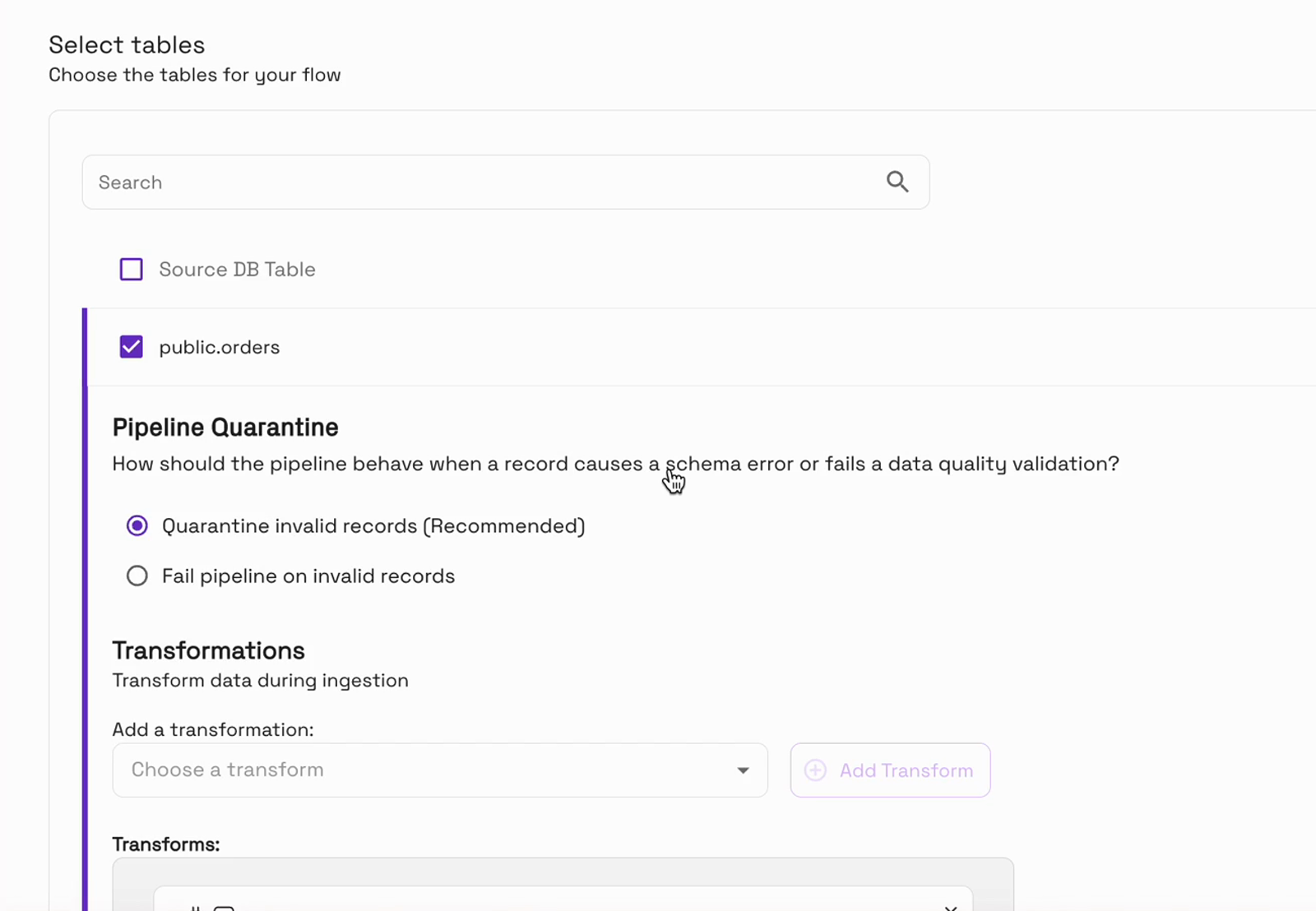
The table’s configuration starts with “Pipeline Quarantine”. “Quarantine invalid records” is the recommended default: a bad record is set aside in a quarantine table, and the pipeline keeps running. If you’d rather wait than load anything questionable, “Fail pipeline on invalid records” stops the flow at the first bad record instead:
Add a data quality rule
Below it are “Data Quality Validations”. They run after your transformations, on the final record, and there are two types:
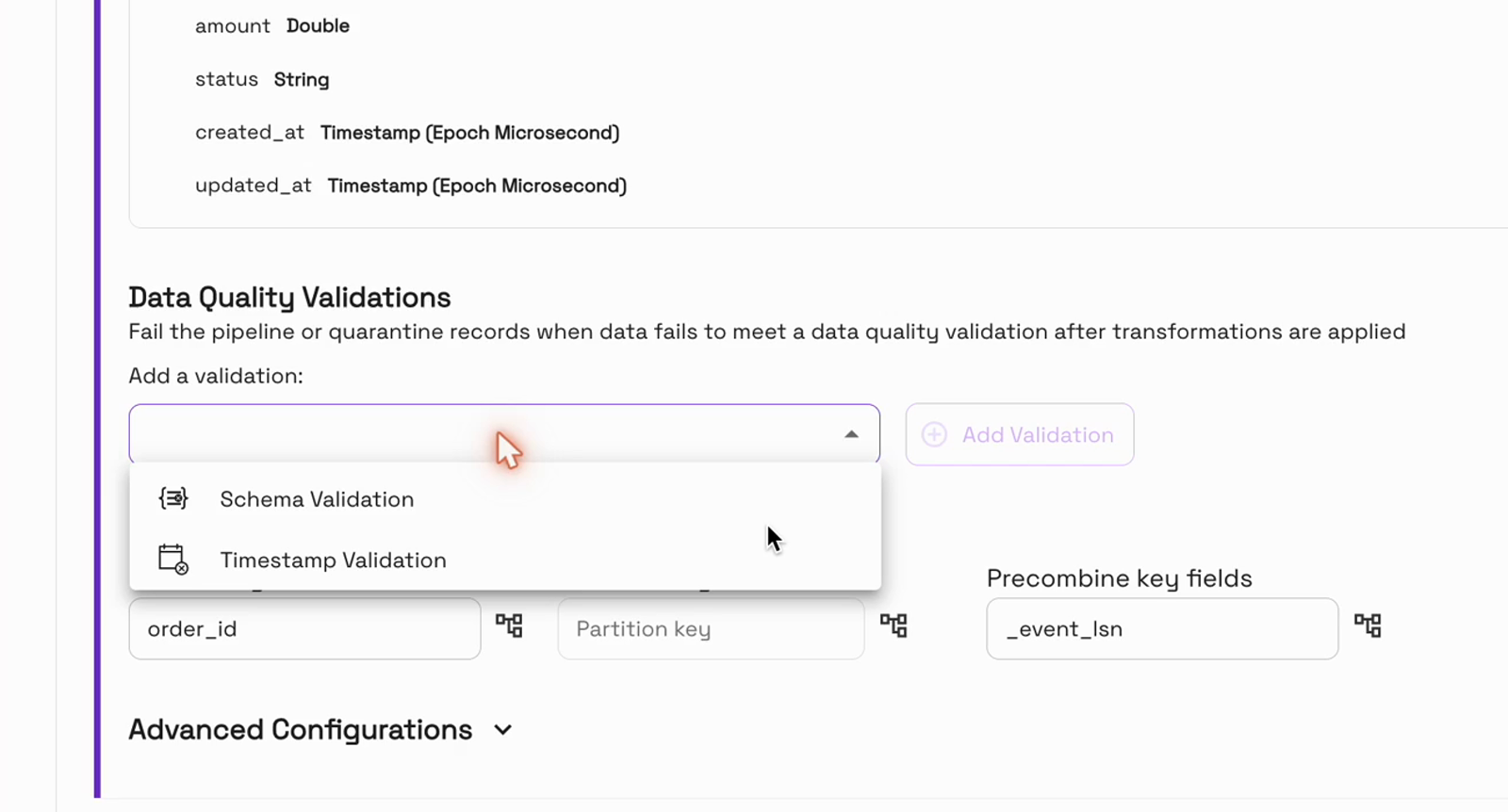
Schema Validation checks every record against a target schema from your schema registry:
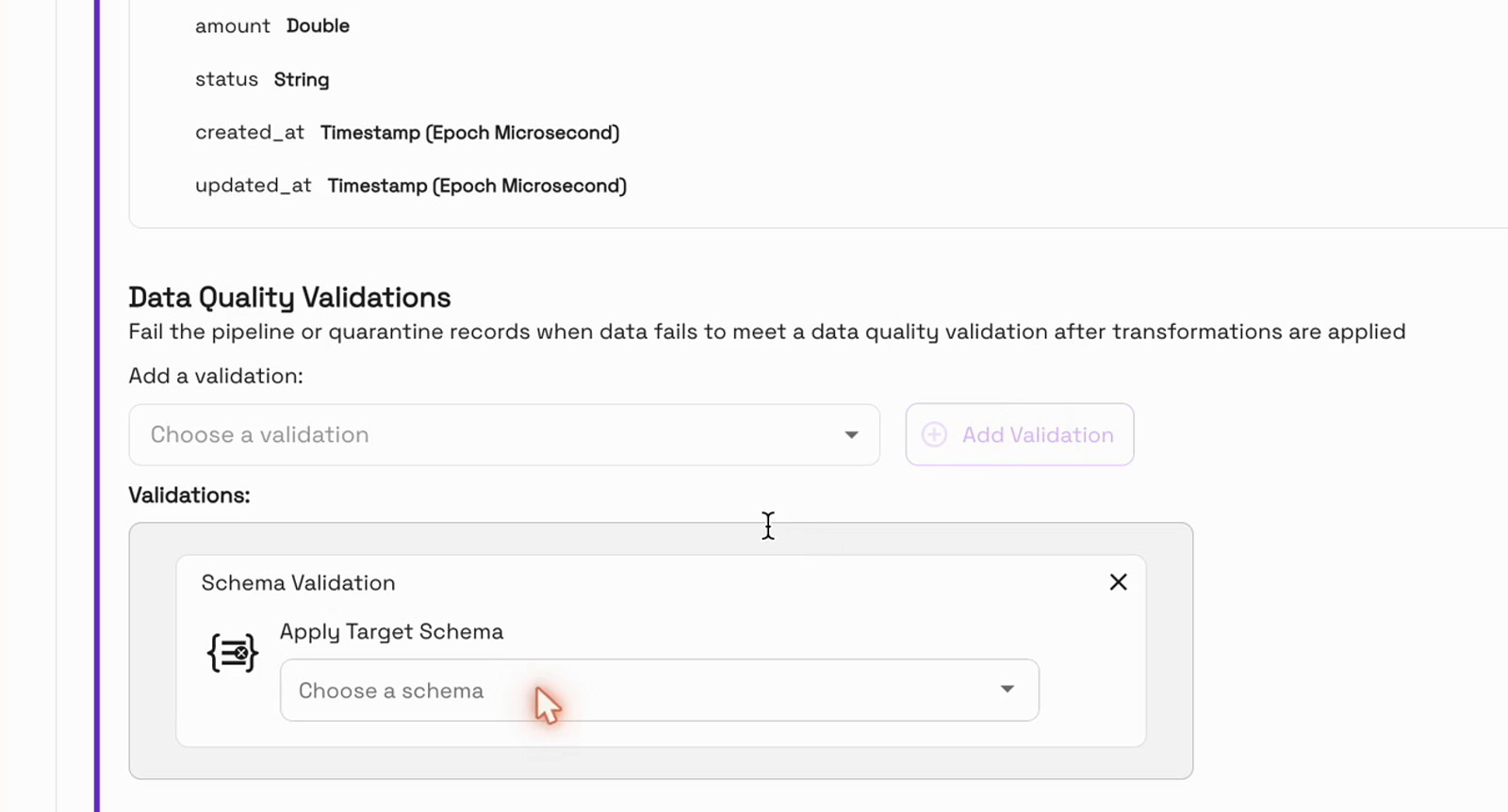
For the retailer, Timestamp Validation is the one. Pick the field, its format, and the range you expect. We chose created_at, the format yyyy-MM-dd HH:mm:ss, and the relative range “Is not future”:
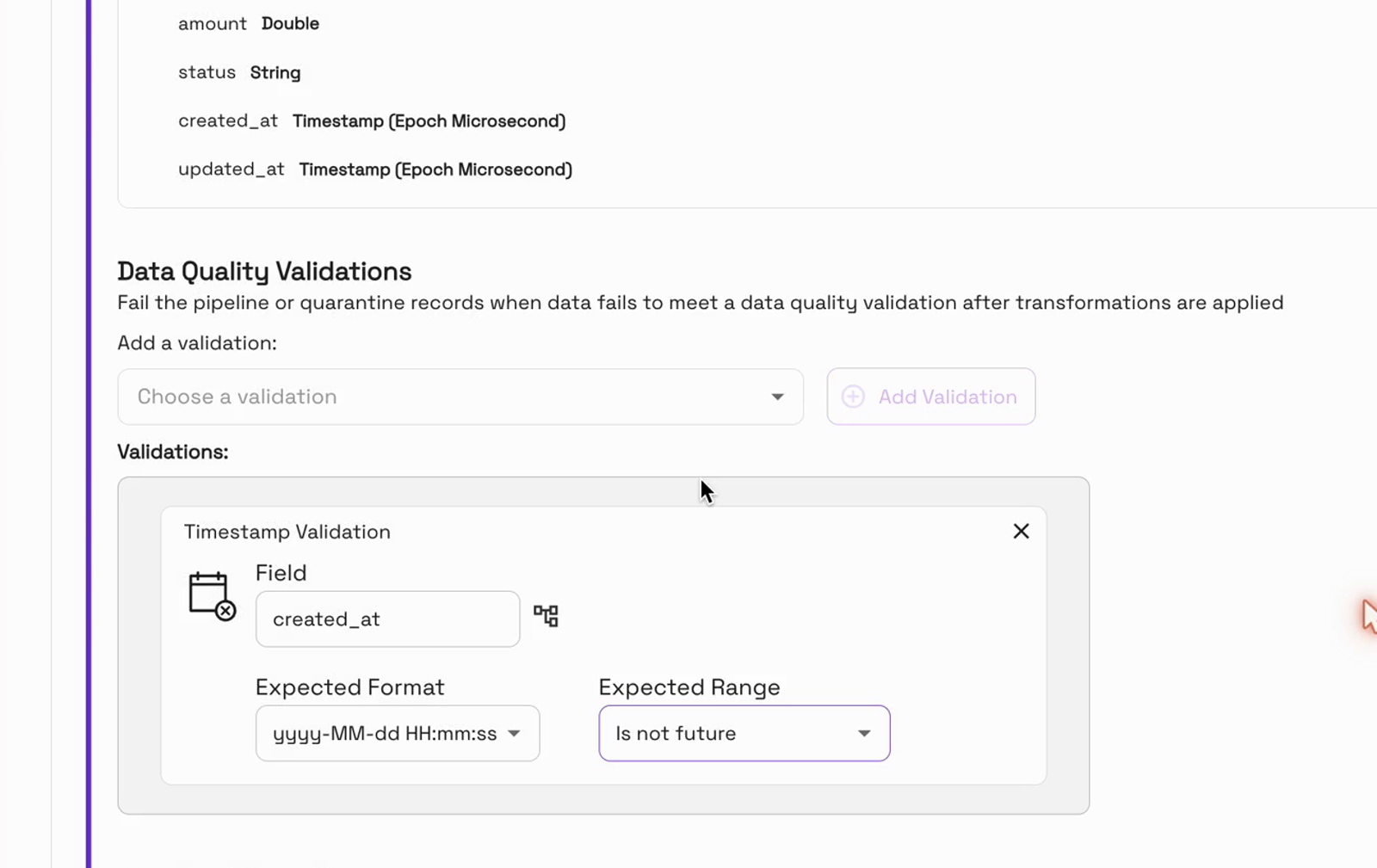
One detail matters here. The schema view lists created_at as “Timestamp (Epoch Microsecond)”, but validations run after the transformations, and the conversion from the Postgres CDC format turns it into a date string. In our rehearsal, “Epoch Microseconds” let the 2099 order through; the date pattern caught it.
The other expected ranges are “Is in last” (a number of hours, days, months or years) and a specific date, before or after.
Start the flow
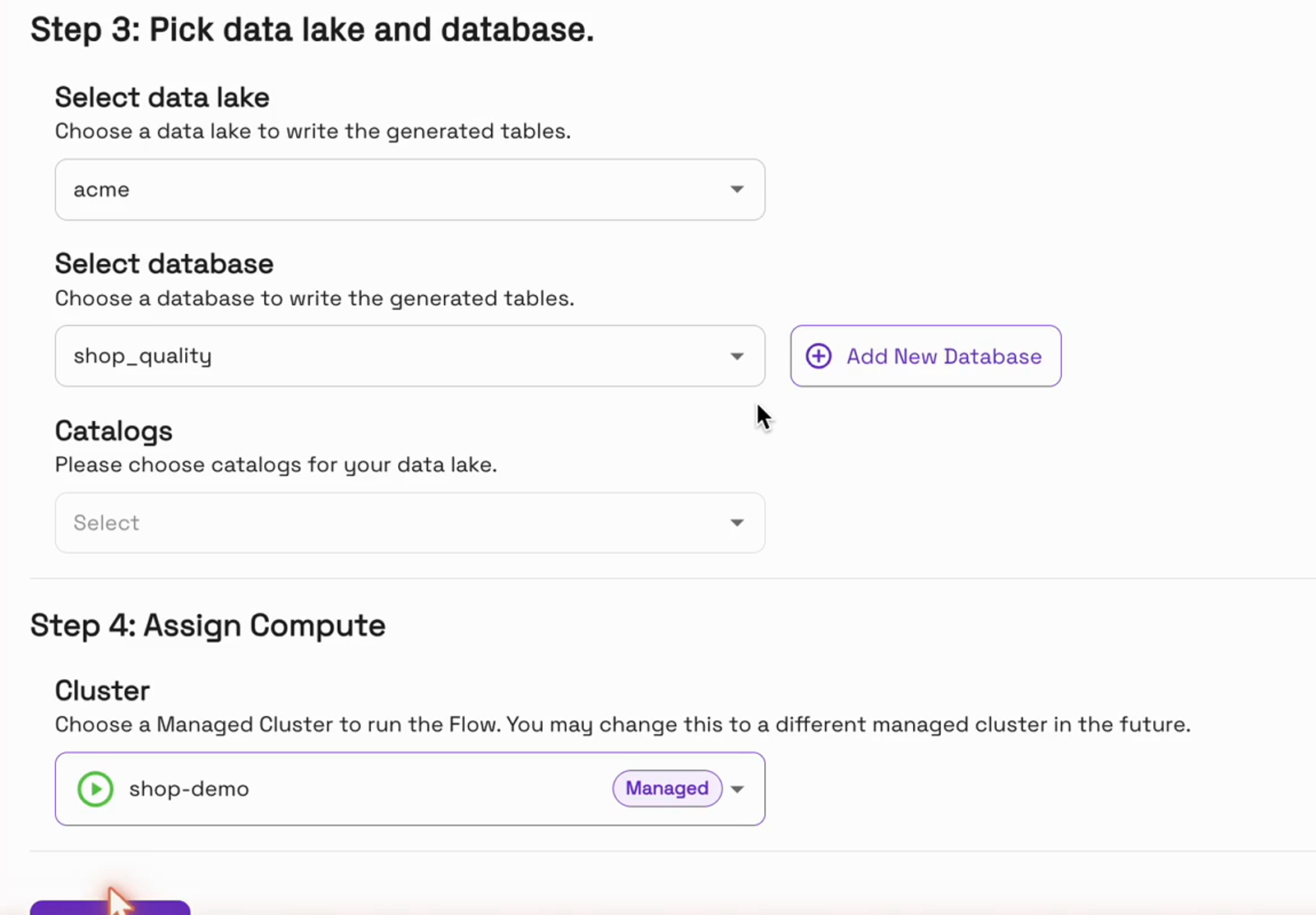
Finally, choose the database and a managed cluster, and click “Create Flow”:
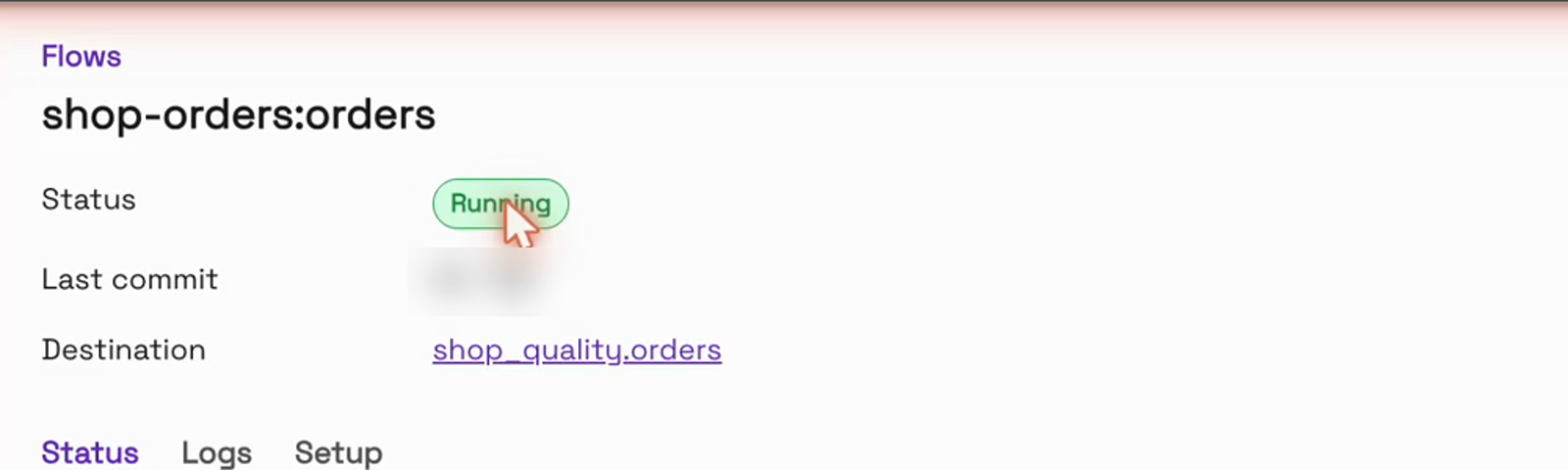
OneFlow takes a first snapshot of the table, and then the flow is running, syncing every five minutes:
Set the validation while you create the flow. Changing validations or transformations later pauses the flow until you resume it.
Send it a bad order
Now the buggy release goes out. Two normal orders come in, and one dated January 1, 2099:
INSERT INTO public.orders (order_id, customer_email, amount, status, created_at)
VALUES (1401, 'ann@example.com', 64.00, 'paid', now()),
       (1402, 'raj@example.com', 18.50, 'paid', now()),
       (1403, 'lee@example.com', 42.00, 'paid', '2099-01-01 09:14');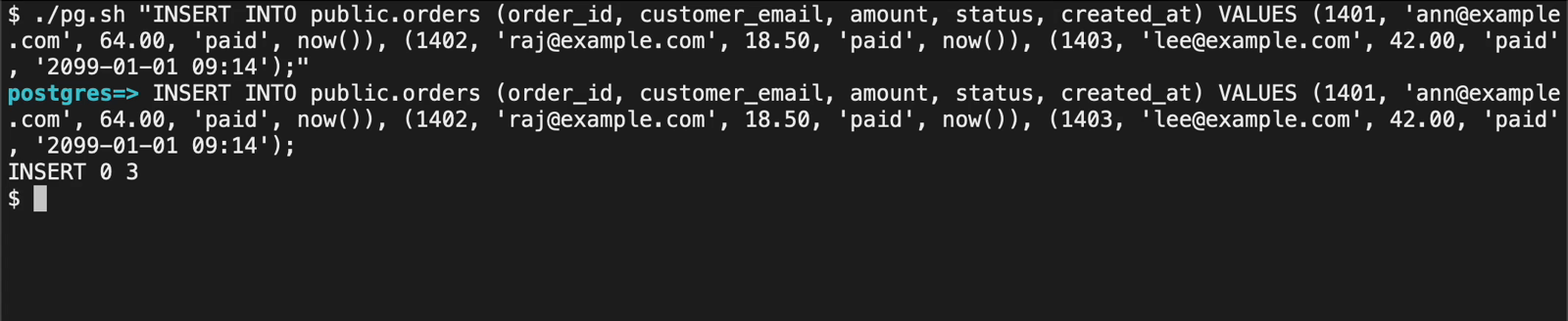
On the next sync, the flow doesn’t stop. It’s still running.
Check the Parquet table
Reading the Parquet table on S3 with Apache Spark, the two good orders are there. The order from 2099 isn’t:
SELECT order_id, amount, status, created_at
FROM shop_quality.orders
WHERE order_id >= 1401;
order_id amount status created_at
1401 64.0 paid 2026-10-23 13:33
1402 18.5 paid 2026-10-23 13:33
Find the bad order in quarantine
It’s in the quarantine table, right next to it, with the full original record:
SELECT get_json_object(data_record, '$.order_id')   AS order_id,
       get_json_object(data_record, '$.created_at') AS created_at,
       failure_type
FROM shop_quality.orders_quarantine
WHERE get_json_object(data_record, '$.order_id') >= 1401;
order_id created_at failure_type
1403 2099-01-01T09:14:00.000Z CUSTOM_TRANSFORMER_FAILURE
Each quarantined row keeps the original record as JSON in data_record, plus a failure_type and the table it was headed for. The failure type is generic, so the original record is what tells you exactly what came in.
The quarantine table lives right next to the table, in the same place on S3, so you can query it with any SQL engine:
$ aws s3 ls s3://acme-lake/acme/shop_quality/
                           PRE orders/
                           PRE orders_quarantine/
Fix it at the source
Once the app is fixed, you correct that order at the source, and it flows in like any other. Quarantined records are never loaded on their own, so nothing slips through by accident.
Frequently asked questions
Does a bad record stop the pipeline?
Not with “Quarantine invalid records”, the default. In our run, the flow kept running and the good orders in the same sync were loaded. Choose “Fail pipeline on invalid records” if you’d rather stop at the first bad record.
What can a data quality validation check?
There are two types. Schema Validation checks each record against a target schema from your schema registry. Timestamp Validation checks one field against a format and an expected range: not in the future, within the last hours, days, months or years, or before or after a specific date.
Which timestamp format should I use on a Postgres CDC flow?
A date pattern such as yyyy-MM-dd HH:mm:ss. Validations run after the CDC conversion, which turns the timestamp into a date string. In our rehearsal, “Epoch Microseconds” let the bad record through.
Where is the quarantine table, and what’s in it?
Next to the table, as <table>_quarantine in the same folder on S3. Each row has the original record (data_record), a failure type and the table it was headed for.
Are quarantined records loaded automatically once they’re fixed?
No. Correct the record at the source, and the corrected version flows in on the next sync.
Can I add a validation to an existing flow?
Yes, from the flow’s table configuration. Saving the change pauses the flow, so resume it afterwards.
Conclusion
In this blog, we’ve shown what happens when a bad record reaches a OneFlow pipeline with a data quality rule. A Timestamp Validation caught an order dated 2099 from a Postgres CDC source. The good orders landed in the Parquet table on S3 in the same sync, the bad one waited in a quarantine table next to it with the full original record, and the flow never stopped.
- Introducing Onehouse OneFlow: Ingest once, query anywhere
- Instantly unlock your CDC PostgreSQL data on a data lakehouse using Onehouse
To try it on your own data, start at onehouse.ai, or get in touch with our team at gtm@onehouse.ai.