Talk with our engineers by joining the new Onehouse community Slack!
TL;DR
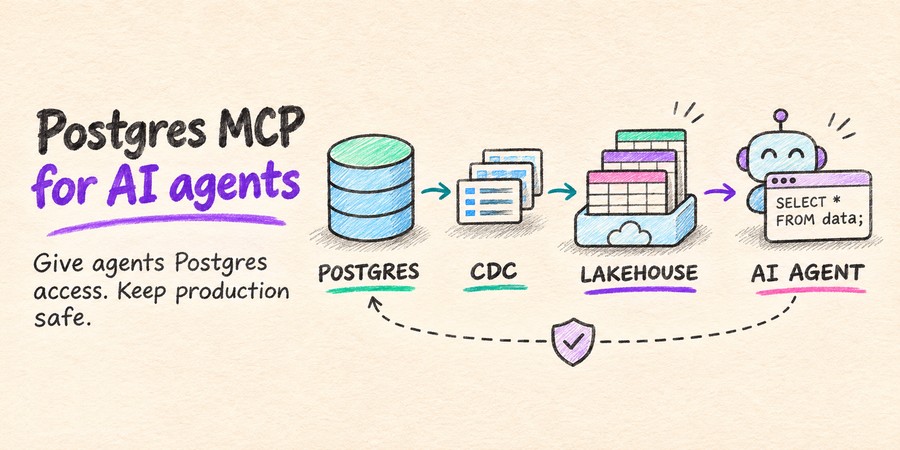
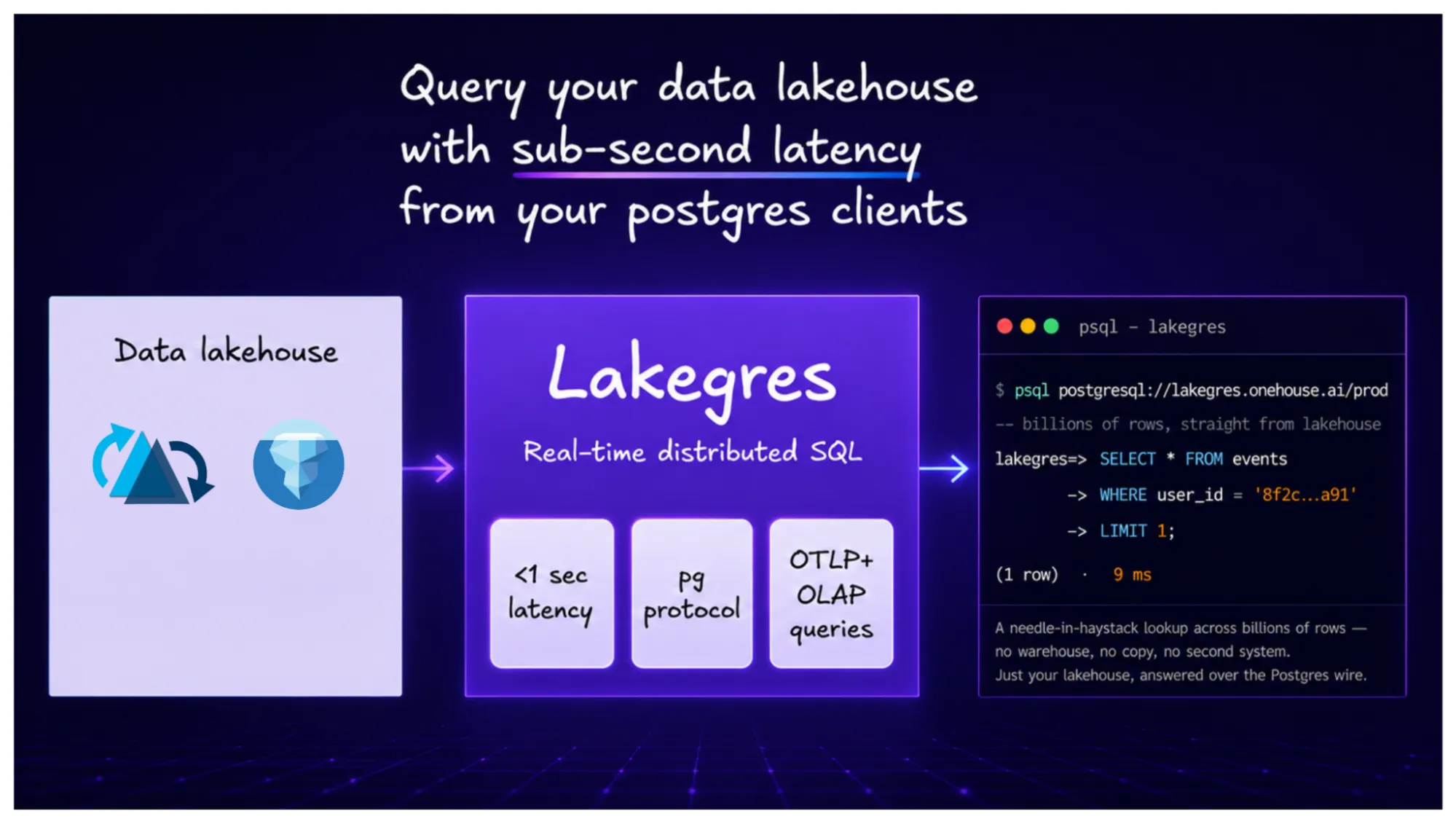
A Postgres MCP server lets an AI agent inspect schemas and run SQL. Read-only permissions restrict changes to data, but expensive scans, joins and concurrent reads can still overwhelm production instances. OneFlow replicates Postgres into open lakehouse tables; Lakegres serves agent reads on separate, distributed, scale-out compute through a Postgres-compatible endpoint. Agents can also join other lakehouse data and query retained historical snapshots. Choose this path when the task can tolerate replication lag.
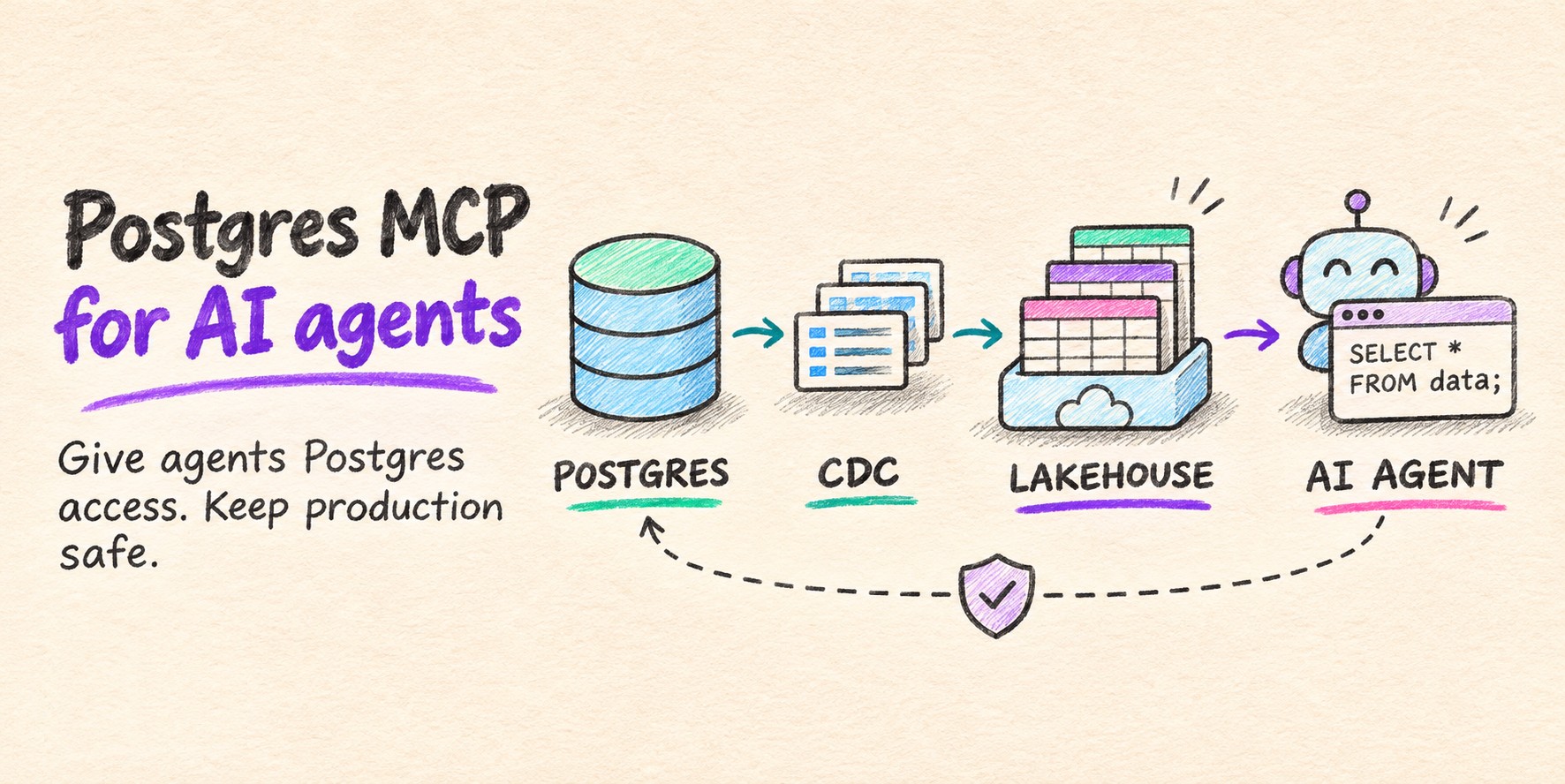
Read-only AI agents can take down an application by exhausting the database resources it depends on. Looking up orders, investigating customer issues and aggregating activity can involve scans and joins that compete with application queries for CPU, memory, I/O and connections. For tasks that tolerate replication lag, OneFlow copies Postgres data into open lakehouse tables and Lakegres serves the agent’s queries on a separate compute.
A Postgres MCP server is a small service that exposes a PostgreSQL database to an AI agent through the Model Context Protocol (MCP), the open standard agents use to call tools. The agent asks for schemas, writes SQL and reads the results, all inside its reasoning loop. Onehouse builds OneFlow and Lakegres, the two products used in the how-to below, and the sections before it cover the open-source servers on their own terms.
What a Postgres MCP server does
A Postgres MCP server sits between the agent and the database. It holds the connection, exposes a fixed set of tools, and decides how much of the database those tools can reach. The tools vary more than the name suggests, and so do the defaults.
Tools an agent gets: schema discovery and SQL execution
The minimum is one tool that runs SQL. The original reference server from Anthropic did only that, with a single query tool that runs each statement inside a READ ONLY transaction, plus each table’s schema as an MCP resource. The agent reads the schemas, writes a query, and calls query.
Schema discovery and SQL execution are the tools that matter for these read workloads. Postgres MCP Pro exposes list_schemas, list_objects, get_object_details and execute_sql. Microsoft’s postgres-mcp provides postgres_mcp_query for reads. Use schema discovery to find the relevant tables and columns, then restrict query access to the data the task needs.
An agent can use those tools repeatedly within one task: inspect an orders table, look up a customer’s purchases, then aggregate activity across a longer period. Each read consumes database resources even when the agent cannot modify a row.
Popular Postgres MCP servers in 2026
These Postgres MCP servers differ in read-only enforcement, credential handling and deployment scope. Check the settings for the version you deploy; a server’s read-only mode does not replace database permissions.
| Server | Read-only by default? | Notes |
|---|---|---|
| Anthropic reference server | Yes, READ ONLY transaction | Archived; the npm release has a known read-only bypass |
| Postgres MCP Pro | README examples select unrestricted; configure restricted explicitly | Restricted mode adds read-only and execution-time limits |
| Microsoft postgres-mcp | No; writes allowed unless access_mode: ro |
Password in the OS keyring, Entra ID for Azure |
| AWS Aurora Postgres MCP server | Yes; writes need --allow_write_query |
Credentials in Secrets Manager, RDS Data API option |
| pgEdge Postgres MCP server | Yes; configurable per database | PostgreSQL 14+; multi-database support |
Configuration checked November 5, 2026 against the project repositories and AWS documentation. Defaults can change between releases.
Database permissions control which data and operations the agent can access. They do not reserve CPU, memory or connections for the application. Query limits and workload isolation address that separate problem.
The risks of connecting an agent to production Postgres
Most setup guides end once the agent can run SELECT against the database. Two problems remain when that database is the production primary. The first is that read-only enforcement in the server can fail. The second is that a read-only query still uses the primary’s CPU and I/O.
Read-only modes have been bypassed before
In 2025, Datadog Security Labs published a SQL injection in the reference server. The server wrapped each call in BEGIN TRANSACTION READ ONLY and a ROLLBACK, but the driver accepted several statements in one string. Input such as COMMIT; DROP SCHEMA public CASCADE; ended the read-only transaction and ran the rest with the connection’s full privileges.
A second payload, COMMIT; SET statement_timeout TO 1;, changed a pooled connection so later queries from other callers failed. Datadog’s August 2025 report describes restricted database permissions as a partial mitigation and identifies v0.6.2 of the deprecated reference package as vulnerable. Use a maintained implementation and a database role with only the privileges the task requires.
Server-side SQL checks add another layer of protection. Postgres MCP Pro restricts operations and execution time in restricted mode; AWS parses queries and describes its guard as a best-effort defense. A narrowly scoped database role limits what can execute if those checks fail. It still leaves allowed reads competing for resources.
Read-only queries still compete with your application
An agent can mix point lookups, historical scans and large joins within one task, then issue more queries as it refines its answer. Read-only permissions allow all of that work. At sufficient cost or concurrency, those reads can exhaust resources and disrupt the application. Large scans against production databases, even read replicas, eat up disk I/O, causing slowdown of other loads like replication writes or online reads and writes.
Production incidents show how this happens. In July 2025, DoorDash reported that an inefficient index choice caused excessive row scans, database resource exhaustion and statement timeouts, temporarily pausing order acceptance. Slack’s February 2022 incident combined cache disruption with an expensive conversation-listing query, overloading a MySQL/Vitess keyspace and preventing other requests from succeeding. At GitLab in October 2025, a high-concurrency query joining over a dozen tables saturated Postgres replicas and then the primary.
These incidents were not attributed to AI agents. They establish failure mechanisms that agents issuing expensive, concurrent reads can also trigger. Statement timeouts help limit individual queries; concurrency limits and separate serving compute reduce the impact of the combined workload.
Safer ways to connect a SQL MCP server to Postgres
Create a dedicated role and grant SELECT only on the tables the agent needs. For an illustrative orders lookup, the grant can be limited to public.orders. Set read-only and timeout defaults as additional safeguards:
CREATE ROLE agent_ro LOGIN PASSWORD '<from your secrets manager>';
GRANT CONNECT ON DATABASE shop TO agent_ro;
GRANT USAGE ON SCHEMA public TO agent_ro;
GRANT SELECT ON TABLE public.orders TO agent_ro;
ALTER ROLE agent_ro SET default_transaction_read_only = on;
ALTER ROLE agent_ro SET statement_timeout = '30s';
These session defaults can be changed; they are not an immutable security boundary. Review inherited privileges and executable functions as well as table grants. Keep credentials out of the model’s context and use the server’s supported secret store. Enforce query and connection limits at the service boundary, and cap result sizes so responses fit the agent’s context window.
Then decide which database the role points at. The table shows what each target protects.
| Target | What it protects | What it leaves open |
|---|---|---|
| Production primary with a read-only role | Restricts writes with correctly scoped privileges | Primary CPU, memory and locks under agent load |
| Read replica | Moves agent reads to separate replica compute | Replica lag, and a row-store engine for analytical scans |
| Replicated copy in the lakehouse | Operational tables from agent writes; primary from agent query load | Replication lag, CDC source overhead and serving capacity limits |
A dedicated read replica is a reasonable option for bounded reads that fit Postgres and tolerate replication lag. Keep agent traffic isolated from application replicas and avoid automatic fallback to the primary under overload. A lakehouse serving layer adds a different benefit: agents can query replicated application tables together with data from other sources, using compute that scales separately from operational Postgres.
The architecture: Postgres in through OneFlow, Postgres out through Lakegres
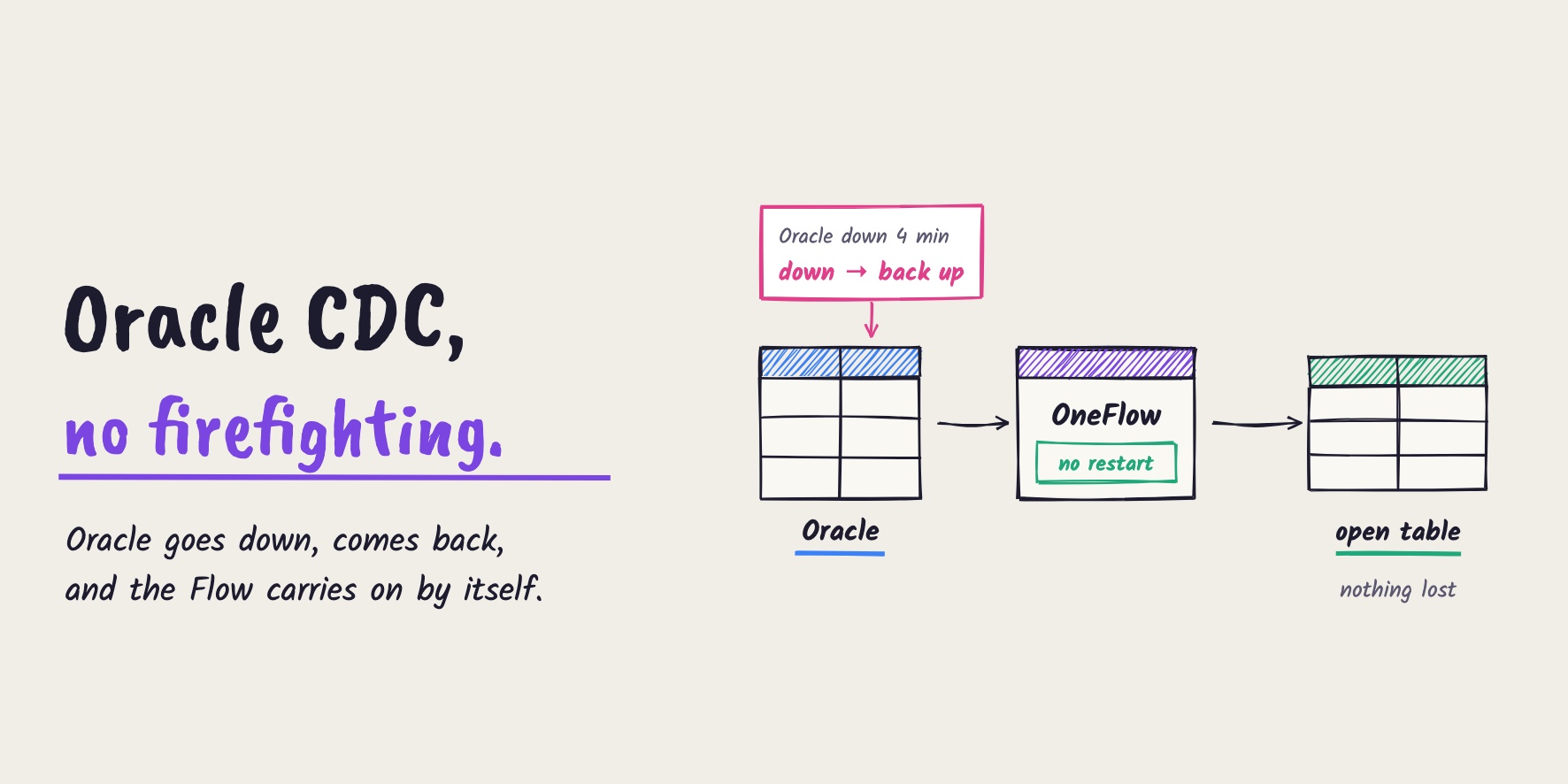
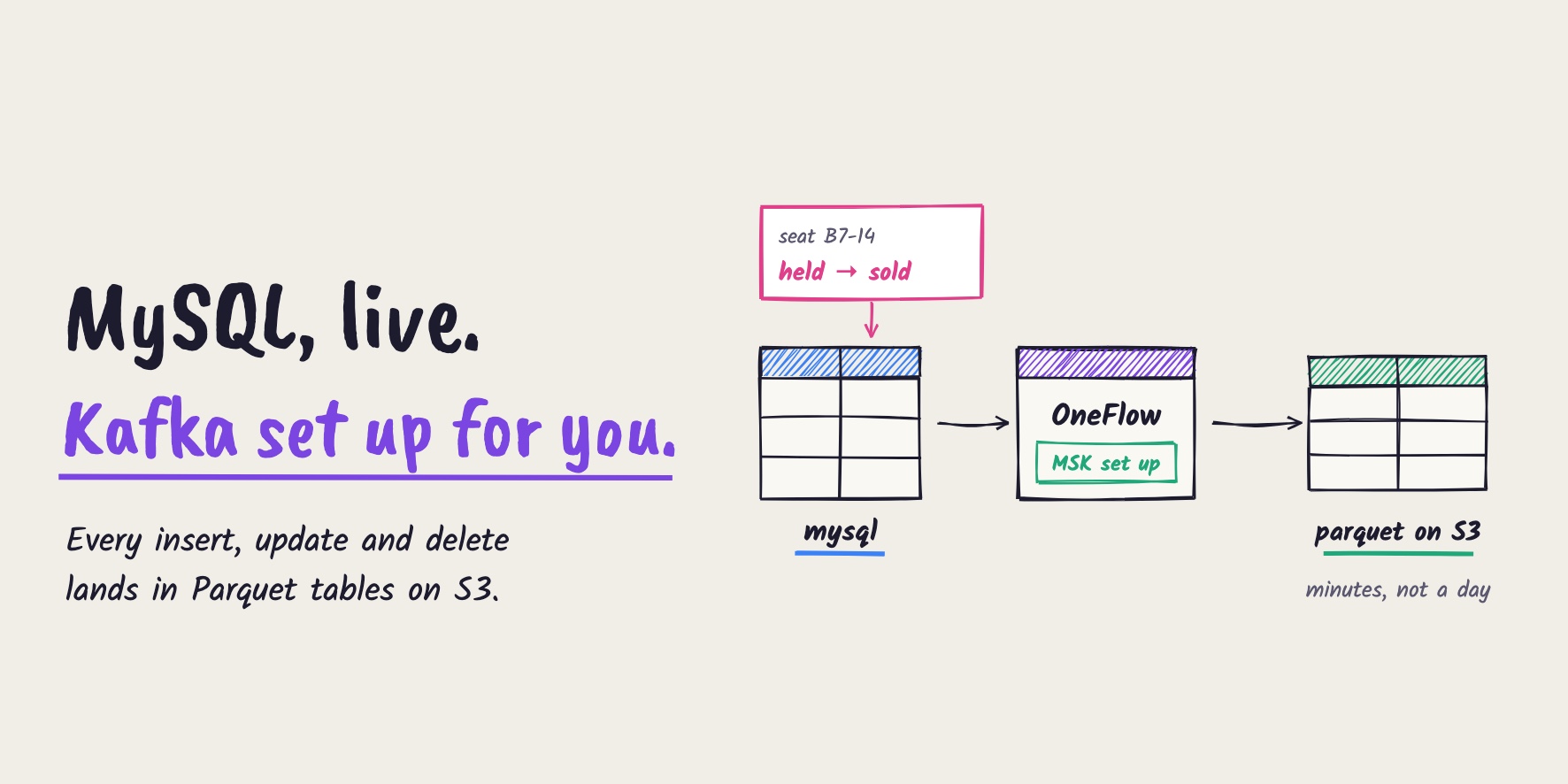
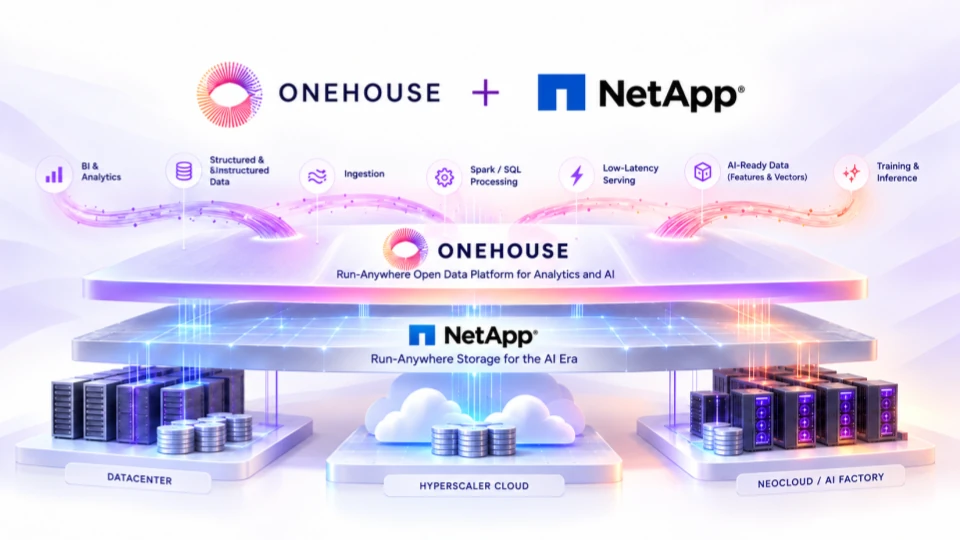
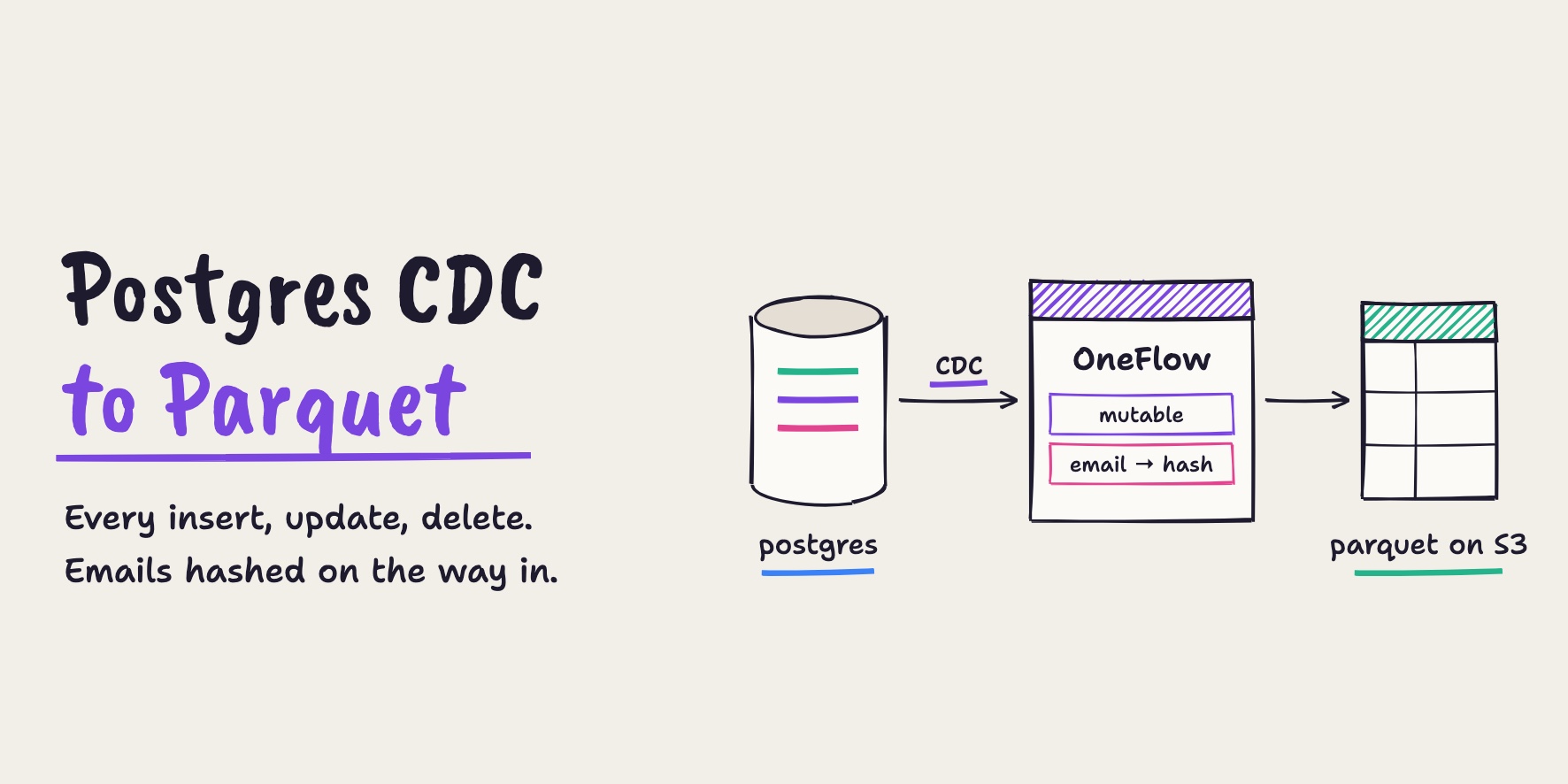
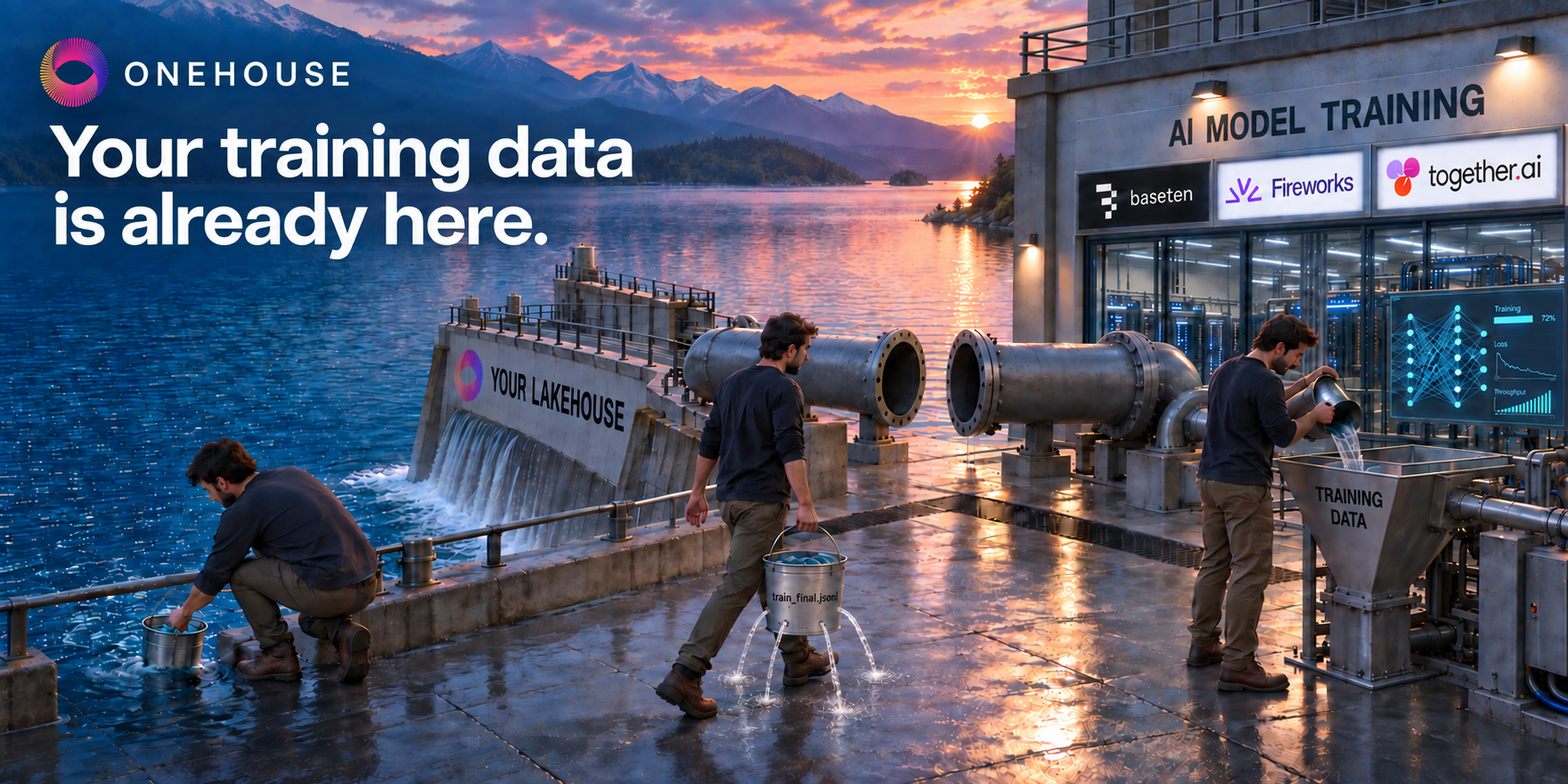
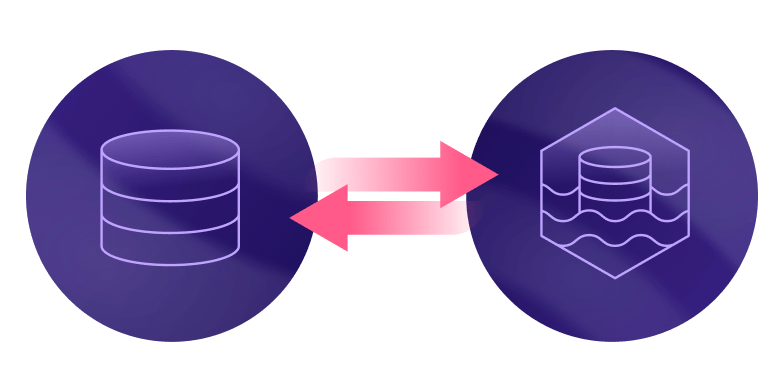
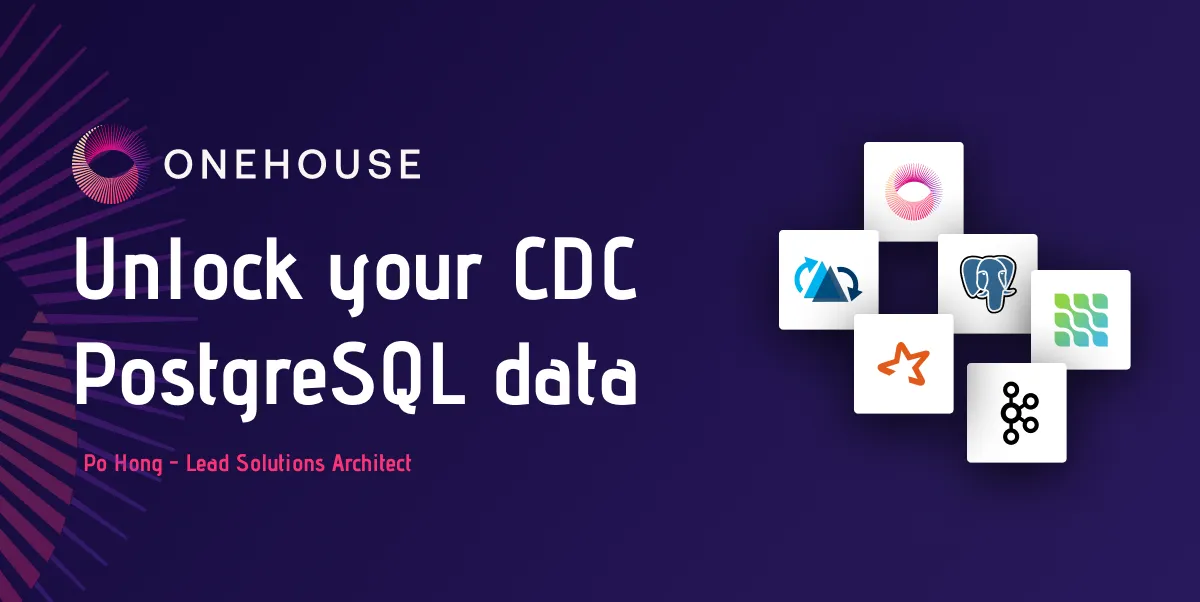
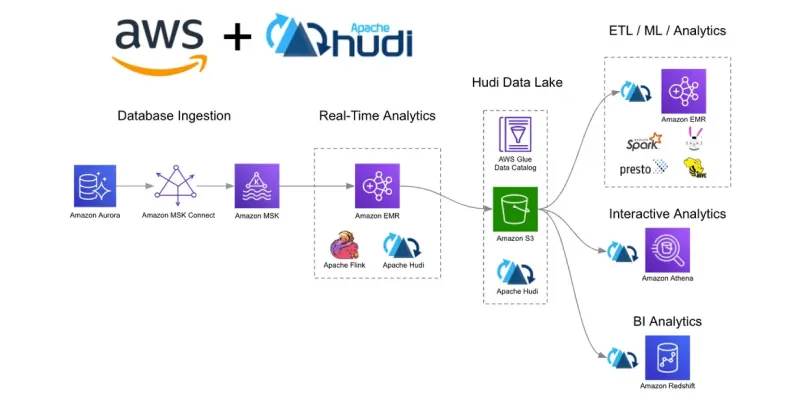
OneFlow replicates Postgres changes into open tables on object storage, and Lakegres serves agent queries against those tables on separate compute. The application continues using Postgres. Initial snapshots and ongoing CDC still add work at the source, but the agent’s exploratory scans and joins run on Lakegres.
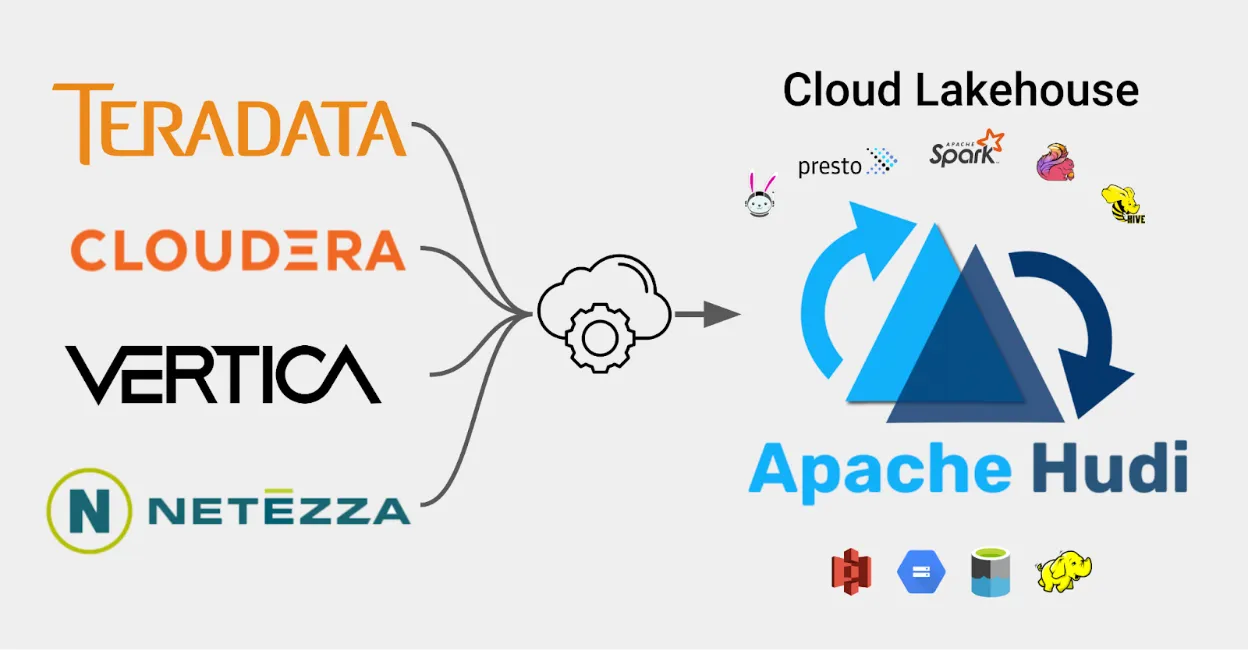
OneFlow ingests changes from Postgres and other sources into open lakehouse tables in your own cloud storage. Lakegres serves Hudi and Iceberg tables through a Postgres-compatible endpoint. Standard Postgres clients can connect with the supported authentication configuration; use the documented Lakegres driver where the authentication mode requires it.
Lakegres gives agents context beyond a single Postgres database. For example, a support agent could join replicated orders with application events and support history already in the lakehouse, including data that never came from Postgres. The open tables hold the data, and Lakegres supplies the serving compute.
Lakegres combines indexes for selective lookups with columnar caching and Quanton engines for scans and joins. It adds or removes engines as query load changes, within the configured range. Text and vector search, currently in preview, let agents retrieve matching phrases or similar documents and join those results to business data through the same serving endpoint.
Time travel adds historical context. Agents can compare retained table snapshots before and after an incident, or revisit the data version used in an earlier investigation or evaluation. Retention determines which versions remain available; independently ingested sources do not automatically form one globally atomic snapshot.
How to give agents Postgres access with OneFlow and Lakegres
The setup has four steps: configure Postgres replication, create the OneFlow flow, provision Lakegres, and connect the agent. The ingestion steps follow Onehouse’s AWS Postgres CDC walkthrough and require no pipeline code. Agent configuration also includes the shell and MCP client.
Step 1: Turn on logical replication in Postgres
OneFlow reads changes from the Postgres write-ahead log, so the source database needs logical replication. Check the current setting:
SELECT name, setting FROM pg_settings WHERE name = 'wal_level';
-- wal_level | logical
On Amazon RDS or Aurora, set rds.logical_replication = 1 in the parameter group. Create a database user with replication rights for OneFlow to connect as. In this setup the replication user connects to the primary, and the agent never does. The setup guide in the Onehouse console lists the remaining Postgres-side steps, such as the replication slot and heartbeat table, and the logical replication docs explain the mechanism.
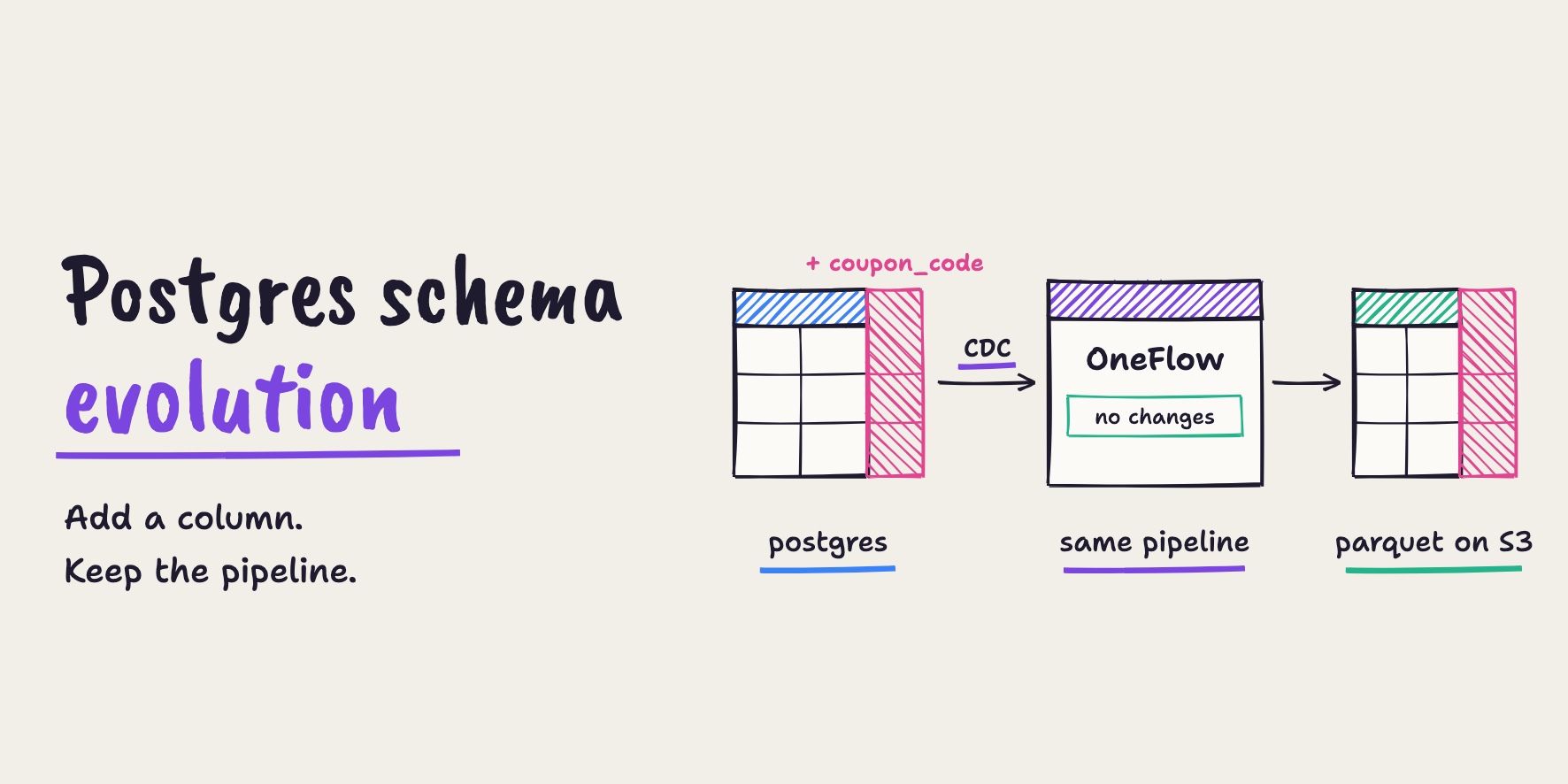
The AWS walkthrough also creates a Glue schema registry to track table structure. It demonstrates adding a column without changing the pipeline; check supported schema changes before applying other DDL.
Step 2: Replicate the tables with a OneFlow flow
In the console, open “Sources”, click “Add New Source” and pick “Postgres CDC”. Enter the host, port, database and the replication user, choose Amazon MSK as the log message bus and select the Glue registry. A source is set up once and every flow can reuse it.
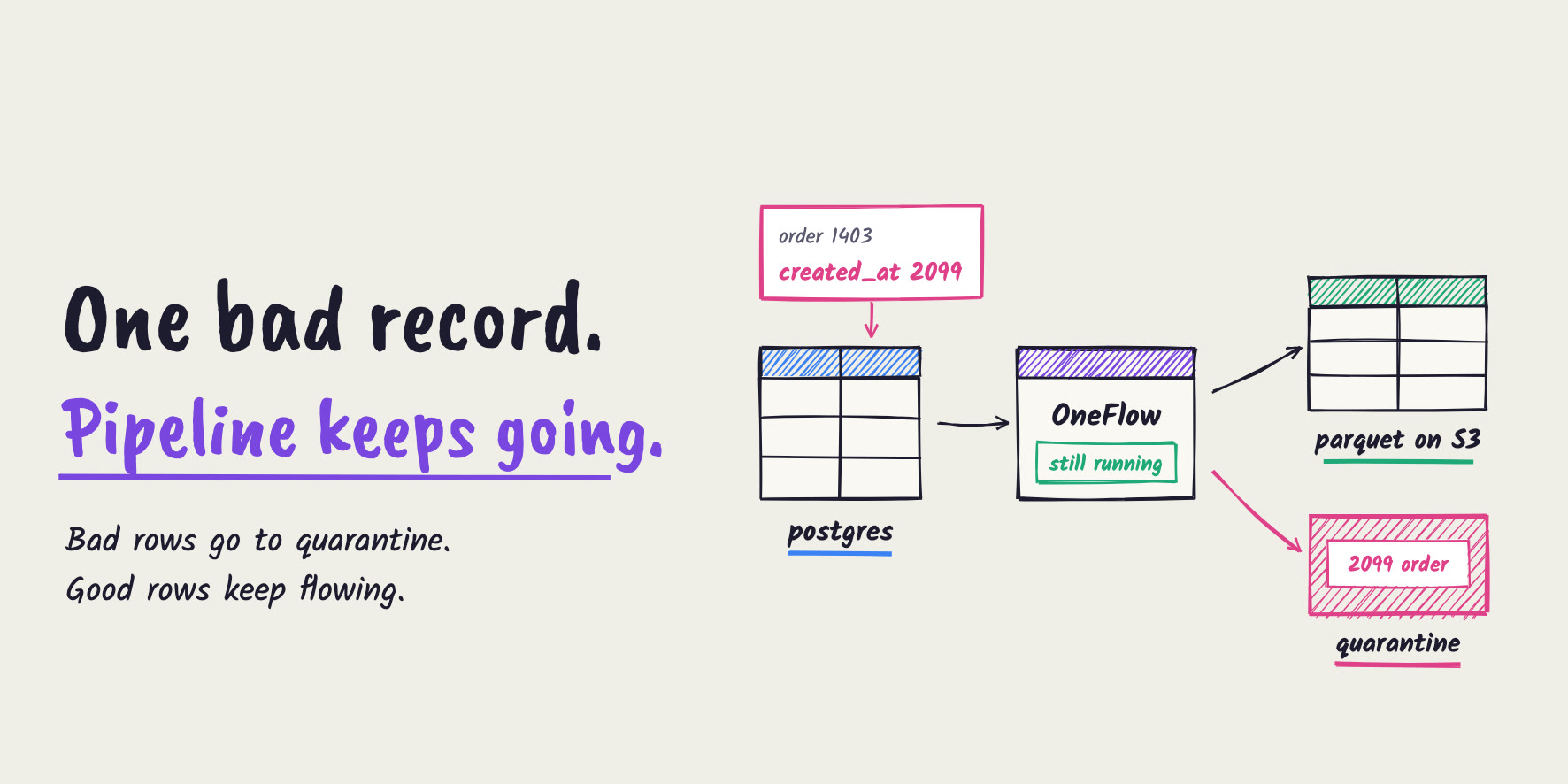
Next, open “Flows” and click “Add New Flow”. Pick the source, select the tables the agent needs, and choose the “Mutable (Updates/deletes)” write mode so updates and deletes change the existing row instead of appending a duplicate. Lakegres serves Hudi and Iceberg tables, so write the destination in one of those two formats. “Convert data from CDC format” (Postgres, Debezium) and Pipeline Quarantine are already added; quarantine sets bad records aside without stopping the flow.
Apply a Data Masking transformation before writing sensitive columns to the destination. Deterministic hashing can preserve equality joins, but it does not make values anonymous or automatically safe to expose; omit or redact fields the agent does not need. In Onehouse’s walkthrough, the first snapshot took a few minutes, including provisioning. Subsequent changes can be configured to sync as fast as 15 to 20 seconds.
Step 3: Create a Lakegres cluster and grant access
Create a Lakegres cluster in the console and pick an engine size, priced in OCU per hour. Set the minimum and maximum number of engines and turn on auto stop, so the cluster scales out under agent bursts and shuts down when idle. Point the cluster at the catalog that holds the tables OneFlow writes.
Use the Onehouse governance catalog to control the agent’s table access and row filters. Create a service principal and grant SELECT only on the replicated tables and other lakehouse context it needs. Lakegres enforces those policies on its queries. Table permissions and row filters are in production; column-level access and column masking are in preview. Remove or mask sensitive fields during ingestion where needed.
Step 4: Connect the agent over MCP and test it
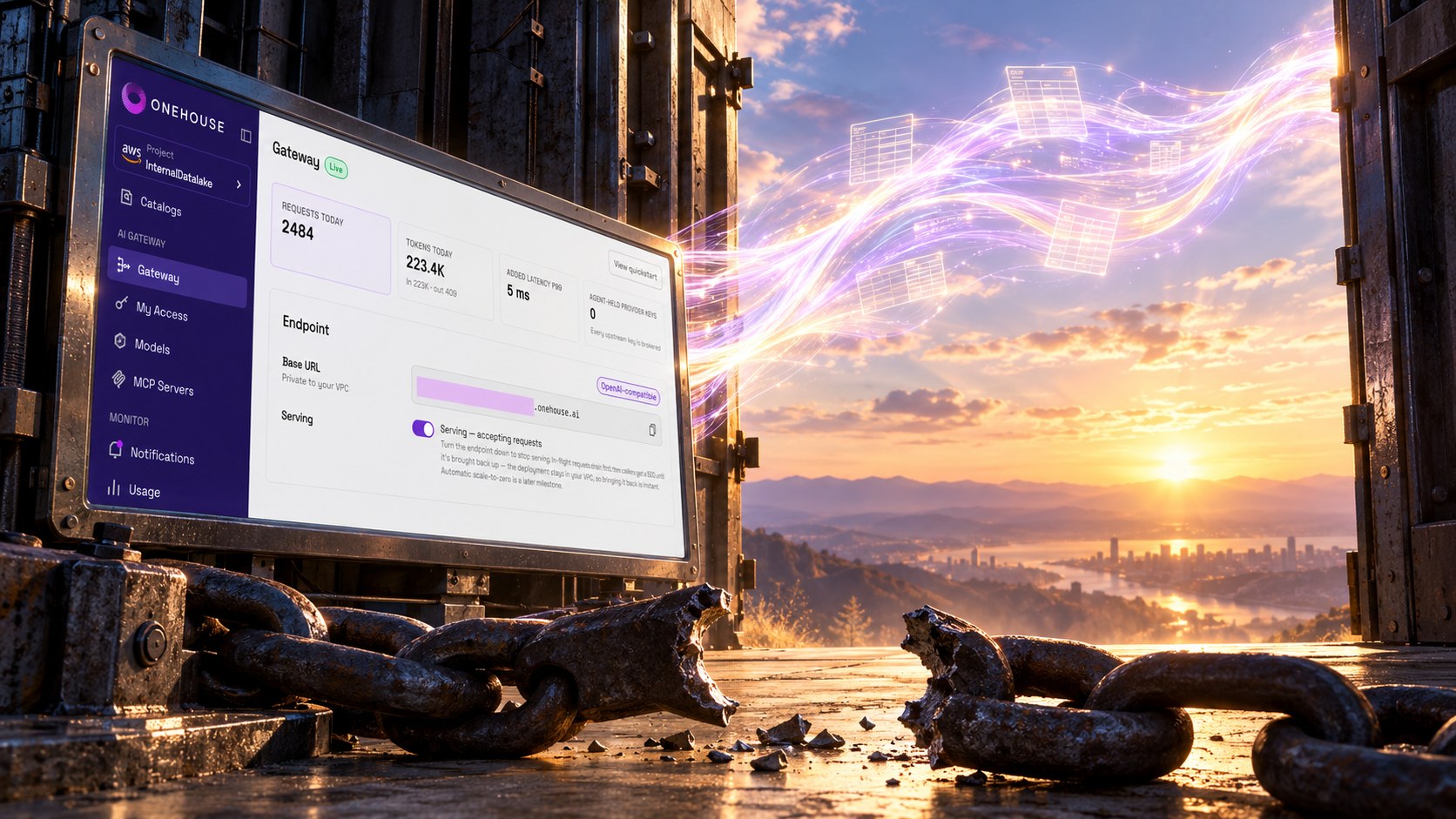
The Onehouse AI Gateway has a built-in MCP server for Lakegres, with governed access to lakehouse tables. The following example configures Claude Code’s inference connection to the gateway. Confirm the MCP connection and available Lakegres tools in the client before testing queries:
# Paste your token from the gateway token page; read -rs keeps it out of shell history.
read -rs ONEHOUSE_GATEWAY_TOKEN && export ONEHOUSE_GATEWAY_TOKEN
export ANTHROPIC_BASE_URL="<gateway url>"
export ANTHROPIC_CUSTOM_HEADERS="X-Onehouse-Authorization: Bearer $ONEHOUSE_GATEWAY_TOKEN"
export ENABLE_TOOL_SEARCH=true
claude
The gateway brokers backend credentials and records the tool calls it routes as open tables. Clients can also connect directly to Lakegres: psql uses the Postgres wire protocol, while JDBC and ODBC clients use their respective drivers. Follow the authentication setup for the chosen client.
Before handing the agent real work, ask it two questions that match its workload: a point lookup on one record and a rollup across the whole table. Compare the rollup with a known source result after replication catches up; use a controlled query window for any source-side validation. In Onehouse’s walkthrough, revenue by order status matched Postgres to the cent after every insert, update and delete.
Trade-offs of serving agents from a lakehouse copy
Freshness depends on the replication pipeline and its configuration. The walkthrough uses a five-minute sync setting; that is separate from how quickly Lakegres answers a query. If a task must read the latest committed payment or inventory state, use a controlled application API or tightly bounded primary read. A lagging replica does not satisfy that requirement.
CDC still needs monitoring on the source. Replication slots retain write-ahead log until it is consumed, so a stalled consumer can increase disk usage. On the serving side, size Lakegres and set concurrency limits for the expected workload: separate compute isolates agent reads from the operational database, but it can still overload.
Lakegres analytical queries and indexed lookups are in production; text and vector search are in preview. The setup adds managed compute and storage costs. Its value is greatest when agents need broad scans, cross-source joins or retained historical context alongside selective lookups. A dedicated Postgres replica can be sufficient for a narrower workload.
Which Postgres MCP setup should you use?
For support investigations, analytics and other read-heavy agent tasks that tolerate replication lag, OneFlow and Lakegres separate agent query load from application serving. Agents retain a familiar Postgres-compatible interface while gaining access to other lakehouse data, indexed lookups, analytical joins and retained historical snapshots.
For reads requiring the latest committed application state, expose a controlled API or a tightly scoped query path with measured resource limits. Choose a maintained MCP implementation, restrict database privileges, limit query concurrency and keep credentials out of the model’s context. Test both freshness and the effect of agent traffic before widening access.
To try the OneFlow and Lakegres path on your own Postgres tables, create an Onehouse account and connect a Postgres CDC source.
Frequently asked questions
Is the official Postgres MCP server still maintained?
No. The reference Postgres MCP server is archived and deprecated. Datadog’s August 2025 report identified a read-only bypass in package version 0.6.2. Choose a maintained implementation, verify its deployed version and use a narrowly scoped database role.
What is the difference between a Postgres MCP server and a SQL MCP server?
A SQL MCP server exposes SQL execution to an agent and may support multiple database engines. A Postgres MCP server targets PostgreSQL. For ordinary table reads, a Postgres-compatible endpoint such as Lakegres can provide a familiar connection path, but wire compatibility alone does not guarantee support for every server’s schema-discovery query or Postgres-specific tool.
Can an AI agent write to Postgres through MCP?
Yes, when both the MCP server and the database role permit writes. A read-only role cannot authorize them. This guide focuses on reading application data; write workflows need separately scoped permissions and application-level validation.
Can an agent run vector search through a Postgres endpoint?
Yes. Lakegres serves vector and text search, currently in preview, from the same Hudi and Iceberg tables that hold the facts, so one SQL query can rank by similarity and join to business data.
Author
Bhavani Sudha Saktheeswaran
Head of Open Source
Sudha is the Head of Open Source at Onehouse and a PMC member of the Apache Hudi project. She comes with vast experience in real-time and distributed data systems through her work at Moverworks, Uber and Linkedin’s data infra teams. She is a key contributor to the early Presto integrations of Hudi. She is passionate about engaging with and driving the Hudi community.