Talk with our engineers by joining the new Onehouse community Slack!
TL;DR
Databricks TCO is the Databricks platform bill plus the cloud infrastructure underneath it plus the engineering time to run both, so budgeting from the DBU rate card understates the total. Classic compute bills the VMs to your own cloud account, where Spot and reserved discounts apply, while serverless bundles compute into a higher DBU rate those discounts cannot reach. Measure the real figure from Databricks' billing system tables and your cloud bill, then fix the waste first, starting with scheduled jobs on all-purpose clusters and idle or oversized capacity. For the Spark jobs that remain, Quanton, the Spark engine from Onehouse available on its own at quanton.dev, runs in your own cloud account with no DBU charge and bills per GiB of data processed. In the Quanton TCO calculator's daily 1 TB ETL preset, which gives Quanton and Photon equal runtime, that comes to about $44 a month against about $116 on Databricks Classic with Photon.
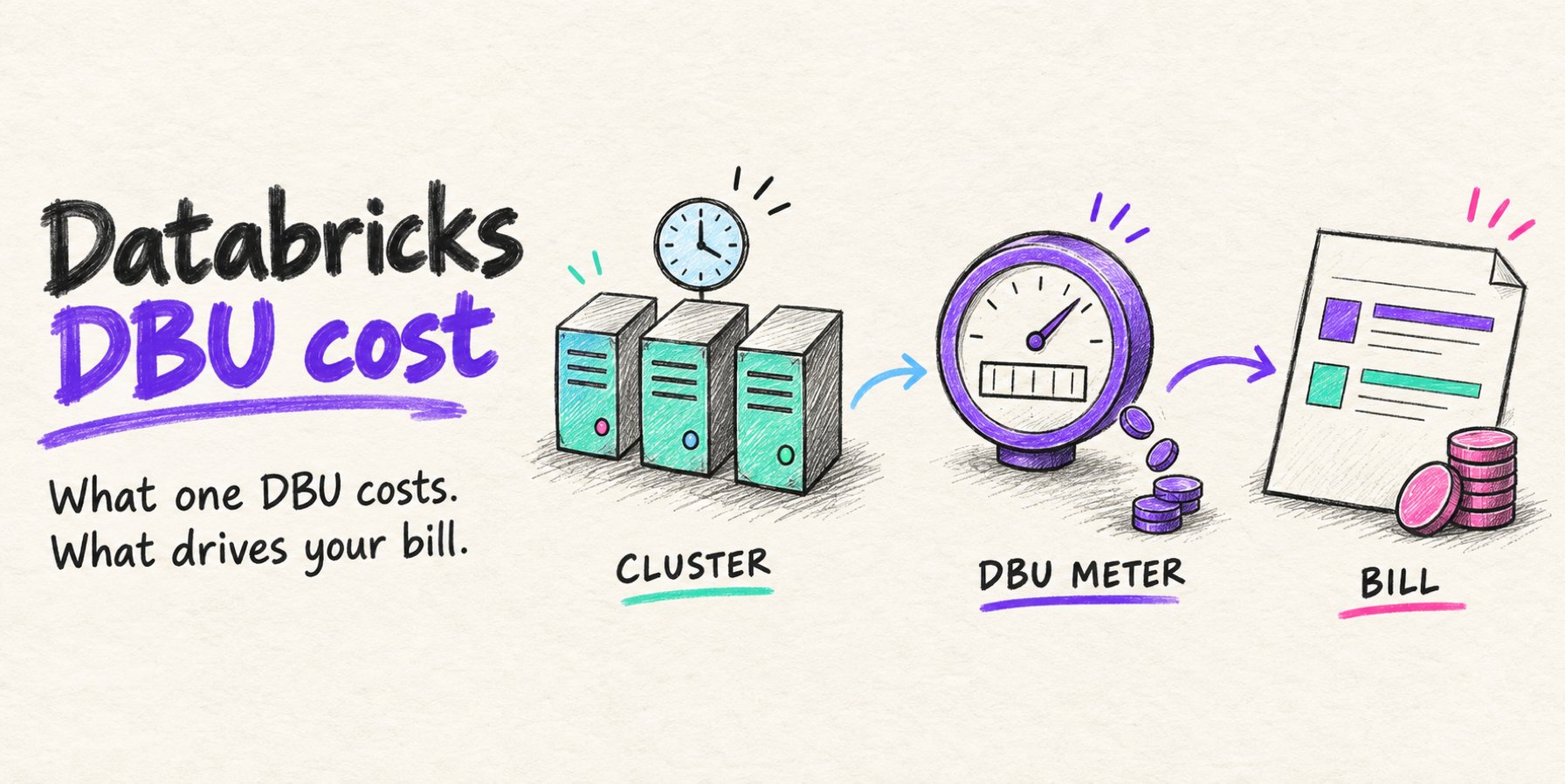
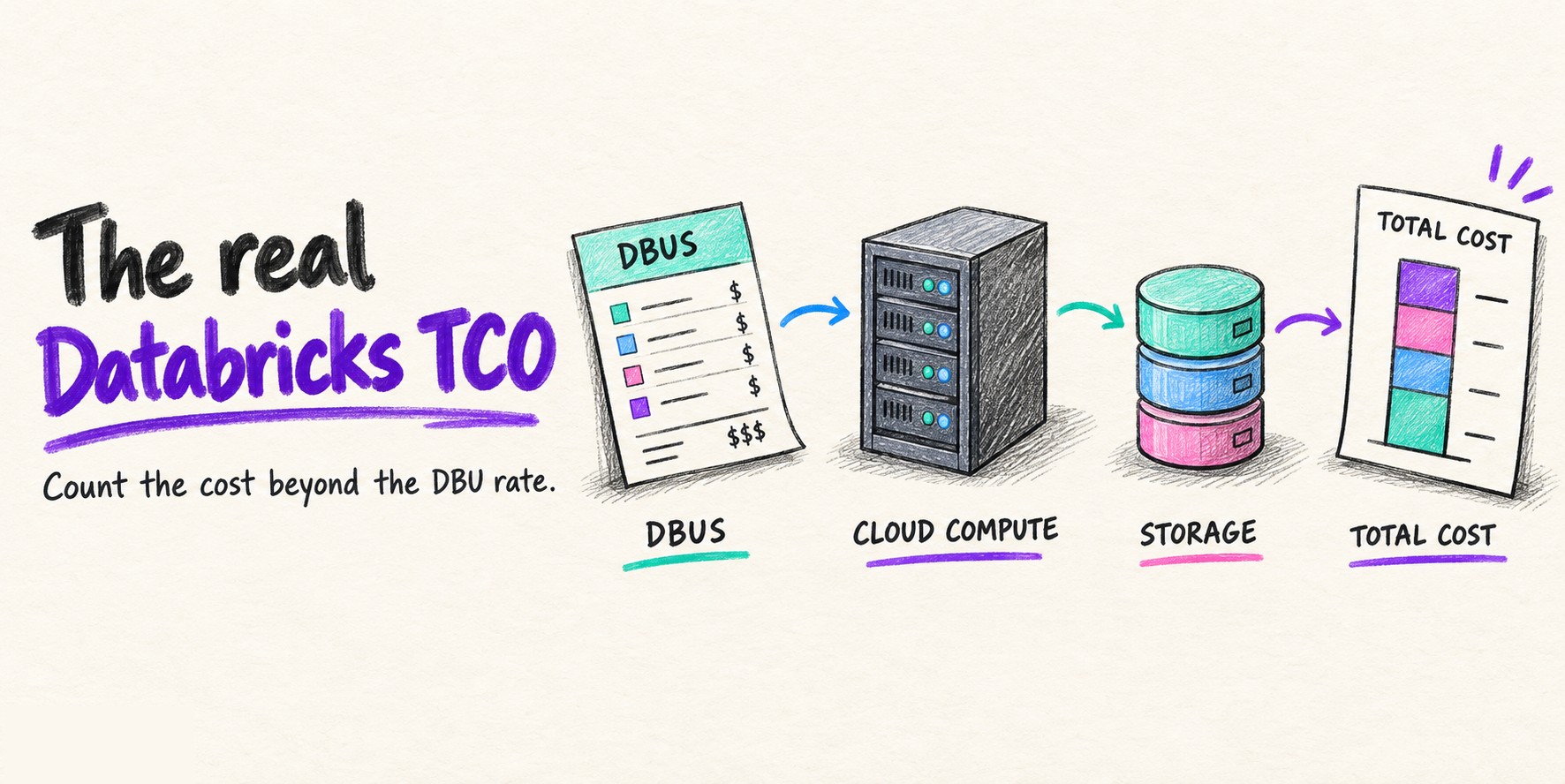
Databricks total cost of ownership (TCO) is the Databricks platform bill, plus the cloud infrastructure underneath it, plus the engineering time it takes to run both. Budgeting from the DBU rate card alone understates the total, because on “classic compute” the virtual machines, storage, and networking arrive on a separate cloud bill.
Databricks defines TCO the same way in its own guide to unifying costs: platform costs such as compute and managed storage, plus cloud infrastructure costs such as virtual machines, storage, and networking. This guide breaks down each component, shows how the classic or serverless choice moves the total, and walks through measuring the real figure.
What Databricks TCO includes
Three groups of cost make up the total. Two of them show up on invoices. The third shows up in headcount.
Platform costs: DBUs by compute type and tier
Databricks bills its platform in Databricks Units (DBUs), metered per second. The price of a DBU depends on the compute type, the pricing tier, and the cloud: on AWS at Premium-tier list prices, Jobs Classic compute costs $0.15 per DBU and Jobs Serverless $0.35, according to the Lakeflow Jobs pricing page.
How many DBUs a job consumes depends on the instance types, the node count, the runtime, and Photon. On Jobs Classic clusters, Photon raises the DBU emission rate 2.9 times against the same cluster without Photon. All-purpose compute for interactive notebooks bills at several times the jobs rate per DBU, which our Databricks DBU guide lays out by compute type and tier.
List prices are the ceiling. Databricks offers committed-use contracts with larger discounts for larger usage commitments, and those discounts apply to DBUs only.
Cloud infrastructure costs: Compute, storage, and networking
On classic compute, the clusters run in your own cloud account, so AWS, Azure, or Google Cloud bills the virtual machines and attached disks separately from the DBUs. Serverless compute runs in Databricks’ account with the machines bundled into the DBU rate.
Storage stays with your cloud provider either way. Databricks’ TCO guide notes that even with serverless compute, storage costs remain with the cloud provider, which covers the object storage holding your tables plus the request charges that jobs generate against it.
Networking is billed by whoever runs the compute. Per Databricks’ networking cost documentation, customers on classic compute pay networking costs directly to AWS, while serverless workloads incur Databricks charges for data transfer and private connectivity, with private connectivity billed per GB of data processed and an hourly private endpoint fee listed as expected in the future.
People and operating costs
The third component is the engineering time spent keeping the platform efficient: sizing clusters, setting policies, tuning Apache Spark™ jobs, reviewing spend, and handling upgrades. Classic compute leaves more of that work with your team; serverless moves part of it to Databricks in exchange for the higher DBU rate.
This component does not appear on a Databricks or cloud invoice, but it decides whether the other two stay under control. Two teams on identical list prices can see very different TCO when one has someone watching cluster utilization and the other does not.
Classic vs serverless: How the compute choice changes TCO
Classic compute splits the bill in two. Databricks charges DBUs, your cloud provider charges for the machines, and every discount you hold on those machines (Spot, Reserved Instances, Savings Plans, or a negotiated rate) reduces the infrastructure portion.
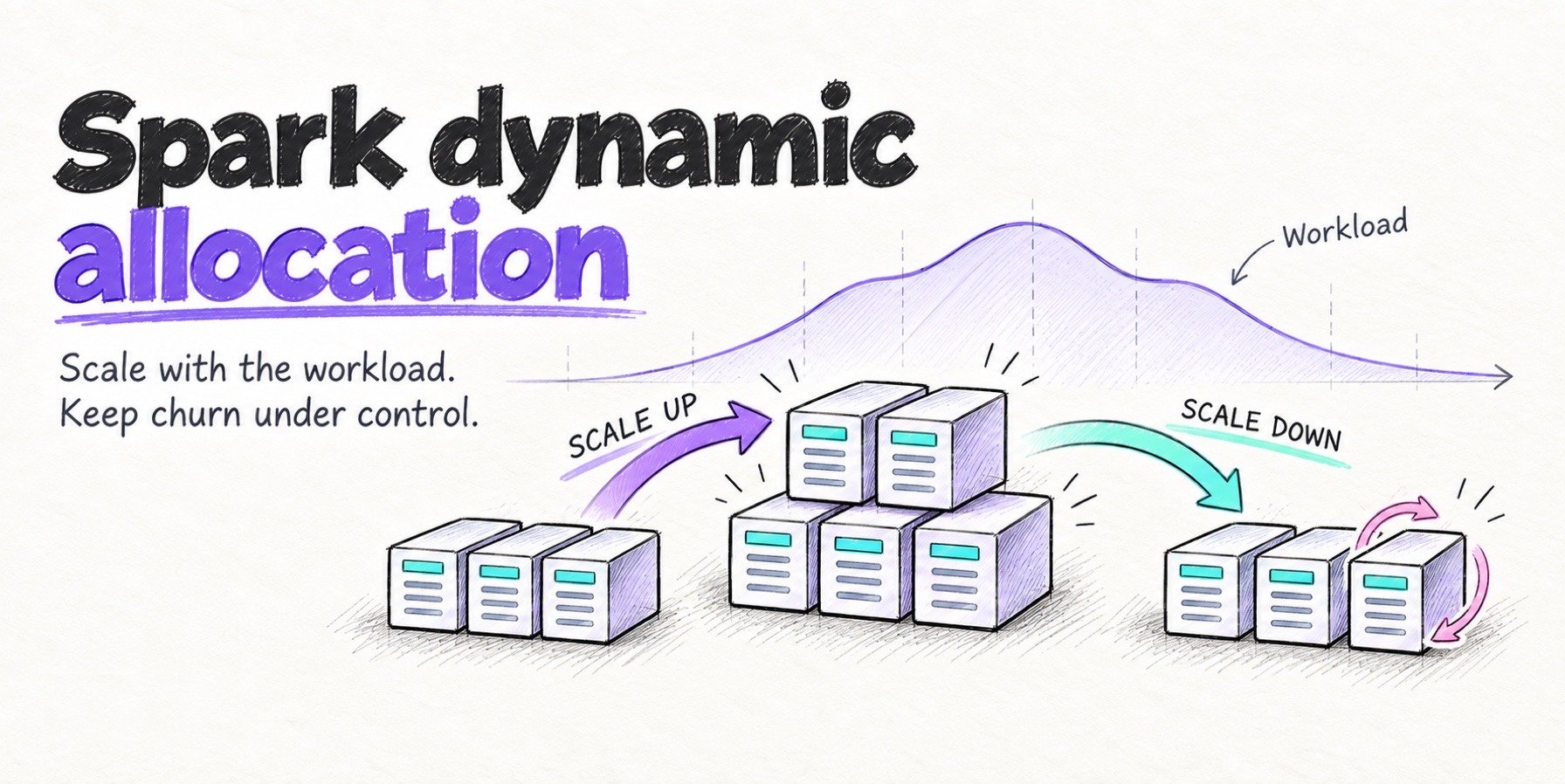
Serverless merges the two into one DBU rate. The Lakeflow Jobs FAQ says you do not pay for VM startup time, serverless bills with a one-minute minimum, and the serverless DBU rate is comparable to that of a classic Photon cluster. With the machines in Databricks’ account, your cloud discounts have nothing to apply to, and Databricks recommends estimating serverless DBUs by running representative workloads and measuring them, since there is no per-instance rating to model from.
The price economics favor classic compute for long-running, steady pipelines on discounted capacity, and serverless for short, intermittent work that would otherwise pay for cluster startup and idle time. The worked example later in this guide shows the size of the gap on one daily ETL job.
How to calculate Databricks TCO
TCO can be estimated before a contract and measured after one. The estimate uses list prices and assumptions; the measurement uses billing data, and the two can differ.
The formula, per job and per year
For one job on classic compute, the cost of a run is the DBUs consumed times the price per DBU after any contract discount, plus the cloud compute for the cluster’s runtime, plus storage requests and data transfer. Multiplying by runs per month gives the job’s monthly cost.
For the whole platform, annual TCO adds every job, every interactive and SQL workload, non-production workspaces, storage, networking, support, and the engineering time described above. Transition costs, such as migrating pipelines or retraining a team, belong in a separate line so they do not distort the recurring figure.
Measuring real spend from system tables and the cloud bill
The DBU side lives in Databricks’ billing system tables. system.billing.usage records DBUs by SKU, job, cluster, and tag, and system.billing.list_prices holds the list price of each SKU over time, so joining the two gives list-price dollars per job or team. Apply your contract discount to that figure separately.
The infrastructure side lives in your cloud provider’s billing data, matched to Databricks workloads by cluster tags. On AWS, Databricks charges appear in the Cost and Usage Report only when Databricks is bought through AWS Marketplace, according to the same Databricks TCO guide.
Databricks publishes an open-source Cloud Infra Cost Field Solution that joins AWS, Azure, or Google Cloud billing exports with Databricks system tables.
Where Databricks TCO grows without anyone noticing
Scheduled jobs on all-purpose clusters pay the interactive rate for unattended work. This happens when a notebook developed on a shared cluster is scheduled without moving to jobs compute, and the billing tables show it as all-purpose SKUs on usage records that carry a job ID.
Photon raises the DBU rate on every job it runs, including jobs it cannot accelerate. The Photon documentation lists UDFs, RDD APIs, and Dataset APIs as unsupported, so a UDF-heavy PySpark job on a Photon cluster can pay the higher rate for little or no speedup.
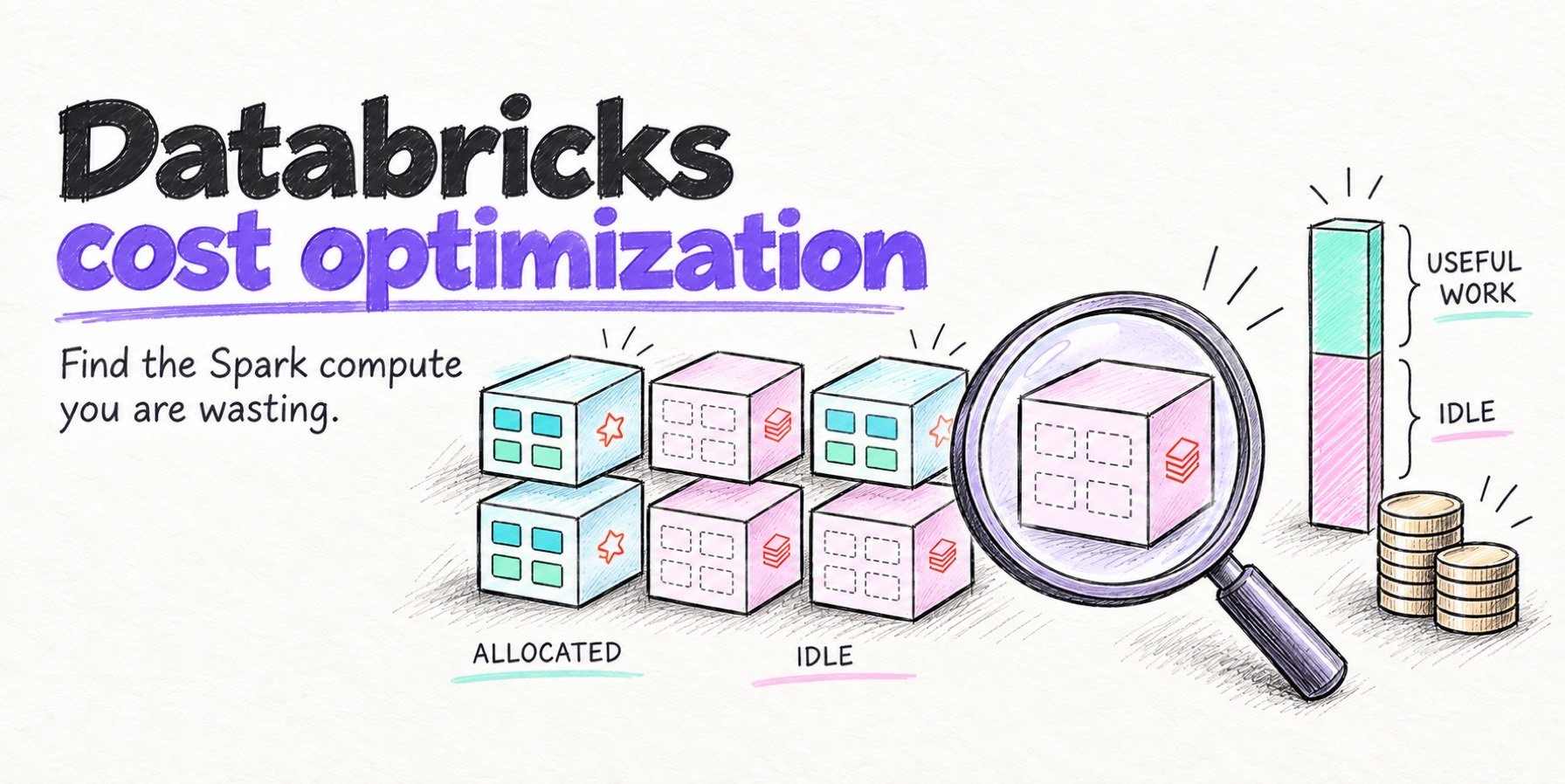
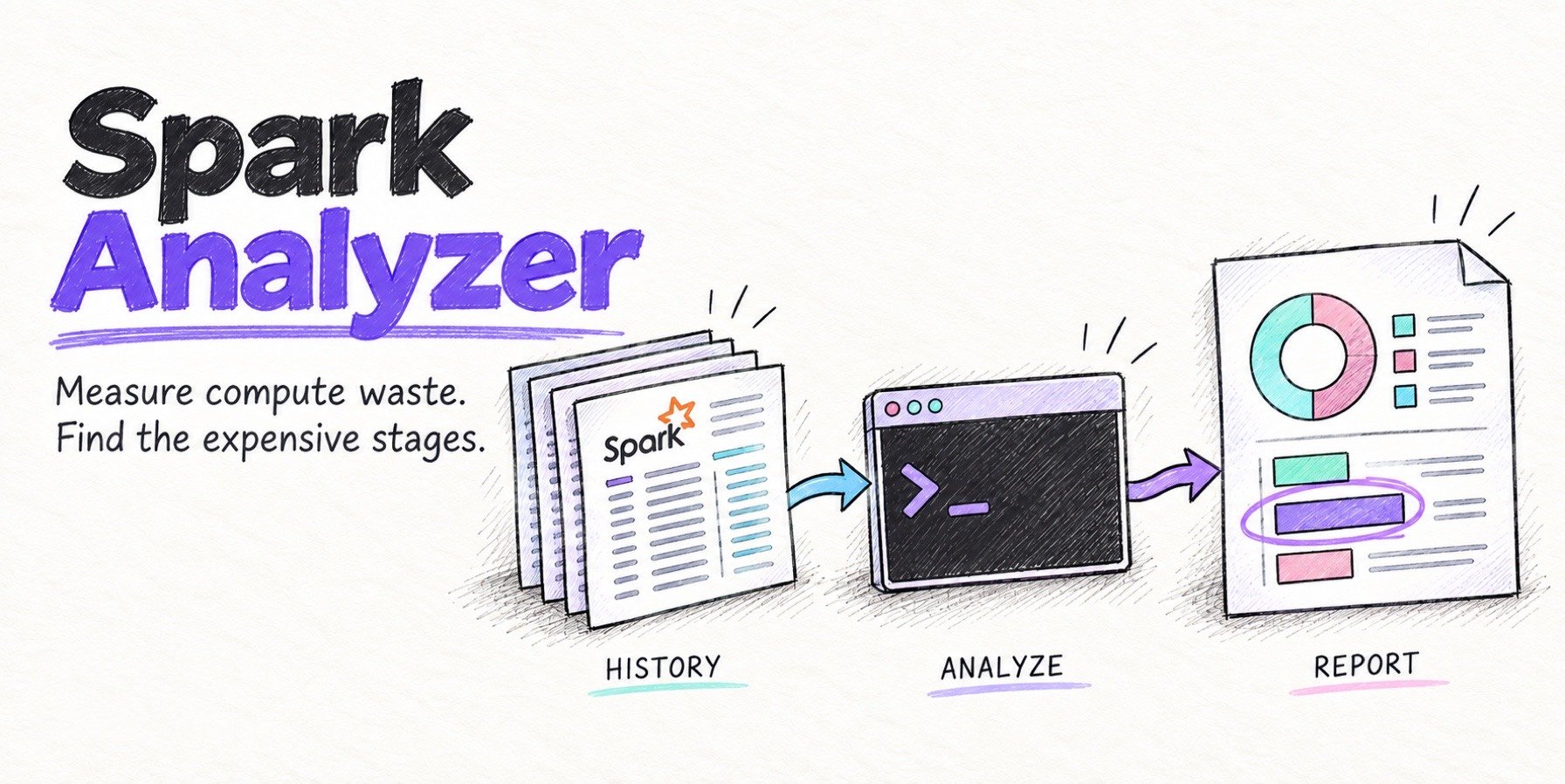
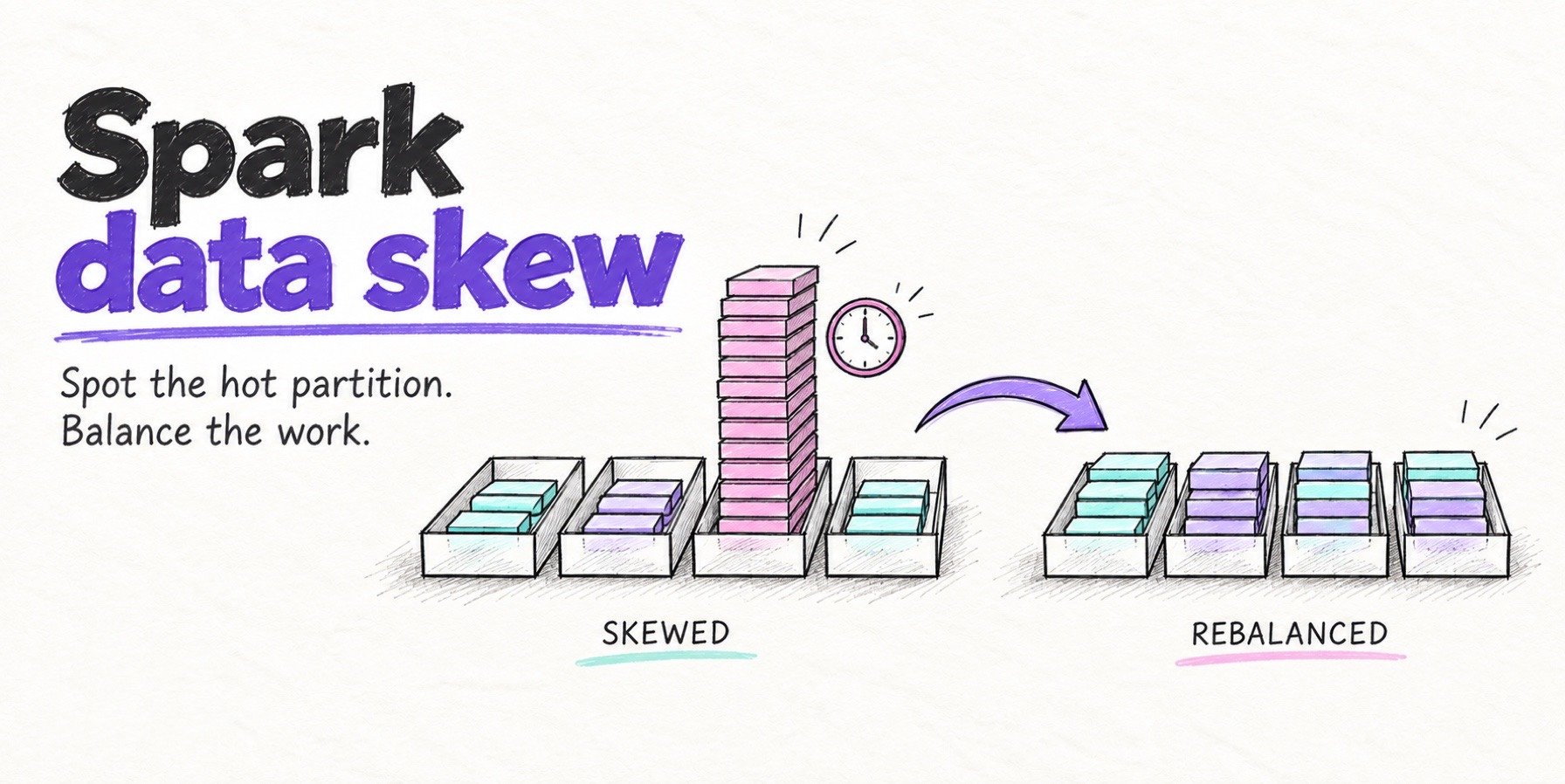
Idle and oversized capacity bills at the full rate. Clusters sized for a job’s widest stage pay for that width through every narrow stage, and generous auto-termination windows bill through idle time. The free Spark cost analyzer reads the Spark History Server, accepts Databricks as a platform, and reports allocated compute against useful work for each application.
Serverless adoption can also erase discounts without a visible line item. Moving a job from discounted classic capacity to serverless replaces a discounted VM charge with a bundled rate, and the networking charges for serverless connectivity arrive as new Databricks SKUs.
How to lower Databricks TCO
The levers inside Databricks fall into two groups: consume fewer DBUs, and pay less per DBU. Moving scheduled work to jobs compute, right-sizing clusters to sustained parallelism, enforcing cluster policies, and using Spot capacity on classic compute all cut consumption or infrastructure cost.
Paying less per DBU means a committed-use contract, which pays off when usage is predictable and locks that spend to the platform for the term. Our Databricks cost optimization guide shows how to find and fix wasted executor time first, so the commitment covers useful work.
Every lever above still bills compute-hours at a platform rate. A faster engine on Databricks shortens those hours, but Photon charges more DBUs per hour to deliver the speedup, so whether a faster job is a cheaper job depends on the workload.
Quanton: Lowering Spark TCO without DBUs
Quanton is a different Spark engine with a different billing model. Jobs, data, and the cloud account stay where they are, and there is no DBU charge.
A drop-in Spark engine in your own cloud account
Quanton is the Spark engine from Onehouse, available on its own at quanton.dev, and it runs without the Onehouse platform. The Quanton engine is built on Velox with optimized and reimplemented operators, and jobs written against standard Spark APIs run with no code changes.
The engine is storage-aware and end-to-end: storage-aware planning reads Apache Iceberg™ and Apache Hudi™ table metadata and reshapes the query plan around it, and Quanton optimizes the read, the compute, and the write. Quanton runs on any Kubernetes cluster, on-prem or in the cloud, on VMs, and inside existing Spark platforms.
Quanton’s charge is based on data processed: GiB read and written, times a volume-tiered rate that starts at $0.0009 per GiB read, per the Quanton FAQ, after a free tier for the first 100 GiB each month. There is no DBU and no per-cluster premium, so Spot and Reserved discounts apply to all of the compute, and a faster job cuts compute instance hours without changing the Quanton fee.
For Databricks shops, the Quanton release notes list Iceberg vended-credential support for any Iceberg REST catalog, including Databricks Unity Catalog, so a Quanton job can read the same Iceberg tables a Databricks job reads. Quanton has an open core and reverts to open-source Spark with one config line.
TCO estimate: Quanton vs Databricks Classic and Serverless
Performance between Quanton and Photon is close. On TPC-DS 10 TB (all 99 queries) on 11 m8gd.4xlarge instances, Quanton finished in 2,034 seconds and Databricks Photon on DBR 18.2 in 2,550 seconds, in Onehouse’s own runs. These results are derived from TPC-DS, and the full setup is on the Quanton benchmarks page.
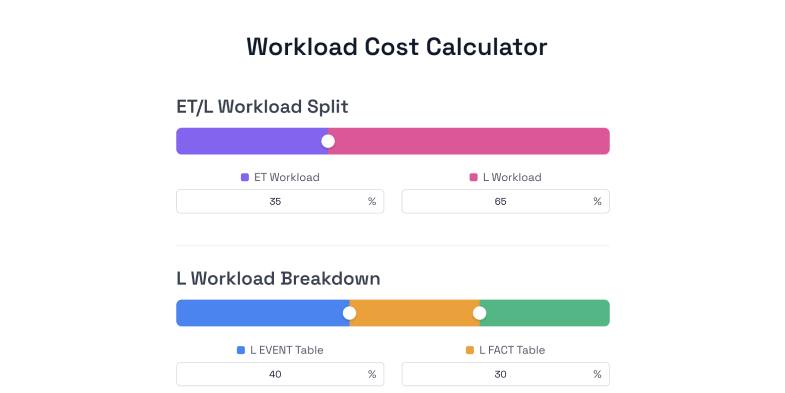
With speed that close on TPC-DS-style workloads, the TCO difference comes from the billing model. Quanton’s TCO calculator includes a daily 1 TB ETL preset that conservatively gives Quanton and Photon equal runtime on identical hardware, with the same compute discount on Quanton and Databricks Classic.
| Setup (daily 1 TB ETL, 30 runs a month) | Per run | Monthly | vs Quanton |
|---|---|---|---|
| Quanton (your account) | $0.86 fee + $0.59 compute = $1.45 | ~$44 | baseline |
| Databricks Classic with Photon | $3.28 DBUs + $0.59 compute = $3.87 | ~$116 | 2.7× |
| Databricks Serverless | $7.65 DBUs, compute included | ~$230 | 5.3× |
| Open-source Spark | $3.55 compute at 6× runtime | ~$107 | 2.5× |
Quanton TCO calculator, daily 1 TB ETL preset, pulled October 28, 2026: 1,000 GiB read and 200 GiB written per run, 11 nodes at $0.71808 per node-hour on demand with a 50% compute discount, 0.15-hour runtime for Quanton and Photon, 6× that runtime for open-source Spark, and DBU rates of $0.15 (Classic) and $0.35 (Serverless) on Premium, US-East-1. Estimates only; rates move.
The compute cost is identical on the Quanton and Databricks Classic rows, so the difference between them is the platform fee alone. Databricks Serverless costs the most because the 50% compute discount cannot apply to bundled compute. The estimate excludes storage, networking, and people costs, which apply to every row.
Trade-offs to weigh
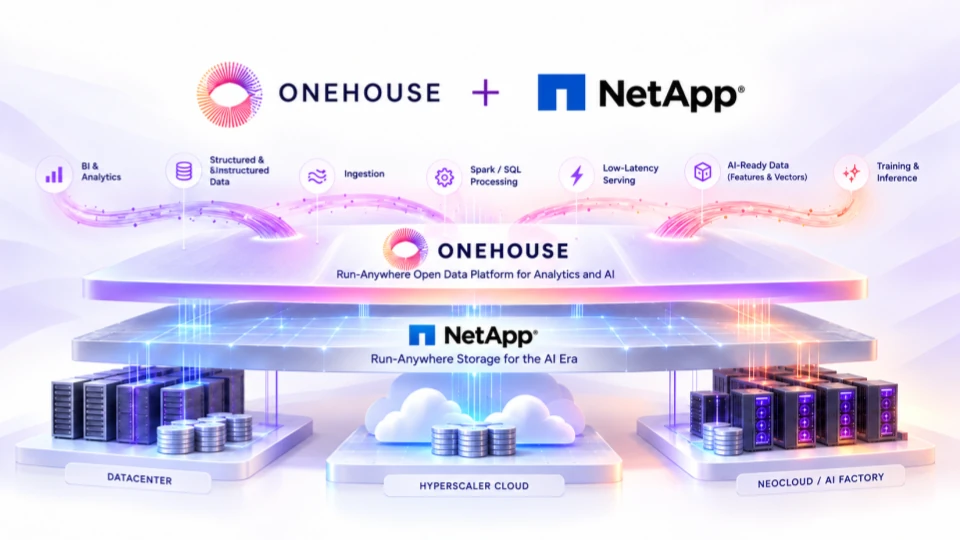
The benchmark above is Onehouse’s own, although the speed up over Apache Spark has been validated independently by other large vendors like NetApp. Onehouse is also a younger vendor than Databricks.
Quanton is open core, so parts of the engine are under a commercial license. Billing tracks the volume of data processed, so scan-heavy jobs with light compute see less benefit from a faster run. Quanton replaces only the Spark execution layer, so notebooks, Databricks SQL warehouses, Lakeflow pipelines, and jobs that depend on Databricks-only runtime features stay on Databricks.
Is Databricks worth its total cost?
It depends on how much of the bill your own discounts reach and how much of it is waste. On classic compute, Spot and reserved pricing cut the infrastructure portion; on serverless, they cut nothing. Measure the real figure from the billing system tables and the cloud cost data before a renewal, and fix all-purpose scheduling, idle capacity, and Photon on uncovered workloads first.
If the remaining Spark spend is still large, scheduled Spark jobs on jobs compute are the natural candidates for a side-by-side run on a different engine. Quanton runs in your own cloud account without the Onehouse platform and bills per GiB instead of per DBU: put your own job’s numbers into the TCO calculator, then create an account and run one job side by side in your own VPC.
Frequently asked questions
How much does Databricks cost per year?
There is no fixed annual price, because Databricks bills by usage. The daily ETL job in the estimate above comes to roughly $1,400 a year on Databricks Classic with Photon, compute included at the preset’s 50% discount, and a production deployment runs many such jobs alongside interactive, SQL, and non-production workloads. The reliable annual figure comes from your own billing system tables plus the matching cloud bill.
Do committed-use contracts lower Databricks TCO?
They lower the DBU portion in exchange for a spend commitment, and they do not touch the cloud infrastructure bill. On Azure, Microsoft advertises up to 37% off pay-as-you-go DBU prices for a one- or three-year pre-purchase on the Azure Databricks pricing page. Unused commitment still counts toward TCO, so commitments pay off when usage is predictable.
Does Photon lower Databricks TCO?
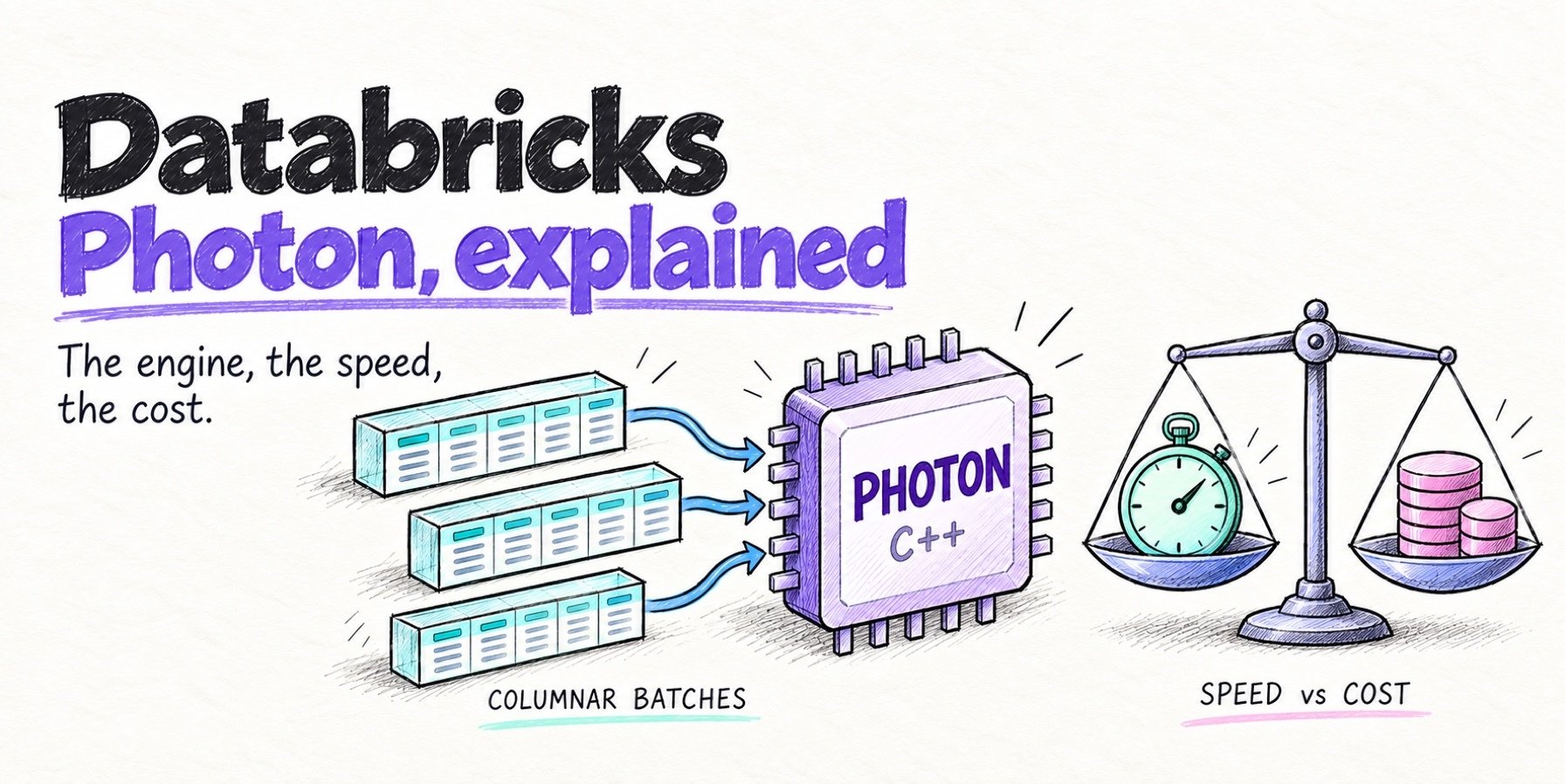
Only on jobs where Photon shortens the runtime enough to cover its higher DBU emission rate. SQL and DataFrame jobs with large scans, joins, and aggregations are the best candidates, while UDF-heavy jobs can pay more for little gain. Our guide to Databricks Photon works through the break-even math by workload.
Is Quanton open source?
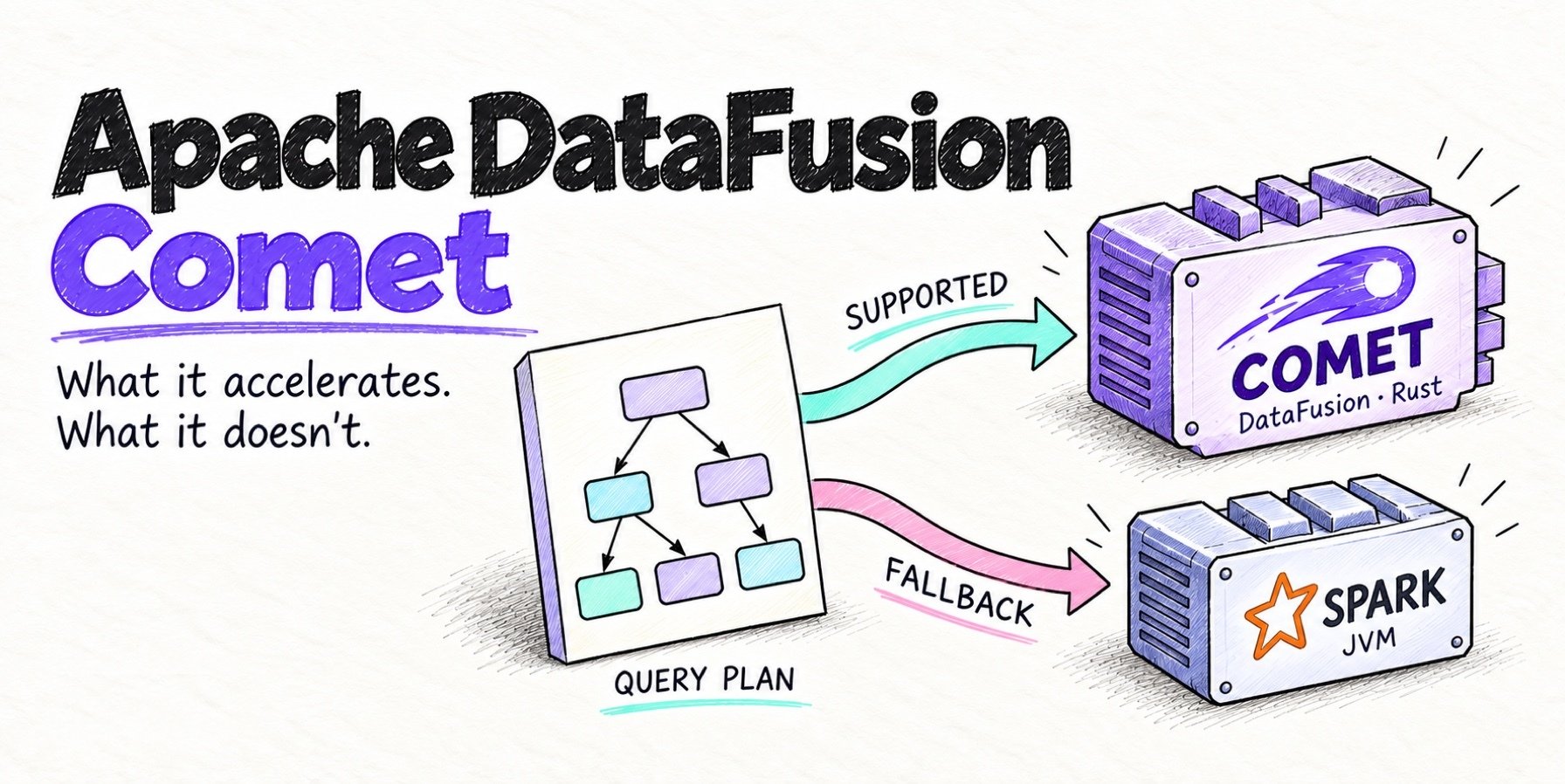
Quanton has an open core; the docs and GitHub describe what is open and what is under a commercial license. The free tier needs no credit card, and past its monthly allowance jobs fall back to open-source Spark with Apache DataFusion™ Comet and Apache Gluten™ pre-installed. The Quanton FAQ covers licensing and deployment.
Author
Bhavani Sudha Saktheeswaran
Head of Open Source
Sudha is the Head of Open Source at Onehouse and a PMC member of the Apache Hudi project. She comes with vast experience in real-time and distributed data systems through her work at Moverworks, Uber and Linkedin’s data infra teams. She is a key contributor to the early Presto integrations of Hudi. She is passionate about engaging with and driving the Hudi community.