Talk with our engineers by joining the new Onehouse community Slack!
Most of AWS EMR cost is typically EC2 instance-hours, plus a per-instance EMR fee that rides on top of them. Both are billed per second with a one-minute minimum. Use total job cost as the comparison: sum each node type’s billed hours × its effective EC2 rate, add EMR fees for those hours, then add storage, requests, transfer and any engine fees. Idle termination, scaling and tuning reduce billed hours; Spot and commitments reduce EC2 rates; storage layout can reduce both runtime and request charges. Compare these terms before and after each change on the same workload.
For EMR cost optimization, the levers in order of effort are: terminate idle clusters, move task nodes to Spot, right-size and let managed scaling do the resizing, tune Apache Spark™ so jobs finish sooner, fix the storage layout that stretches runtime, and then decide what to do about the two things configuration can’t touch: the EMR fee itself and the speed of the engine.
| Lever | What it cuts | Risk |
|---|---|---|
| Auto-termination and transient clusters | Idle instance-hours, EC2 and EMR fee alike | A policy fires under non-YARN work unless the isbusy file is touched |
| Spot for task nodes | The EC2 line on task nodes, up to 90%; the EMR fee is unchanged | Reclaims lengthen jobs; keep primary and core on-demand and diversify the fleet |
| Reserved Instances and Savings Plans | The EC2 rate on the steady baseline; the EMR fee is unchanged | The commitment outlives the workload; size it to measured steady usage |
| Graviton | Instance price at the same runtime | Native libraries need arm64 builds, and some queries regress |
| Managed scaling | Instance-hours between jobs on shared clusters | Scale-down can evict shuffle data below 5.34/6.4; cap the maximum |
| Spark and YARN tuning | Runtime, so instance-hours | Wrong executor sizing causes OOM retries; values are per-job |
| Storage layout | Runtime and S3 request charges | Compaction and OPTIMIZE jobs cost compute themselves |
| A faster engine | Billed runtime on the same instances, reducing EC2 charges and EMR fees | Engine fee and migration; gains vary by workload |
This guide covers each lever with the config to apply. It focuses on Spark workloads running on EMR. For the full overview of how it’s priced, see our Amazon EMR pricing explainer. Rates below are us-east-1 at time of writing; check the EMR pricing page before you start modelling your own calculations.
What drives AWS EMR cost
EMR on EC2 bills two line items for every instance in the cluster: the EC2 price for the instance and an EMR fee for the same instance. On an m5.xlarge in us-east-1, that is $0.192 per hour for EC2 and $0.048 per hour for EMR, so the EMR fee adds about 25% on top of on-demand for that family. Both meters run per second after the first minute, which means runtime and cost grow together. A job that finishes in half the time on the same cluster costs about half, and a cluster that sits idle for an hour costs the same as one that worked for an hour.
Several costs land outside the EMR line item and are easy to miss if you only filter your bill on EMR:
-
EBS volumes attached to each node, billed under EC2 for as long as the cluster runs
-
S3 storage, request charges (LIST, GET, PUT) and any cross-region transfer
-
Data transfer out of the VPC, including NAT gateway processing if the cluster sits in private subnets
-
CloudWatch logs and custom metrics shipped from the cluster
While the cluster runs
EMR fee
Amazon Elastic MapReduce
Amazon Elastic MapReduce
EC2 instances
EC2-Instances
EC2-Instances
EBS volumes
EC2-Other
EC2-Other
Plus usage and storage
S3 storage and requests
Amazon Simple Storage Service
Amazon Simple Storage Service
Transfer and NAT processing
Data Transfer / EC2-Other, by usage type
Data Transfer / EC2-Other, by usage type
Logs and metrics
AmazonCloudWatch
AmazonCloudWatch
EC2 vs EKS vs Serverless costs
The three deployment options bill differently, and that decides which levers you have.
| Deployment | What you pay for | Discounts that apply | Idle behavior |
|---|---|---|---|
| EMR on EC2 | EC2 instance-hours plus a per-instance EMR fee, per second with a one-minute minimum | Spot, Reserved Instances and Savings Plans on the EC2 line; the EMR fee stays at the on-demand rate | Bills while the cluster runs, busy or idle, until auto-termination |
| EMR on EKS | EC2 nodes under the EKS cluster, plus an EMR uplift per vCPU-hour and GB-hour on what the pods request, plus EKS control-plane charges ($0.10 per hour under standard Kubernetes version support; $0.60 under extended support) | Spot and commitments on the nodes; the uplift is charged on requested vCPU and memory | Bills for requested pod resources, so an executor that requests 4 vCPU and uses one pays for four |
| EMR Serverless | $0.052624 per vCPU-hour and $0.0057785 per GB-hour of memory for x86 workers in us-east-1, plus applicable storage charges; no separate EC2 line | Spot and EC2 commitments do not apply | Bills while workers run; pre-initialized capacity bills while it waits for work |
An m5.xlarge (4 vCPU, 16 GB) on EMR on EC2 costs about $0.24 per hour on demand. The same 4 vCPU and 16 GB on Serverless costs about $0.30 per hour, and Serverless can’t use Spot or commitments. Serverless bills only while workers run, so it comes out ahead on short, bursty jobs where an EC2 cluster would idle between runs. Using these quoted unit rates, $0.24 ÷ $0.30 gives a simplified break-even utilization of about 80%. Actual deployment choices require total job cost: include primary and other cluster nodes, Serverless worker allocation, startup time, idle intervals and storage. Spot or commitments change the calculation. Full rate tables for all three are in our Amazon EMR pricing explainer.
Measure before you optimize
Measurement comes before any config change, because the levers below only pay off where the waste actually is.
Cost allocation tags come first. Tags on an EMR cluster propagate to its EC2 instances, so tag every cluster with team, pipeline and environment, then activate those keys as cost allocation tags in Billing. In Cost Explorer, filter Service to both EMR and EC2-Instances and group by tag. Add EC2-Other and the storage, transfer and monitoring services when reconciling total cost. EMR alone captures only the service fee: one fifth of compute plus EMR charges in the m5.xlarge on-demand example above, with the share varying by instance and discount.
This Athena query attributes month-to-date EMR and EC2 usage costs by pipeline. It uses effective cost for usage covered by commitments:
SELECT
  resource_tags_user_pipeline AS pipeline,
  line_item_product_code       AS product,
  SUM(CASE line_item_line_item_type
    WHEN 'DiscountedUsage' THEN reservation_effective_cost
    WHEN 'SavingsPlanCoveredUsage'
      THEN savings_plan_savings_plan_effective_cost
    ELSE line_item_unblended_cost
  END) AS cost_usd
FROM cur_db.cur_table
WHERE line_item_product_code IN ('ElasticMapReduce', 'AmazonEC2')
  AND line_item_usage_start_date >= date_trunc('month', current_date)
  AND line_item_usage_start_date < current_timestamp
  AND line_item_line_item_type IN
    ('Usage', 'DiscountedUsage', 'SavingsPlanCoveredUsage')
  AND resource_tags_user_pipeline IS NOT NULL
GROUP BY 1, 2
ORDER BY cost_usd DESC;
CUR 2.0 exposes tags as a map (resource_tags['user_pipeline']); adjust the column to your version. The RI effective cost and Savings Plans effective cost fields allocate commitment costs to covered usage. Ensure these columns exist in your export; omit the corresponding branch if you have no such commitments or columns. Use the net equivalents where applicable account discounts are reported.
This is a tagged usage subtotal, not an invoice total. It excludes unused commitments, untagged resources, other services, taxes, credits and refunds. Allocate unused commitment costs separately and reconcile those amounts with the billing total; adding all commitment fee rows to the effective usage costs would double-count covered usage.
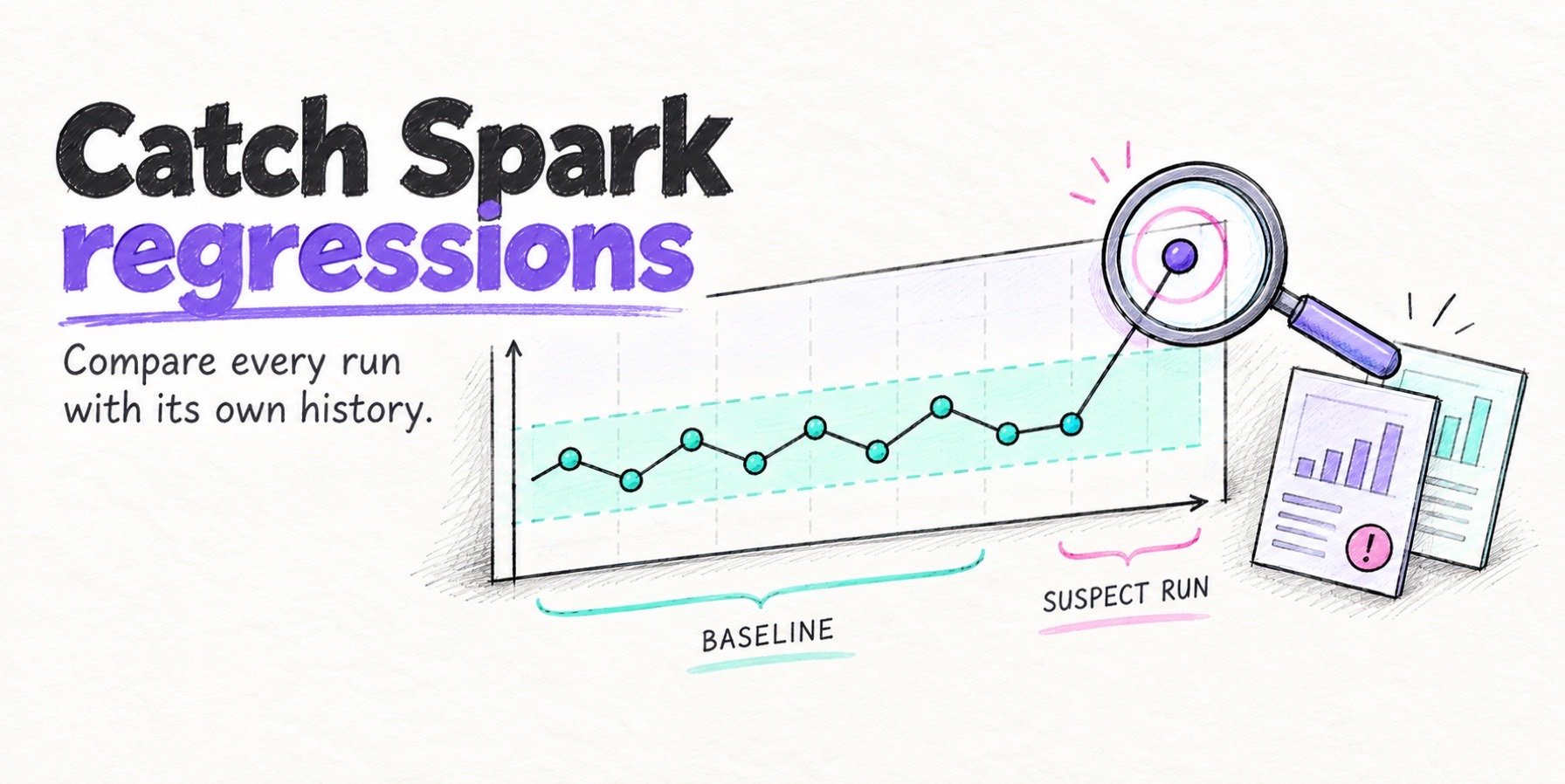
At the cluster level, EMR publishes IsIdle, YARNMemoryAvailablePercentage, ContainerPendingRatio and AppsRunning to CloudWatch. Investigate long idle stretches first. Sustained available YARN memory above 50% is a reason to review sizing, alongside CPU, I/O, pending containers and job deadlines. A CPU-bound job can need its current capacity while leaving memory unused.
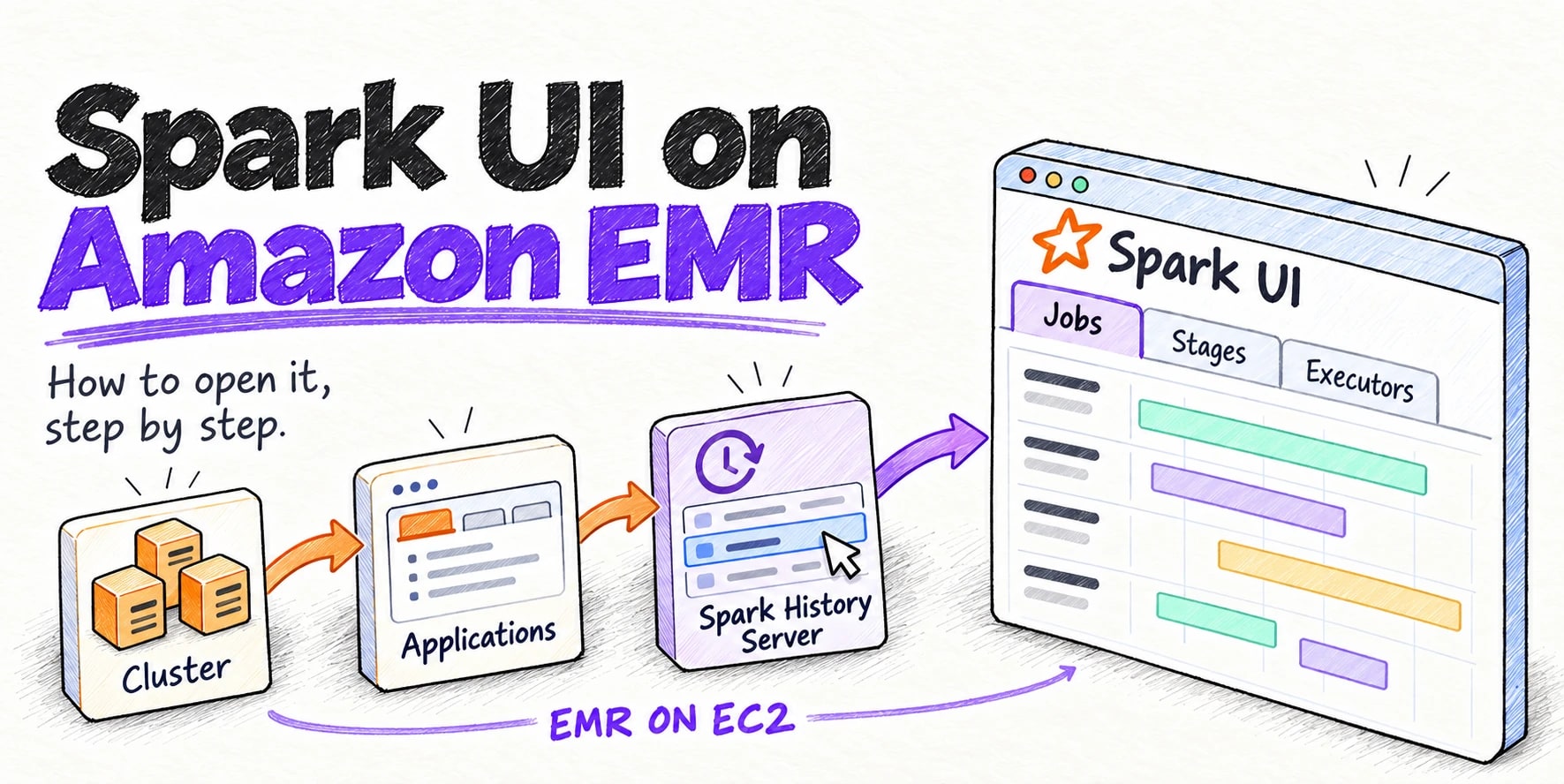
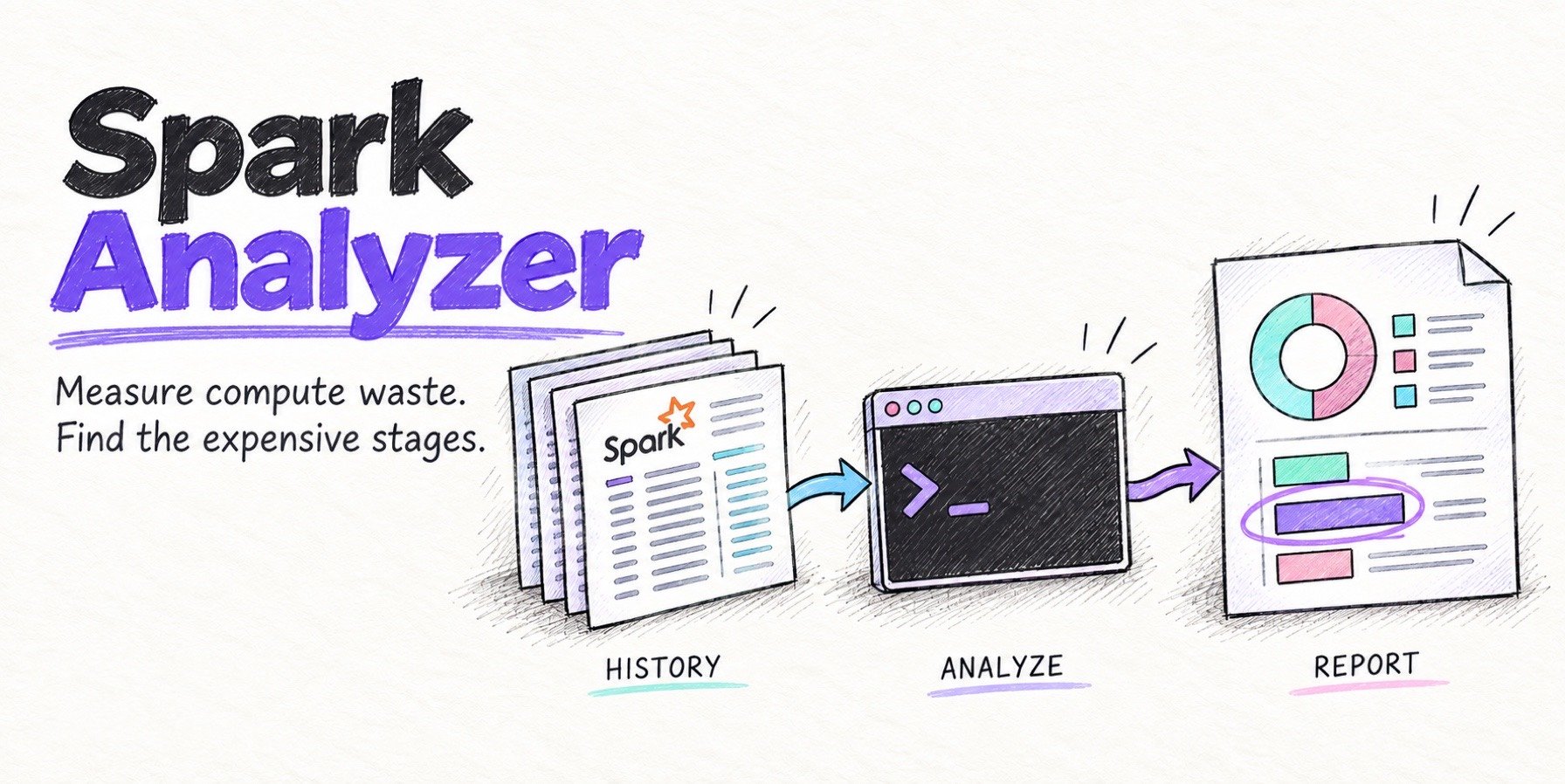
Cluster metrics only show that the cluster was busy, and a busy cluster can still carry idle executors. In the Spark History Server, open the Executors tab and compare the sum of Task Time to available task capacity: executor uptime multiplied by the number of concurrent task slots (normally one per core). The gap is allocated task capacity you paid for and didn’t use. Spark Analyzer computes this per application and per stage from the History Server API. It is a free, read-only CLI (pip install spark-analyzer), it supports EMR and EMR Serverless, and --save-local keeps the output on your machine.
Spot idle executors
Illustrative executor metrics, not a production Spark UI capture. Each executor has 4 cores and stays alive for 30 minutes.
| Executor | Cores | Uptime | Task time | Used task capacity |
|---|---|---|---|---|
| 1 | 4 | 30 min | 108 min | 90% |
| 2 | 4 | 30 min | 96 min | 80% |
| 3 (mostly idle) | 4 | 30 min | 2 min | 1.7% |
| 4 (mostly idle) | 4 | 30 min | 0 min | 0% |
Executors 3 and 4 lived for the whole job but did almost no work. Check dynamic allocation and idle timeouts before adding capacity.
Stop paying for idle clusters
Idle clusters are the most common waste pattern and the cheapest to fix.
Auto-termination policies are available on EMR 5.30.0 and 6.1.0 and later. The default idle timeout is 60 minutes, the minimum is 1 minute and the maximum is 7 days. On 6.4.0 and later the console turns it on by default; clusters created from the CLI or API still need it set. On 5.34.0 and 6.4.0 and later, “idle” means no active YARN applications, HDFS utilization below 10%, no notebook or Studio connections, no application UIs in use and no pending steps.
aws emr put-auto-termination-policy \
  --cluster-id j-XXXXXXXXXXXXX \
  --auto-termination-policy IdleTimeout=900
Fifteen minutes is a reasonable value for shared dev clusters. If you run non-YARN work on the cluster (shell scripts, a sidecar service), touch /emr/metricscollector/isbusy on the primary node while it runs so the policy doesn’t terminate the cluster underneath it (6.4.0 and later).
Per-second billing makes a cluster per job cheap, so pipelines belong on transient clusters. Submit the steps with aws emr create-cluster --auto-terminate and the cluster shuts down when the last step finishes. A long-running shared cluster only pays off when it stays busy, and then it needs managed scaling to shed capacity between jobs.
Dev and test clusters get short idle timeouts, an EventBridge schedule that terminates anything tagged env=dev at night, and a weekly report of clusters older than a day.
Buy compute for less
Once nothing idles, the next lever is the price of each instance-hour.
Task nodes are generally the best place to use Spot. Unlike core nodes, they do not store HDFS data, but Spark executors on task nodes can still hold shuffle files. Spot interruptions may force shuffle recomputation and extend jobs, so diversify the fleet and measure the cost of reclaims. Instance fleets let EMR diversify across instance types and sizes:
{
  "Name": "TaskFleet",
  "InstanceFleetType": "TASK",
  "TargetSpotCapacity": 32,
  "TargetOnDemandCapacity": 0,
  "InstanceTypeConfigs": [
    { "InstanceType": "m6g.2xlarge",  "WeightedCapacity": 8 },
    { "InstanceType": "m7g.2xlarge",  "WeightedCapacity": 8 },
    { "InstanceType": "r6g.2xlarge",  "WeightedCapacity": 8 },
    { "InstanceType": "m6g.4xlarge",  "WeightedCapacity": 16 }
  ],
  "LaunchSpecifications": {
    "SpotSpecification": {
      "AllocationStrategy": "price-capacity-optimized",
      "TimeoutDurationMinutes": 10,
      "TimeoutAction": "SWITCH_TO_ON_DEMAND"
    }
  }
}
Weighted capacity lets a 4xlarge count for two 2xlarge, so the fleet fills the target from whichever size has Spot capacity. SWITCH_TO_ON_DEMAND applies during initial provisioning only. If the fleet can’t reach its Spot target within the 10 minutes, EMR fills the rest with on-demand instances so the cluster still starts; it does nothing for Spot reclaims after launch.
Spot, Reserved Instances and Savings Plans discount the EC2 line only. The EMR fee is priced off the on-demand instance and stays flat. On the m5.xlarge above at a 70% Spot discount, EC2 drops to about $0.058 per hour, the EMR fee stays at $0.048, and the fee becomes about 45% of what you pay for that instance. The discount is still worth taking, but the bill falls by less than 70%.
Primary and core nodes on long-running clusters run around the clock, which is the profile Reserved Instances and EC2 Instance Savings Plans are built for. EMR applies a matching Reserved Instance automatically when instance type, Region or AZ and on-demand purchasing line up.
Graviton is worth a test. AWS measured up to 30% lower cost and up to 15% better performance moving Spark from M5 to M6g on EMR 5.30.1 with a 3 TB TPC-DS run, with a few queries regressing on every family, M6g included. Check that native libraries in your jobs build for arm64, run a representative job on both, and compare total cost.
Right-size and scale
Choose the instance family from the measured bottleneck: test memory-optimized (r family) for memory-constrained joins and aggregations, compute-optimized (c family) for CPU-bound parsing and compression, and general purpose (m family) as a baseline. Reduce capacity in measured steps on representative jobs. Compare total cost, runtime, pending containers and deadline headroom after each change; a nonzero pending ratio during a burst alone does not justify more nodes.
Managed scaling resizes core and task capacity within configured limits. The separate instance-group example below uses Instances, with a minimum of 3, a maximum of 24, and core and on-demand caps of 3; the primary node is outside these limits. For the heterogeneous instance fleets shown earlier, use InstanceFleetUnits and express every capacity limit in the configured fleet weights. Set the maximum from the parallelism and capacity your workload can use.
aws emr put-managed-scaling-policy \
  --cluster-id j-XXXXXXXXXXXXX \
  --managed-scaling-policy '{
    "ComputeLimits": {
      "UnitType": "Instances",
      "MinimumCapacityUnits": 3,
      "MaximumCapacityUnits": 24,
      "MaximumCoreCapacityUnits": 3,
      "MaximumOnDemandCapacityUnits": 3
    }
  }'
Three release-gated behaviors change how safely the cluster scales down. From EMR 5.34.0 and 6.4.0, managed scaling avoids removing nodes that hold shuffle data for active Spark stages, for up to 30 minutes, on a best-effort basis. On EMR 7.4 and later, set yarn.resourcemanager.decommissioning-nodes-watcher.wait-for-shuffle-data to true in yarn-site and spark.shuffle.service.removeShuffle to true in spark-defaults for graceful decommissioning, which keeps a node serving shuffle files until none remain. On EMR 7.2 and later, YARN node labels let you pin application masters to ON_DEMAND nodes and executors to SPOT, so a reclaimed Spot node never takes the driver with it.
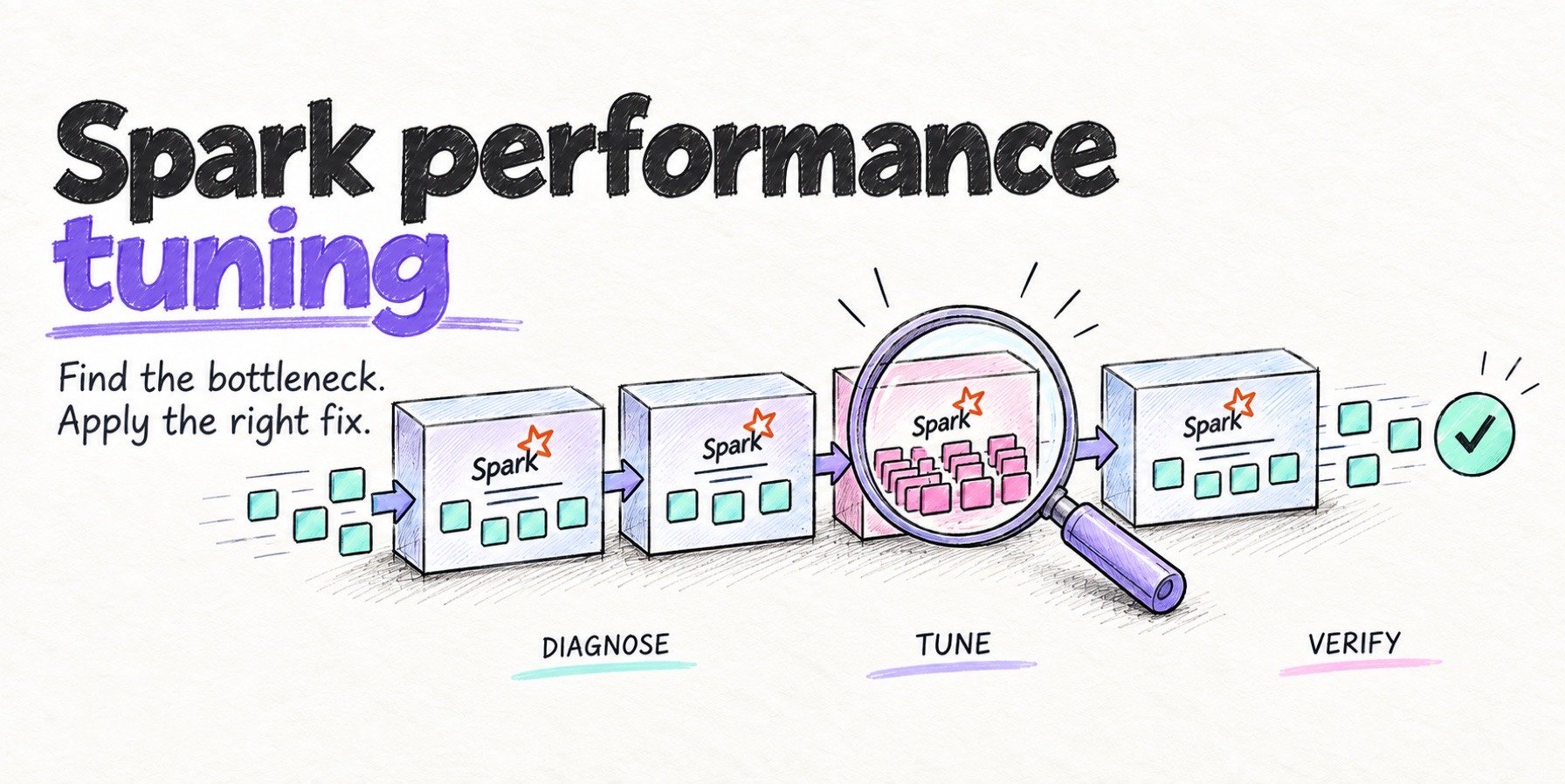
Tune Spark and YARN: EMR cost optimization at the job level
These settings reduce EC2 cost when they shorten billed cluster runtime or let scaling release capacity. A faster stage on a fixed shared cluster can leave the bill unchanged. They go in a spark-defaults classification you can attach at cluster creation:
[
  {
    "Classification": "spark-defaults",
    "Properties": {
      "spark.executor.cores": "4",
      "spark.executor.memory": "12g",
      "spark.executor.memoryOverhead": "2g",
      "spark.sql.adaptive.enabled": "true",
      "spark.sql.adaptive.coalescePartitions.enabled": "true",
      "spark.sql.adaptive.skewJoin.enabled": "true",
      "spark.sql.shuffle.partitions": "800",
      "spark.dynamicAllocation.enabled": "true",
      "spark.dynamicAllocation.maxExecutors": "40",
      "spark.dynamicAllocation.executorIdleTimeout": "120s",
      "spark.dynamicAllocation.cachedExecutorIdleTimeout": "30m"
    }
  }
]
The 800 shuffle partitions and 40-executor cap above illustrate configuration syntax. Validate both against your workload before deployment. Choose shuffle partitions from shuffle volume, spill and task duration, and set the executor cap from useful parallelism and the cluster capacity available to this job. The reasoning behind the other settings:
-
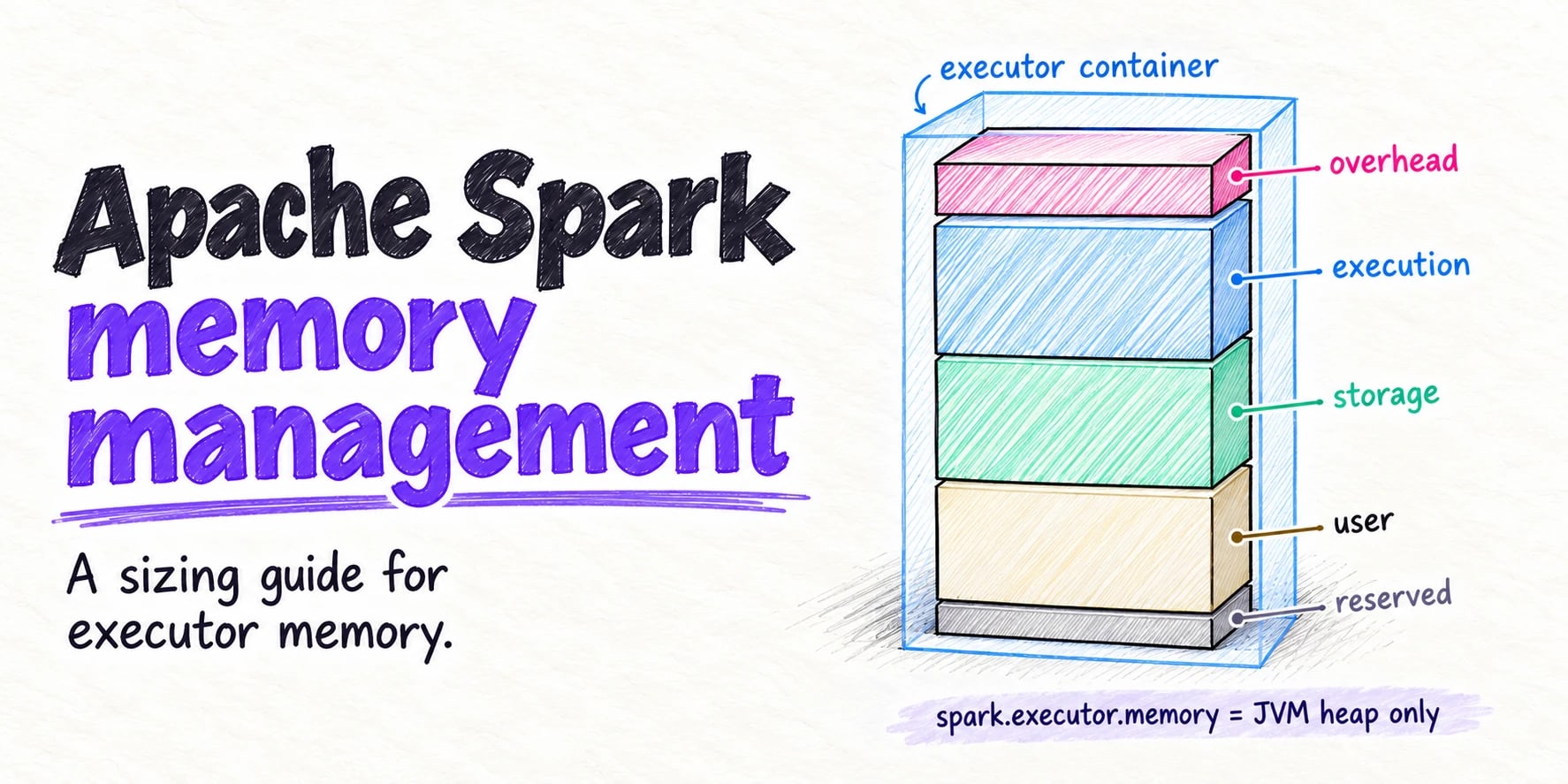
Executor sizing. Four to five cores per executor is a starting point to test. Compare task concurrency, throughput, spill and GC time across sizes; a 16-core executor is not inherently a problem. Size memory per core to the job and leave room for
memoryOverhead; an executor YARN kills for exceeding its container can force task retries and shuffle recomputation. -
maximizeResourceAllocation. EMR offers this flag to size one executor per node automatically. It works on uniform instance groups and misfires on instance fleets with mixed sizes, where the calculated settings suit only one type. Set executors explicitly on fleets. -
Shuffle partitions and AQE. Choose
spark.sql.shuffle.partitionsto keep partition sizes manageable, then let adaptive query execution coalesce small partitions. Balance spill and task duration against scheduling overhead; eliminating every spill is not the goal. AQE is enabled by default from Spark 3.2, with skew join handling enabled when AQE is active. Verify the effective settings for your release and workload. -
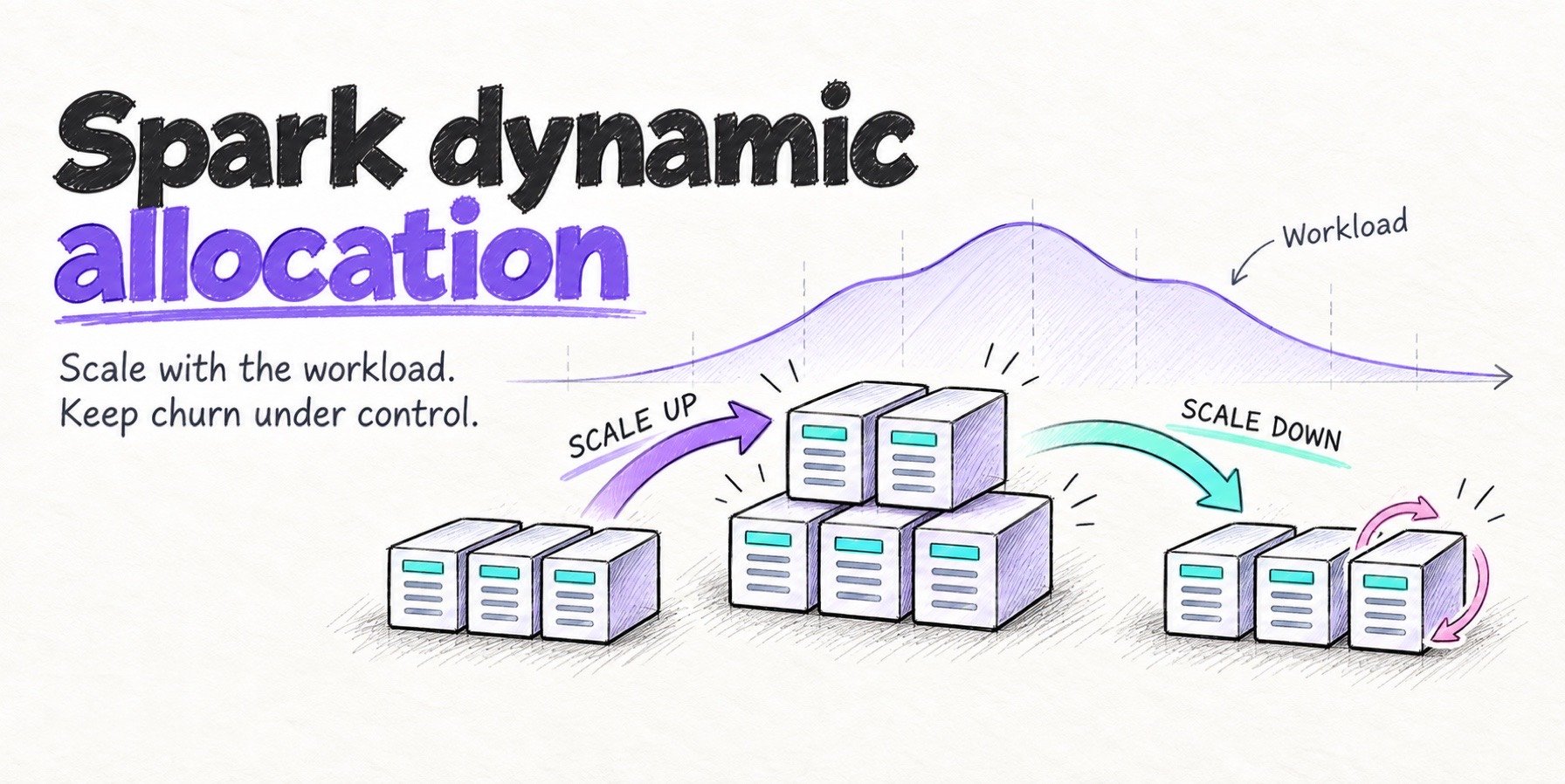
Dynamic allocation. EMR enables it by default since 4.4.0, but the stock defaults are loose:
maxExecutorsis unbounded, andcachedExecutorIdleTimeoutis infinite, so cached blocks can retain idle executors while they remain cached. Unpersist data when it is no longer needed. Cap the maximum, consider a finite cached timeout, and raiseexecutorIdleTimeoutfrom 60s if executors churn between stages. Our dynamic allocation guide walks through each timer.
The patterns that stretch runtime show up in the Spark UI before they show up on the bill:
| Pattern | Spark UI symptom | Fix |
|---|---|---|
| Spill | Substantial spill correlated with long-running tasks | Test more partitions or more memory per core; compare total runtime |
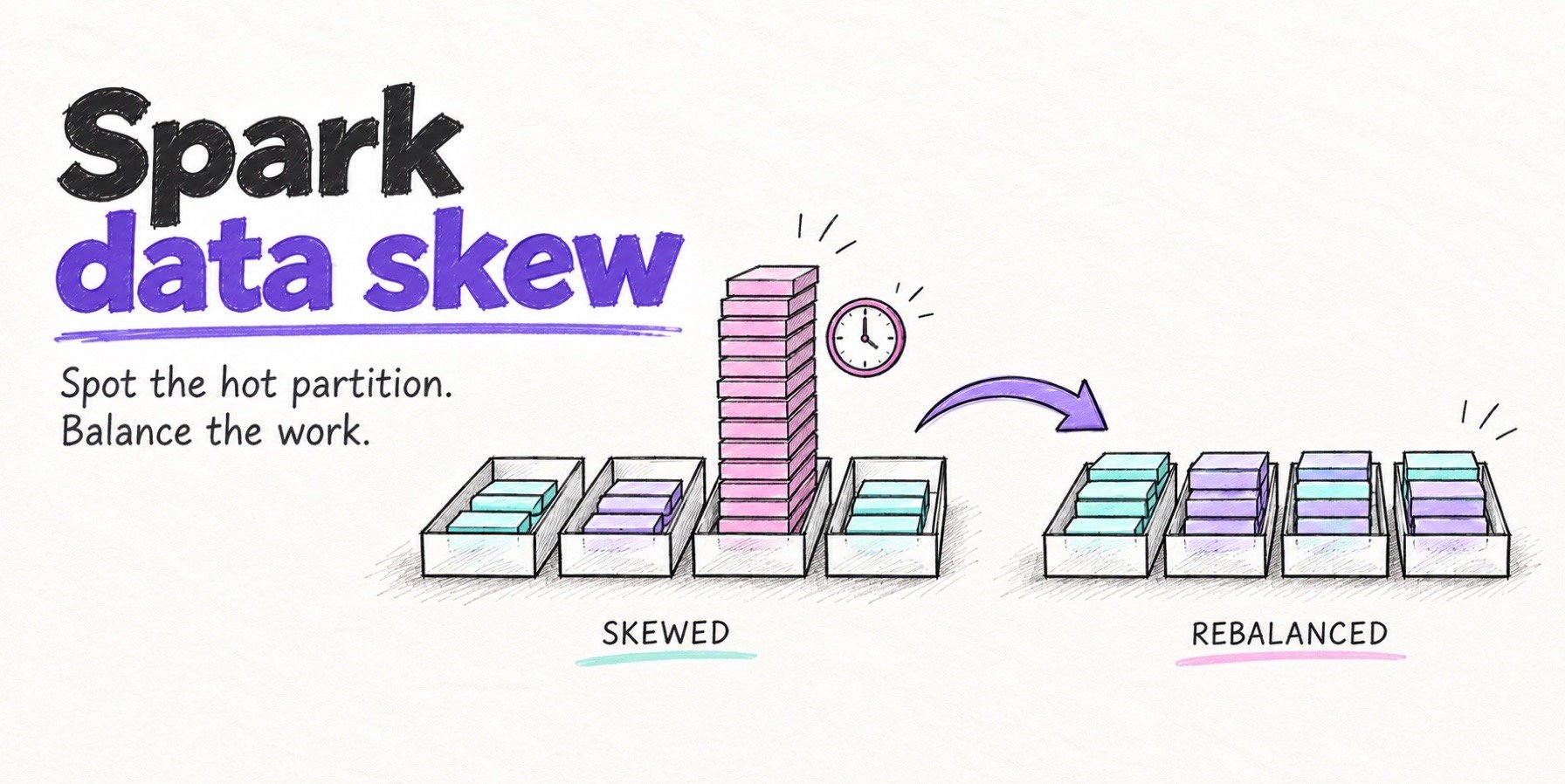
| Skew | Max task duration many times the median | AQE skew join, salt the key, repartition |
| Small files | Load stage dominated by file writes; thousands of short tasks on read | Coalesce before write, compact the table |
| GC overhead | Sustained GC time above roughly 10% of task time is a diagnostic signal | Inspect allocation pressure and GC logs; test executor sizing or memory changes |
| Stragglers | One task holds the stage open | Fix the slow node or input, speculation as a last resort |
| Idle executors | Executors with near-zero task time for the job | Cap maxExecutors, tune idle timeouts |
The Spark waste table in our Databricks cost guide covers the same patterns in more detail; the fixes are the same on EMR, and the saving lands as fewer instance-hours once the job finishes sooner or managed scaling sheds the freed nodes.
Storage and data layout
Storage layout sets how long the compute runs, which makes it a cost lever like any other.
Core-node HDFS is lost when the cluster terminates, so HDFS is scratch space and anything durable goes to S3. Losing nothing on termination is also what makes transient clusters possible.
Tables should be Apache Parquet™ or Apache ORC™, partitioned on the columns most queries filter on, with zstd or snappy compression. Avoid high-cardinality partition columns; a partition per customer ID produces millions of tiny files and a LIST storm on every read.
Small files cost twice, in S3 request charges on read, and task scheduling overhead in Spark, where a task that opens a 2 MB file spends more time starting than reading. Target files in the 128 MB to 1 GB range. Apache Iceberg™ and Apache Hudi™ both ship compaction as a table service.
For EBS, gp3 is about 20% cheaper per GB-month than gp2 ($0.08 against $0.10 in us-east-1) and gives a 3,000 IOPS baseline regardless of volume size. For shuffle-heavy jobs, instance types with local NVMe can reduce or replace EBS data volumes used for shuffle and avoid the network hop for those writes. EMR still uses EBS root volumes, so local instance storage does not eliminate the EBS bill. Include the instance price and remaining volumes in the comparison.
Without expiry the storage bill grows with every write. S3 lifecycle rules handle logs and checkpoints, Intelligent-Tiering covers tables read occasionally, and snapshot expiry in Iceberg or commit cleaning in Hudi keeps table history bounded.
Keep it optimized
Four standing controls keep a one-time review from drifting back within a quarter:
-
AWS Budgets per team tag, with alerts at 80% and 100% of the monthly target
-
Tag enforcement through an IAM condition on
aws:RequestTagforelasticmapreduce:RunJobFlow, so an untagged cluster can’t start -
A monthly review of the ten most expensive clusters with utilization next to cost; so over-provisioned clusters stand out from busy ones
-
A re-check after every EMR release upgrade, since runtime improvements shift the right executor sizing and defaults change between majors; check the EMR release guide for the release supported in your Region
What configuration can’t change
After removing idle capacity and tuning the workload, compare runtime upgrades and alternative engines using total job cost. Include any engine fee and migration requirements alongside the EC2 and EMR charges.
Newer EMR runtimes can shorten jobs. Benchmark the candidate release on your workload before changing engines. Compare billed runtime and total job cost against your current release, then use that upgraded baseline to evaluate an alternative engine.
Where Quanton fits
Quanton is the Spark engine from Onehouse, available on its own at quanton.dev. It works without the Onehouse platform. Quanton runs on EMR on EC2 through a custom AMI and on EMR Serverless through a custom container image. Both paths keep your jobs on EMR, with the existing EMR charges still applying. Quanton has an open core, the first 100 GiB processed each month is free, and one config line points a job back at open-source Spark.
It is faster for two reasons, both documented in the engine architecture. First, planning is storage-aware: it uses table format metadata, layouts and indexes to decide what to read, and rewrites the plan to remove duplicate scans and shuffles before native operators run. Second, it covers the extract, transform and load phases of a job: native readers pipeline I/O with decoding, native operators built on Velox run the compute, and low-shuffle MERGE and native writers handle the load side that query-only TPC-DS runs leave out.
Quanton bills on data volume, and that changes the EMR arithmetic. Quanton charges per GiB of data read and written, with tiered rates from $0.0009 per GiB read after the free allowance and writes at twice the read rate. On EMR on EC2, shorter jobs reduce EC2 charges and EMR fees when the cluster terminates or releases capacity sooner. On EMR Serverless, the saving comes from shorter billed worker duration. The Quanton fee stays tied to data volume, so it doesn’t grow with job length.
The numbers below are our own benchmark runs. To evaluate net savings on your workload, compare baseline EC2 + EMR + storage/transfer cost against accelerated EC2 + EMR + storage/transfer + Quanton data-volume fees. Use the same input, output requirements and supported deployment, and record versions, configurations and billed runtime for both runs. On the quanton.dev benchmarks, the 10 TB TPC-DS suite (99 queries, 11 × m8gd.4xlarge) ran in 2,034 seconds on Quanton against 12,200 seconds on open-source Spark, about 6×. Against EMR 7.12 on Graviton m8g instances, on 10 TB TPC-DS for the read side and 1 TB dimension-table merges for the write side, we measured about 2.5× better price/performance on Iceberg tables. These are engineering comparisons on TPC workloads, run by us, and your jobs will land somewhere else.
NetApp has also published validation of Quanton’s acceleration over open-source Spark: in its StorageGRID-backed Kubernetes lab, a 1 TB TPC-DS suite completed in 795 seconds on Quanton versus 3,489 seconds on OSS Spark, a 4.4× speedup. The NetApp report describes joint NetApp–Onehouse engineering work. Its 1 TB workload is a different scale and environment from the 10 TB TPC-DS benchmarks on quanton.dev; it validates acceleration over OSS Spark without reproducing the Photon comparison.
Two trade-offs apply. Scan-heavy jobs with light compute may see less speedup and pay the per-GiB fee on the full scan, so the fee takes a larger share of a smaller saving. Running Quanton inside EMR also retains EMR’s charges: the per-instance fee on EC2 or the worker resource rates on Serverless. An engine change reduces cost through shorter billed usage; it does not remove those rates.
Spark Analyzer is the right first step. If it shows substantial idle executor capacity, test the allocation and timeout changes above, then measure whether they release billed capacity without extending the job. If the job is already tight and still too slow or too expensive, try Quanton on a real job and use the pricing page to model the fee against your data volume.
FAQs
Does the EMR fee apply to Spot, Reserved or Savings Plan instances?
Yes. The EMR fee is charged per instance-hour at the same rate regardless of purchasing option. Spot, Reserved Instances and Savings Plans discount the EC2 portion only.
Is EMR Serverless cheaper than EMR on EC2?
It depends on worker allocation, runtime and idle capacity. The quoted rates imply a simplified break-even near 80% utilization for equal vCPU and memory. Compare full job cost, including cluster nodes, startup, idle intervals, storage and any pre-initialized Serverless capacity. Spot and commitments change the EC2 side of that comparison.
How do I find idle EMR clusters?
Watch the IsIdle CloudWatch metric per cluster and attach an auto-termination policy so idle clusters shut themselves down. Inside a busy-looking cluster, compare executor Task Time to uptime multiplied by task slots in the Spark History Server.
Can I run Quanton on my existing EMR clusters?
Yes. Quanton runs on EMR on EC2 using a custom AMI and on EMR Serverless using a custom container image. You can use it without the Onehouse platform and keep your EMR deployment. Use the Quanton image for your deployment and supported EMR release, then compare total cost on a representative job.
Author
Bhavani Sudha Saktheeswaran
Head of Open Source
Sudha is the Head of Open Source at Onehouse and a PMC member of the Apache Hudi project. She comes with vast experience in real-time and distributed data systems through her work at Moverworks, Uber and Linkedin’s data infra teams. She is a key contributor to the early Presto integrations of Hudi. She is passionate about engaging with and driving the Hudi community.