Introducing Onehouse Notebooks – Interactive PySpark at 4x Price-Performance
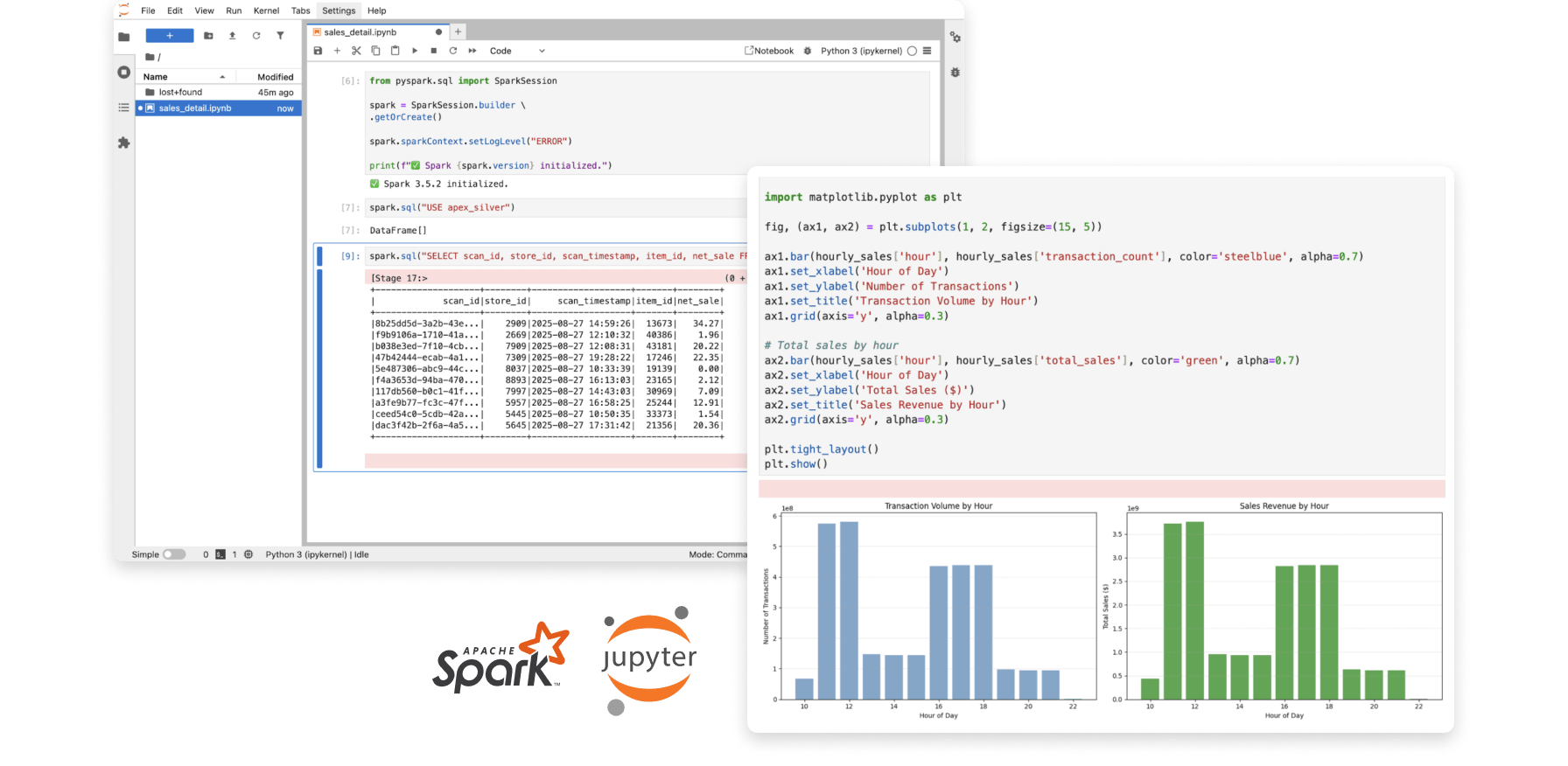
Today we are announcing Onehouse Notebooks, a PySpark Jupyter notebook experience, powered by the Onehouse Quanton engine. With Onehouse Notebooks, you can run interactive PySpark workloads with 3-4x better price-performance compared to other leading Apache Spark platforms.
The Quanton engine is fully compatible with Apache Spark, so you can run any existing PySpark notebook file on Onehouse Notebooks.
Notebooks run on autoscaling Onehouse clusters deployed within your virtual private cloud, enabling you to control costs and mix-and-match instance types, without the worry of managing your own infrastructure. Since notebooks are integrated with the full Onehouse platform, tables you create are automatically optimized and can be synced to any catalog with OneSync.
The power of notebooks
Notebooks are built for iterative data engineering. When you're exploring a new dataset, prototyping a transformation, or debugging a production issue, you need to test assumptions quickly and see results immediately. Notebooks let you do this by running code cell-by-cell, validating outputs at each step before moving forward.
This matters when you're working through problems like:
- Understanding the structure and quality of a new data source
- Testing different transformation approaches to see what works
- Isolating issues in specific steps of your data pipeline
- Running ad-hoc analysis to answer business questions
For example: you're investigating a data quality issue in your customer events table. In a notebook, you can query the raw data, filter to the problematic records, test different cleaning strategies in separate cells, and iterate until you've identified the root cause. Once you've validated your approach, that same logic can move into a production job.
Notebooks vs Jobs: Notebooks are for exploration and development. Jobs are for production pipelines that run on a schedule. Onehouse lets you develop interactively in notebooks, then operationalize as Apache Spark jobs when you're ready.
Onehouse Notebooks in action
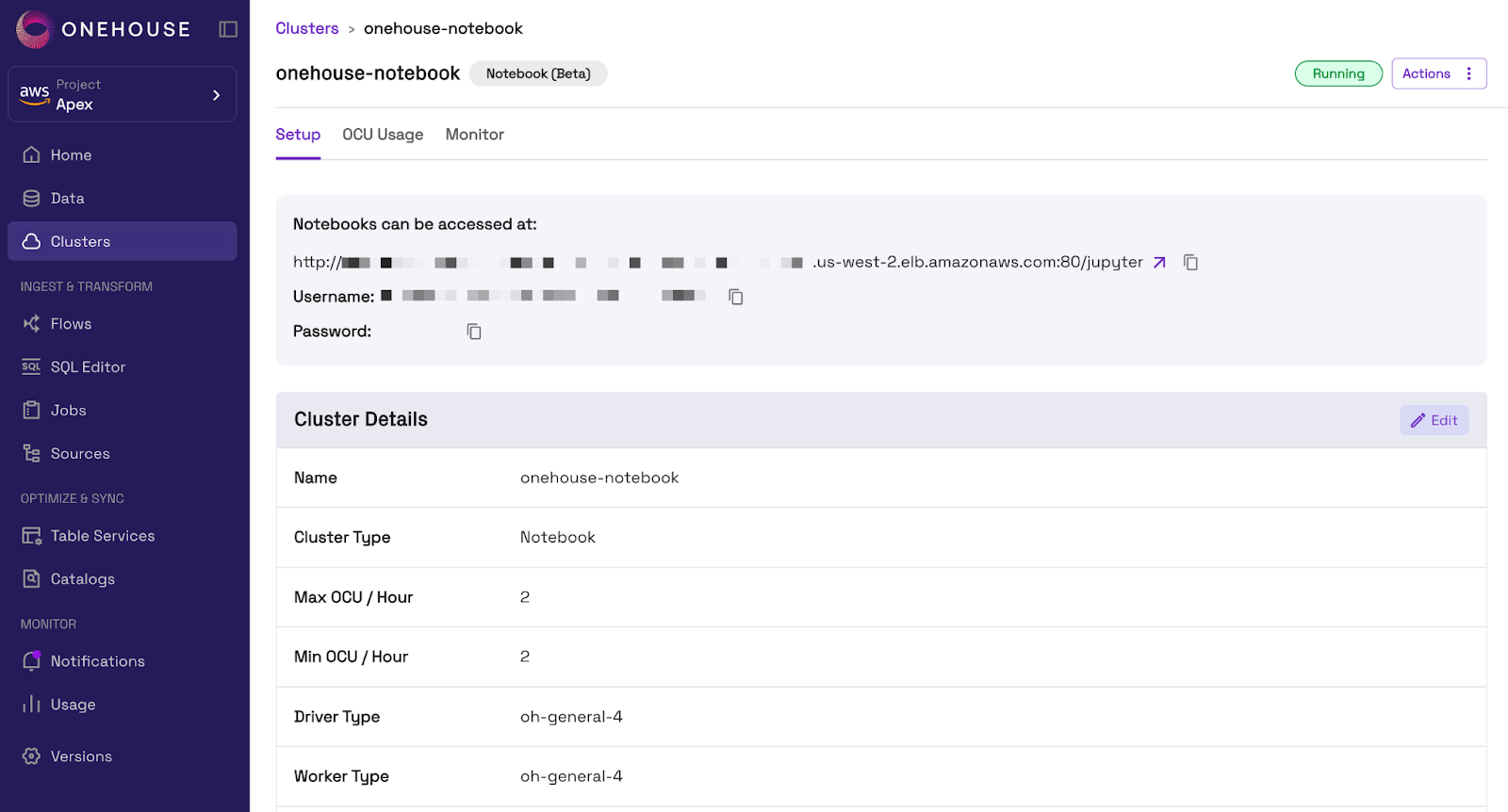
To use Onehouse Notebooks, we will start by creating a Notebook Cluster in the Onehouse console (or via API). We can specify a Min and Max OCU (Onehouse Compute Unit) to control costs, along with our worker and driver instance types.

After creating the Cluster, we can access our notebook from the Onehouse console.
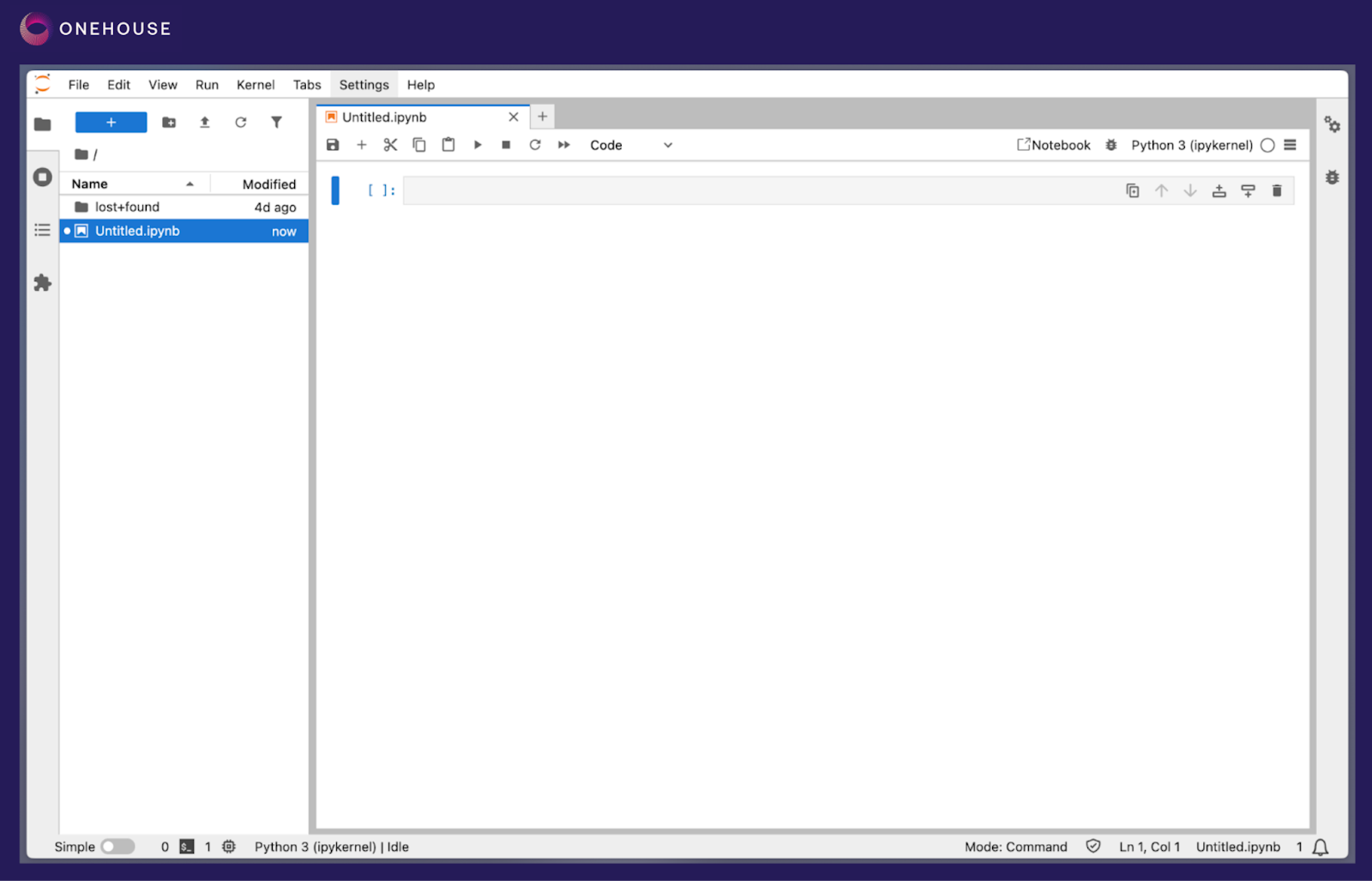
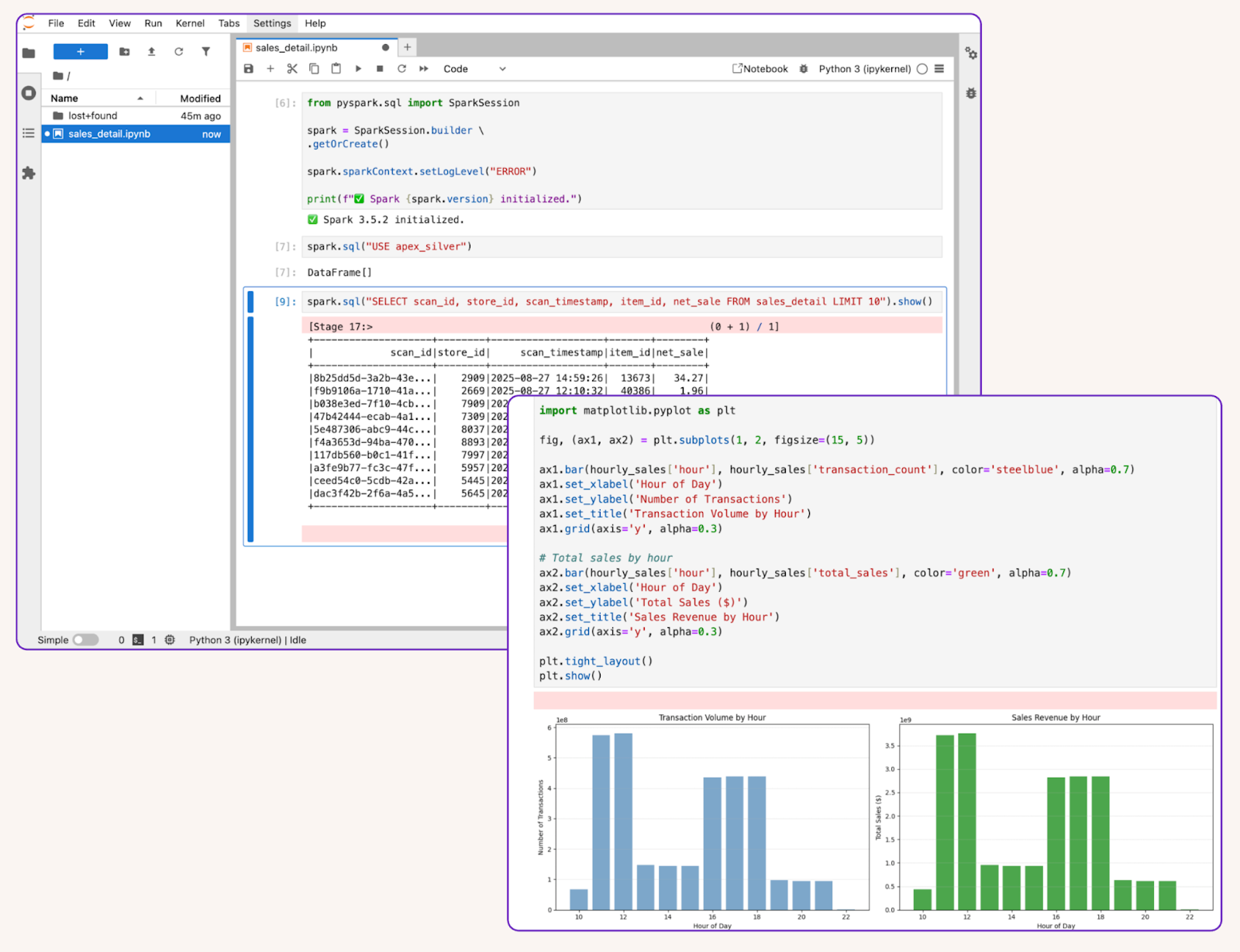
Opening the URL from the Onehouse console brings us to our Jupyter notebook with PySpark pre-configured.
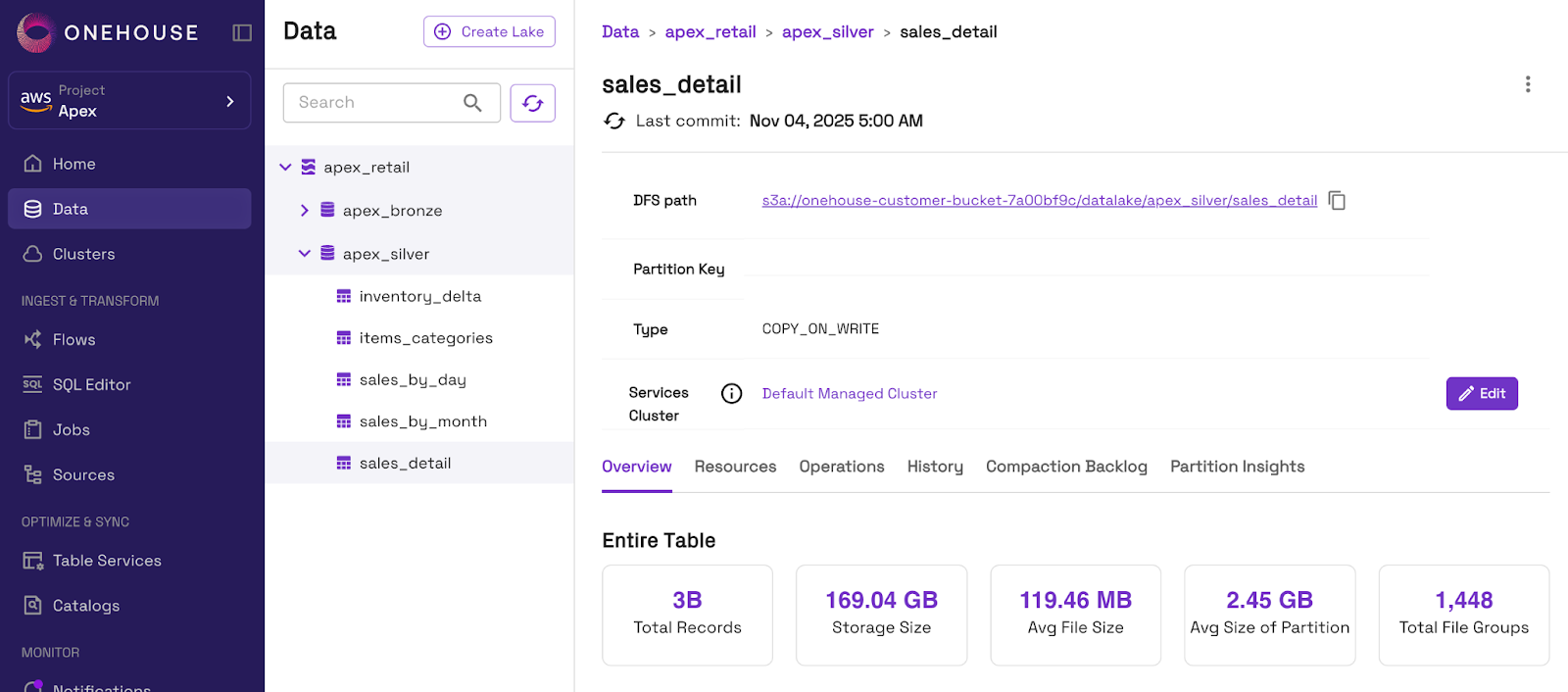
For this example, we will read from a table we already ingested to Onehouse with OneFlow.
In our notebook, we can query the table and perform analysis or transformations with PySpark.
Get started with Onehouse
If you’re interested in cutting Apache Spark costs and/or building a high-performance data lakehouse, Onehouse has you covered.
Get in touch to learn how you can gain 3-4x better cost-performance with the Onehouse Quanton engine and get started easily with Onehouse Notebooks.


Read More:


Announcing Apache Spark™ and SQL on the Onehouse Compute Runtime with Quanton


Announcing Open Engines™: Flipping defaults to “open” for both data and compute
Subscribe to the Blog
Be the first to read new posts